
1. Nanit Subscription Plans at a Glance
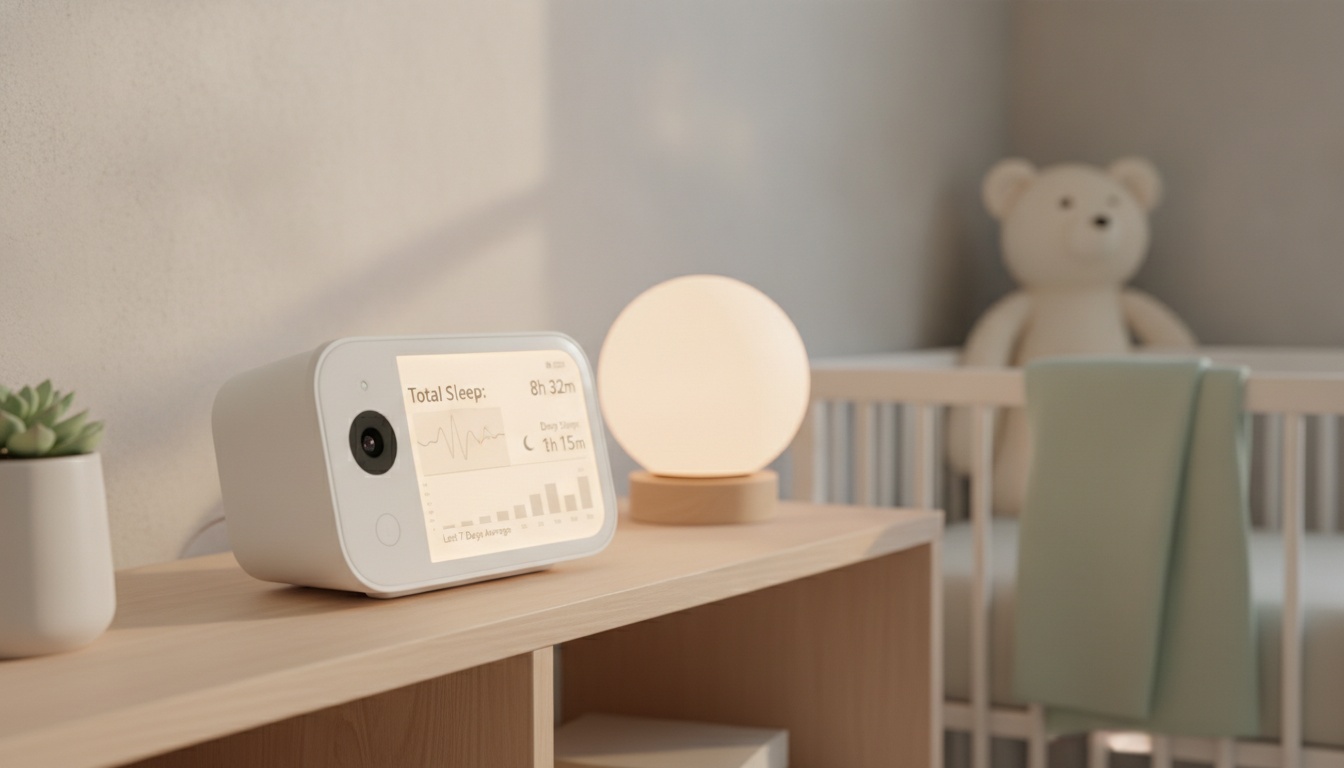
Nanit offers three distinct Insights subscription tiers, all billed annually according to their official membership page. The Sleep plan provides basic analytics, Memories adds extended video storage, and Milestones includes growth tracking features.
Every Sleep plan includes three months of free access to start your parenting journey. You can manage your subscription through both the Nanit app and my.nanit.com—no platform-specific differences exist.
The annual billing structure can work in your favor. Many baby monitor companies charge more for monthly plans, but the company standardizes on yearly subscriptions.
What's Free vs. What Requires Subscription
Without subscription, you get: • Live streaming & two-way audio • Sound and motion notifications • Breathing motion monitoring • Multiple users with adjustable permissions (number varies) • Sleep tracking features (extent varies) • Video sharing capabilities (sharing limits vary)
The Basics plan (their free tier) covers most families' immediate safety needs. Honestly, who has time for extensive video analysis during those first sleepless months?
2. What Each Nanit Plan Costs and Includes
The Sleep plan gives you personalized sleep tracking so you can understand your baby's patterns and get smart notifications only when something unusual happens—cutting through the noise of constant alerts. Caregiver profiles with permissions are often included.
In contrast, the Memories plan extends video storage significantly and adds memory capture features. This tier often includes enhanced sleep analytics and continuous video recording capabilities. Most parents find this the sweet spot between cost and functionality.
The Milestones plan provides unlimited video history and detailed growth tracking. You often get advanced sleep insights, milestone documentation, and multiple caregiver profiles. The growth tracking features require consistent usage to justify the premium cost.
Here's what surprised me: milestone detection features are typically available in the higher subscription tiers. The main differences usually involve video storage duration and analytics depth.
What You'll Actually Spend: Hardware, Data, and Subscription Costs Combined
Wall mount or floor stand is required for full sleep analysis—the flex stand limits analytics capabilities due to its 130° angle instead of overhead positioning. This hardware requirement adds to your total investment.
Beyond hardware, data usage varies significantly by plan. Continuous video storage can mean substantial bandwidth consumption if you're on a metered connection.
No export fees typically exist, but downloading videos usually requires an active subscription. Cancel your plan, and historical footage may become inaccessible depending on the company's current policy.
3. How Does Nanit Compare to Other Baby Monitor Subscriptions?
Nanit uses annual subscription tiers (Sleep, Memories, Milestones), while Cubo Ai offers freemium features and other monitors use various approaches including on-device audio analysis — our Nanit vs Owlet comparison runs the full 3-year math, and our hands-on Nanit review covers whether the data is worth paying for. Owlet faced regulatory challenges that affected their product offerings. Over 24 months, subscription costs accumulate across all platforms, but the annual-only model can avoid monthly premiums that some competitors charge.
The value equation changes dramatically based on usage patterns. Most parenting blogs won't tell you this, but many families stop using video history features after the first several months.
If you're still evaluating options, our comparison of audio-only vs. video baby monitors breaks down when each approach makes sense for different families.

4. Is Nanit Worth the Subscription Cost?
For first-time parents dealing with sleep anxiety, the Memories plan often pays for itself within six months. Extended video history provides reassurance that basic monitoring can't match during those crucial early weeks.
If extended video history helps you identify a sleep issue that costs you 2 hours of lost sleep per night, that's 60 hours per month. The subscription cost varies, but many parents find the value worthwhile for recovered sleep.
Multiple-child households get better ROI since one subscription covers all cameras. Families with twins or close-aged siblings find the unlimited video storage particularly valuable for tracking individual sleep patterns.
Tech-enthusiast parents typically gravitate toward Milestones for the detailed analytics. However, parents wanting simple monitoring often find the Sleep plan sufficient—or skip subscriptions entirely.
Which Nanit Plan Is Best for Your Family?
Single-child families should start with the free Basics plan and upgrade if needed. The included features cover most practical scenarios without any subscription cost.
Sarah from Portland canceled after 8 months and saved money by downgrading to the free plan. She found that once her baby's sleep patterns stabilized, the video history feature wasn't worth the annual cost.
Multiple-child households benefit more from paid plans. Tracking sleep patterns across different ages becomes valuable for establishing consistent routines.
Short-term users (under 12 months) might find the annual commitment excessive. Long-term families with plans for multiple children see better value proposition from tracking features.
5. How Can You Save Money on Nanit Subscriptions?
Use the three-month free Sleep trial during the newborn period (peak anxiety). Upgrade around month four when sleep patterns stabilize. Retailers occasionally offer bundles with free subscription months during promotional periods. Upgrade mid-subscription through the app; downgrades typically take effect at renewal. Refund policies vary.
Retailers occasionally bundle the camera with free subscription months during promotional periods. The company typically offers discounts during holiday seasons, though specific percentages vary by retailer.
You can upgrade mid-subscription through the app or website. Downgrading typically takes effect at renewal to maintain access to existing video history during your current billing period.
What's the Best Strategy for Nanit Subscriptions?
Start with the free Basics plan during the first three months. Upgrade to Sleep or Memories around month four when sleep patterns stabilize and video history becomes more valuable.
Consider Milestones plan only if you're actively tracking developmental progress or have multiple children. The advanced features require consistent engagement to justify the premium cost.
Family sharing works best with higher tiers. Multiple caregiver profiles with detailed permissions become essential when grandparents or babysitters need monitored access.
For detailed setup guidance, check our smart nursery setup guide and detailed Nanit camera review.
6. How to Cancel Nanit or Change Plans
Managing your subscription happens through the app or my.nanit.com portal. Both platforms offer identical functionality for upgrades, downgrades, and cancellations.
Cancellation requires navigating to account settings and selecting "manage subscription." Cancellation policies vary, and access to premium features may be affected based on current terms.
Downloaded video access policies vary and may change depending on current terms. However, cloud-stored footage may become inaccessible once your subscription expires depending on current policies.
For families considering multiple monitoring options, our baby sleep tracking apps comparison covers alternatives across different price points and feature sets.
7. Your Nanit Subscription Decision: Quick Checklist by Family Situation
- Core monitoring features work without subscription, making paid plans optional rather than mandatory
- Sleep plan provides basic analytics, Memories adds extended storage, Milestones includes unlimited history (pricing varies by current rates)
- Three-month free trial for Sleep plan covers the critical newborn period when monitoring anxiety peaks
- Multiple-child families see better ROI due to shared subscription coverage across cameras
- Most families overestimate their need for extensive video history beyond the first six months
- Annual billing can save compared to monthly plans offered by some competitors
The bottom line? Start free, upgrade strategically around month four, and choose your tier based on actual usage patterns rather than worst-case scenarios.