
1. Built-In iPhone Features That Actually Work
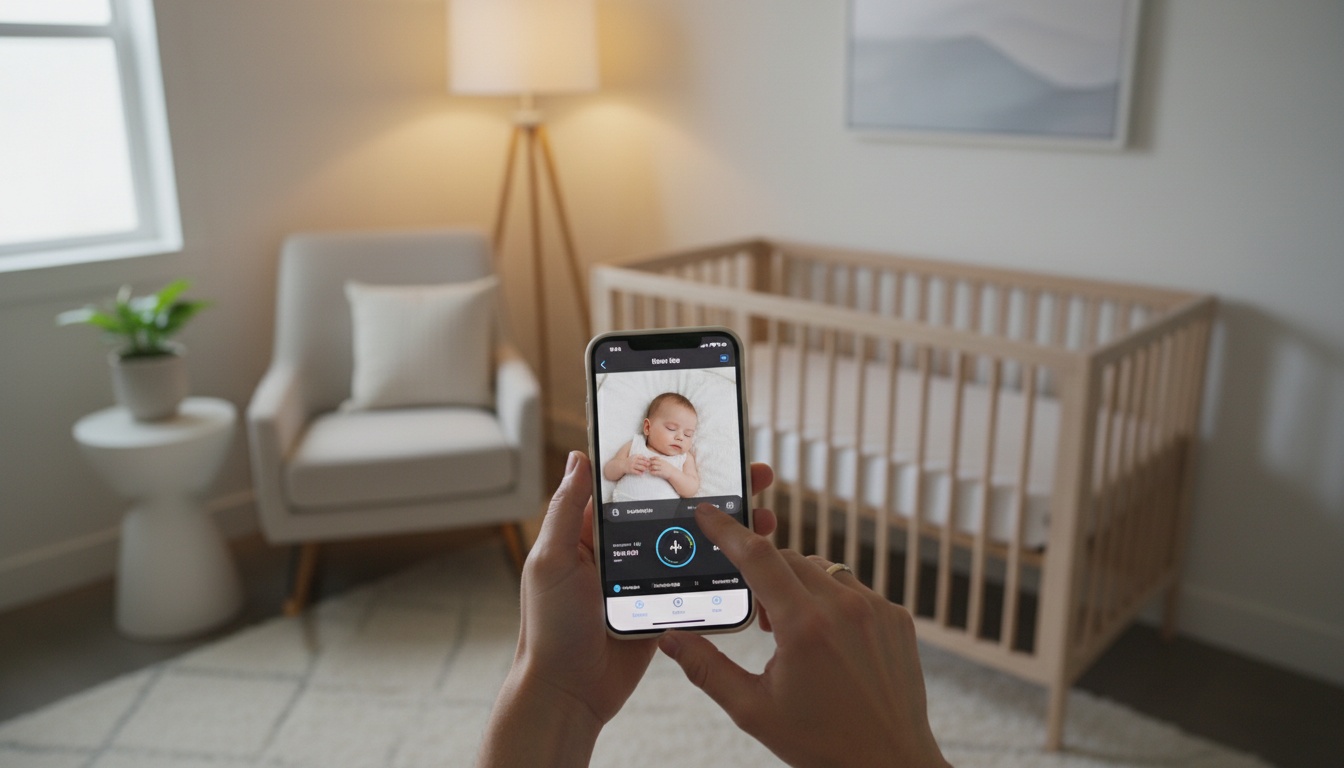
FaceTime baby monitor setups require zero additional downloads. Simply place one iPhone in the nursery, call it from your device, and accept the call on the baby room phone.
The key is enabling "Auto-Answer" in Settings > FaceTime so the nursery phone picks up automatically.
Here's a setup method that typically works well:
- Go to Settings > FaceTime > Auto-Answer FaceTime on the nursery device
- Configure the auto-answer settings
- Position the phone with a clear view of the crib
- Plug it into power
Beyond FaceTime, the Live Listen feature with AirPods offers effective audio monitoring. Enable it through Settings > Control Center > Add Hearing. Place your iPhone near the baby, put in your AirPods, and activate Live Listen from Control Center.
Live Listen can work effectively through walls and across rooms, though range varies by home construction and interference.
HomeKit baby monitor integration works if you already have compatible cameras. The Home app consolidates feeds from multiple rooms, though it lacks the specialized features of dedicated baby monitor apps.
Limitations of Native iOS Features
Native iOS features excel at simplicity but lack sound detection, sleep tracking, and night vision optimization that third-party apps provide.
2. Can You Turn Two iPhones Into a Baby Monitor?
Yes. Two iPhones work as a baby monitor system better than many parents expect. You need two iOS devices (iPhone 8+), stable WiFi or cellular, and either built-in apps or third-party software. An iPhone-iPad combo works equally well.
WiFi baby monitor reliability depends heavily on your router placement and signal strength. Generally, 5GHz networks perform better than 2.4GHz for video streaming, though some apps may default to 2.4GHz for broader range coverage.
Two iPhones baby monitor setups shine when you need monitoring across different networks. Unlike single-network solutions, you can monitor from work, grandparents' house, or anywhere with cellular coverage.
The biggest limitation? Battery drain on the nursery device. Plan to keep it plugged in for extended monitoring sessions.
3. Which Baby Monitor Apps Are Best: Free vs Paid?
Top-Rated Apps Compared
Luna baby monitor has received positive reviews for reliability and battery efficiency in various app store feedback. Their Eco-Mode is designed to use less battery power than competitors, and range works over WiFi or cellular connections. Luna offers both free and premium features, though specific offerings may vary.
Cloud Baby Monitor offers high-definition video and clear audio, plus features like lullabies and night light controls. Premium features may include sound detection and extended recording capabilities. Night vision baby monitor performance varies significantly between apps — Cloud Baby Monitor handles low-light conditions, though performance may vary.
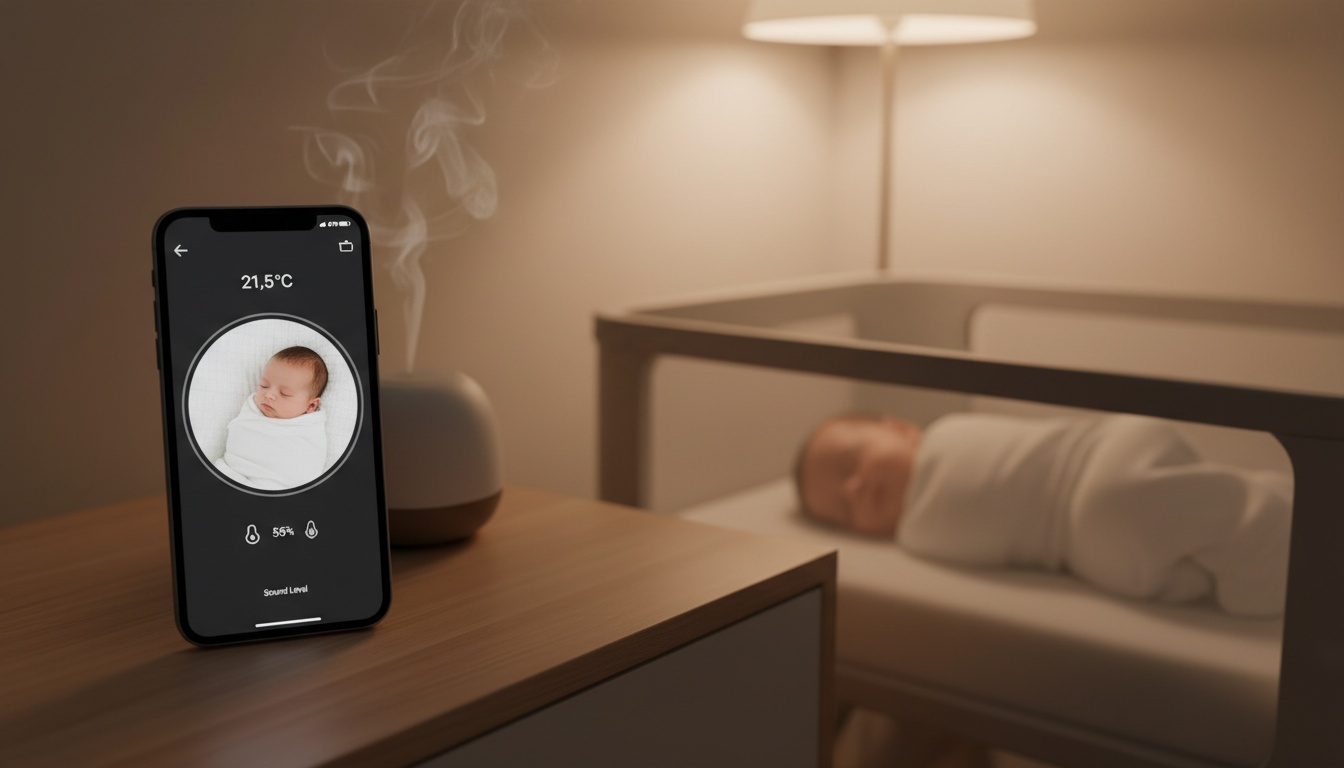
Bibino provides baby monitor app functionality with two-way audio and motion detection. Their premium version may include unlimited monitoring time and advanced alerts. Many users find Bibino intuitive for first-time users.
Annie Baby Monitor focuses on security with end-to-end encryption and local network operation. Free features cover basic monitoring; paid tiers may add sound analysis and sleep pattern tracking.
BabyRadar takes a different approach with on-device sound detection. If you want simplicity, BabyRadar's approach offers monitoring features with sound analysis that runs on your device and a camera that stays off unless you turn it on.
Feature Matrix: Free vs Paid Capabilities
| Feature | Free Apps | Premium Apps |
|---|---|---|
| Basic video monitoring | ✓ | ✓ |
| Two-way audio | ✓ | ✓ |
| Sound detection | Limited | ✓ |
| Background operation | 30 min max | Unlimited |
| Multi-device support | 2 devices | 4+ devices |
| Sleep tracking | ✗ | ✓ |
| Cloud storage | ✗ | ✓ |
Which Free Baby Monitor Apps Actually Work?
Cloud Baby Monitor's free tier works for basic video monitoring. You may get extended monitoring time, decent video quality, and reliable connectivity. Features vary between free and paid versions.
Bibino's basic features include two-way communication and motion alerts. Range depends on your WiFi strength, and monitoring can work from adjacent rooms and outdoor patios.
If you want to skip the setup complexity and go straight to sound-first monitoring, explore purpose-built solutions designed specifically for this use case.
Which Premium Baby Monitor Apps Are Worth the Investment?
Luna's premium subscription (pricing varies) adds activity logging, adjustable sensitivity controls, and their signature Eco-Mode battery optimization. For families using iPhones as primary monitors, the battery savings may justify the cost.
Annie's unique selling point is local network operation — reducing reliance on cloud servers for monitoring. Premium features may include advanced sound detection algorithms and integration with smart home devices.
For parents who want sound detection without the complexity of video setup, sound-first baby monitor apps skip the always-on video feed: detection runs locally on your device, and the camera only comes on when you ask for it.
4. How Do You Troubleshoot Baby Monitor Connectivity Issues?
App store reviews consistently mention "hard to connect" problems across all major baby monitor apps. The culprit is usually router configuration, not the apps themselves.
To fix these issues, baby monitor reliability improves dramatically with proper WiFi setup. Position your router centrally, avoid interference from microwaves and baby monitors (ironically), and use 5GHz bands for video streaming when possible. Many connection failures trace back to automatic band switching — disable it if your router supports manual band selection.
iOS background app refresh settings kill monitoring sessions unexpectedly. Navigate to Settings > General > Background App Refresh and ensure your baby monitor app stays enabled. Also check Low Power Mode — it aggressively shuts down background activities.
Baby monitor setup failures often stem from network switching. If your phone connects to a different WiFi network or switches to cellular, some apps lose connection to the nursery device. Luna and Cloud Baby Monitor handle network transitions better than others.
Why Does My Baby Monitor Setup Fail?
The most common causes are router placement (thick walls degrade signals), iOS background app refresh settings (which suspend monitoring to save battery), and network switching (when your phone connects to different WiFi, some apps lose connection).
Setups can work perfectly during testing, then fail at 2 AM because the router couldn't maintain stable connections to both devices.
Even with the app running, iOS might suspend monitoring to preserve battery. Always verify background refresh permissions before relying on overnight monitoring.
How Do You Optimize Battery Life for Baby Monitor Apps?
Keep the nursery iPhone plugged in during extended monitoring. Even Luna's Eco-Mode can't overcome the battery drain from continuous video streaming and WiFi connectivity.
Adjust screen brightness to minimum levels and enable Do Not Disturb mode on the nursery device. Close unnecessary background apps and disable automatic updates during monitoring sessions.
Why Do Baby Monitor Apps Crash During Overnight Monitoring?
Apps crash when iOS runs low on memory or background app refresh gets disabled automatically. Prevent crashes by force-closing non-essential apps before monitoring, restarting the nursery iPhone if it's been running for days, and enabling Guided Access to lock the device into the baby monitor app.
5. Should You Use an iPhone or Dedicated Baby Monitor?
Using existing iPhones costs nothing upfront beyond app subscriptions. Luna Premium pricing varies; Cloud Baby Monitor Pro pricing also varies. Compare that to dedicated baby monitors ranging from $100-400 for quality units.
Dedicated baby monitor vs iPhone feature comparison reveals interesting trade-offs. Purpose-built monitors offer better night vision, longer battery life, and specialized sensors. iPhones provide superior video quality, unlimited range (with cellular), and integration with existing devices.
Baby monitor features you lose with iPhone setups: room temperature monitoring, humidity sensors, air quality alerts, and dedicated parent units that don't drain your phone battery. Features you gain: superior cameras, cellular connectivity, and familiar interfaces.
Long-term costs favor iPhones if you already own compatible devices. Dedicated monitors become obsolete; iPhones serve multiple purposes beyond baby monitoring.
The honest assessment? iPhone monitoring works excellently for families wanting flexibility and cost savings. Dedicated monitors suit parents prioritizing specialized features and reliability above convenience.
6. How Does Advanced iPhone Baby Monitor Integration Work?
For enhanced convenience, Apple Watch baby monitor integration transforms remote monitoring. Set up notifications through the baby monitor app, and alerts appear instantly on your wrist. You can check video feeds, adjust volume, and even activate two-way audio without pulling out your phone.
Remote baby monitoring extends globally with cellular-enabled setups. Parents traveling for work can monitor from anywhere with internet connectivity — something impossible with traditional monitors.
Multi-room baby monitor setup using multiple iPhones provides wide coverage. Position devices in nursery, playroom, and living areas. Apps like Luna support multiple camera feeds simultaneously.
Baby sound detection capabilities vary significantly between apps. Luna's algorithms aim to distinguish baby sound from ambient noise based on user feedback. Cloud Baby Monitor's sound detection works but may generate false positives.
Baby monitor security requires attention with any networked solution. Use strong WiFi passwords, enable two-factor authentication on Apple IDs, and regularly update iOS versions. Apps that process audio locally (like BabyRadar) reduce the risk of cloud breaches: sound analysis happens on-device, and any saved photos or clips are consent-gated and auto-deleted after 90 days.
How Does Apple Watch Remote Monitoring Work?
Notification setup through the Watch app allows customized alerts for different sound levels and movement detection. Configure gentle taps for minor sounds, stronger alerts for baby sounds.
Controlling monitoring from your wrist means checking on baby without disrupting conversations or activities. The convenience factor alone makes Apple Watch integration worthwhile for many families.
How Do You Set Up Multi-Room Baby Monitoring?
Position multiple iPhones strategically in the nursery, playroom, and living areas to eliminate blind spots and provide backup coverage. Use apps like Luna (supports 4 feeds) or Cloud Baby Monitor (supports 3 feeds in premium tier) that allow simultaneous viewing of multiple camera feeds.
Integration with Other Apple Devices
iPad baby monitoring works without issues with iPhone apps. The larger screen makes video monitoring more comfortable for extended periods.
Mac integration through Continuity allows you to receive baby monitor alerts on your computer. This works particularly well for parents working from home who want notifications without constantly checking their phone.
AirPods Pro noise cancellation can be temporarily disabled when using Live Listen, ensuring you don't miss important sounds while still filtering background noise.
7. How Much Data Does Cellular Baby Monitoring Use?
Data usage varies significantly based on video quality and compression. Standard definition video monitoring can use 50-100MB per hour, while high definition may consume 200-300MB hourly. Audio-only monitoring typically uses minimal data — roughly 5-10MB per hour, though actual usage depends on the specific app and settings.
Luna's Eco-Mode significantly reduces data consumption by lowering video quality during inactive periods. Cloud Baby Monitor offers similar data-saving features in their premium tier.
For unlimited cellular monitoring, consider dedicated hotspot plans or unlimited data plans. Most carriers offer family plan add-ons specifically for connected devices.
8. Ready for Simpler Baby Monitoring?
A quieter night, starting with the iPhone in your drawer. BabyRadar turns a spare iPhone into an intelligent baby monitor. Sound detection runs entirely on your device, the camera is opt-in and stays off between uses, and any saved media is consent-gated and auto-deleted after 90 days. No always-on feed, no third-party camera hardware. Download on the App Store
9. Key Takeaways
- iPhone baby monitor solutions work surprisingly well for most families, especially using built-in FaceTime and Live Listen features
- Free apps like Cloud Baby Monitor and Bibino provide genuine monitoring capabilities without subscription requirements
- Battery optimization and proper WiFi setup solve most reliability issues that plague app store reviews
- Luna's premium features justify the subscription cost for families using iPhones as primary monitors
- Dedicated monitors still offer advantages in specialized features, but iPhones excel in flexibility and cost-effectiveness
- Apple Watch integration and multi-room setups provide capabilities that traditional monitors can't match
- Security and privacy require attention with any networked baby monitor solution
- Cellular monitoring extends baby monitor range globally but requires careful data usage management
- Audio-only monitoring eliminates setup complexity while maintaining intelligent sound detection