
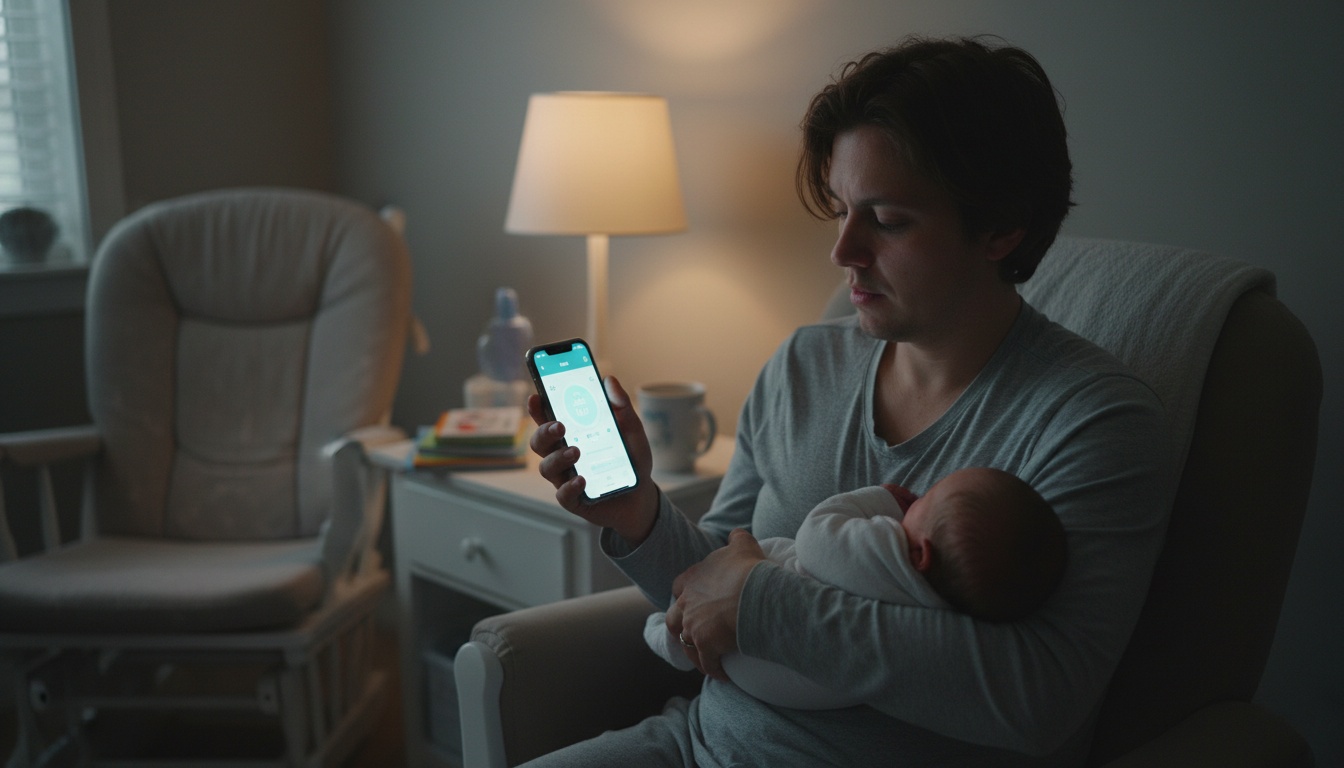
1. How We Tested These Newborn Apps (and Why One-Handed Navigation Matters at 3 AM)
Testing baby apps requires more than downloading them during your lunch break. We evaluated each app during actual newborn care scenarios. Logging feedings while holding a crying baby. Tracking sleep patterns during 4 AM wake-ups. Sharing data between exhausted parents who could barely remember their own names.
Our testing methodology focused on cognitive load during exhaustion. Can you log a feeding with one thumb while your baby cluster-feeds for three hours straight? Apps that work reliably in these conditions provide significant value.
Why We Tested Apps During 4 AM Feedings (Not Lunch Breaks)
Every app had to pass the "fumble test." Apps that required multiple taps, complex navigation, or perfect finger placement got eliminated immediately.
We also tested offline functionality. Your WiFi will go down during the most stressful moments. The apps that made our final list either work offline or cache essential features locally.
To evaluate these apps fairly, we established clear testing standards. While most apps rely on cloud storage and cameras, some parents prefer audio-only monitoring solutions that eliminate privacy concerns entirely.
2. Pregnancy Apps That Don't Become Useless After Birth — Seamless Transitions to Newborn Tracking
Starting your app journey during pregnancy helps establish tracking habits before sleep deprivation hits. These pregnancy tracking apps transition into first year parenting tools without forcing you to learn new interfaces.
Pregnancy Apps That Transition to Newborn Care
Ovia Pregnancy & Baby is designed to track pregnancy symptoms and transition into newborn monitoring features. The app is intended to cover infant monitoring through the first year with feeding schedules, diaper logs, and growth tracking. Pricing: Free | Premium: analytics features
What to Expect is designed to offer pregnancy guidance that continues into newborn care with developmental milestones and feeding advice. The app is designed to integrate pregnancy data with postpartum recovery tracking and newborn schedule management. Pricing: Free with premium features
Pregnancy+ is designed to provide week-by-week pregnancy updates and transform into a newborn development tracker after birth. The visual timeline is intended to help new parents understand their baby's growth patterns and behavioral changes. Pricing: Free with in-app purchases
These apps excel at maintaining continuity from pregnancy through the newborn phase. Starting early means you're already comfortable with the interface when exhaustion peaks.
3. One App Instead of Five — Comprehensive Trackers That Handle Feeding, Sleep, and Diapers
These apps handle the big three: feeding, sleep, and diaper tracking. They're designed for parents who want everything in one place rather than juggling multiple specialized tools.
Huckleberry: Sleep Predictions & Smart Tracking
Huckleberry is a popular all-in-one baby tracking app. The app focuses on sleep tracking with smart predictions that many parents find helpful. After logging your baby's patterns for a week, Huckleberry's SweetSpot feature is designed to suggest optimal nap and bedtime windows based on infant sleep patterns. Pricing: Varies by subscription tier
Glow Baby: Beautiful Interface & Growth Charts
Glow Baby features a well-designed interface among baby tracking apps. The interactive growth charts are designed to visualize your baby's development clearly, and the feeding timer is designed to work reliably with one hand. Pricing: Varies by subscription tier
Baby Tracker: Multi-Parent Sync Champion
Baby Tracker is designed for simplicity and caregiver sync capabilities. Multiple parents can log activities simultaneously, and the data export feature is designed for pediatrician visits. The straightforward interface reduces cognitive load when you're operating on minimal sleep. Pricing: Free with premium options
Which App Predicts Sleep Patterns vs. Just Logs Them — Feature Comparison That Matters
All three apps handle basic logging well, but they differ in advanced features. Huckleberry's sleep predictions require consistent data entry but many parents find the insights helpful. Glow Baby's growth charts integrate with feeding and weight data. Baby Tracker prioritizes reliable multi-parent sharing over fancy analytics.
Free vs. Premium: When to Upgrade (and When the Free Version Is Enough)
Most tracking apps follow a freemium model. Free tiers typically limit data history (30-90 days) and exclude prediction features. Annual subscriptions offer better value than monthly plans.
Actually, here's something most reviews won't tell you: the free versions of these apps often provide everything you need for the first few months. Upgrade pressure increases around month three when pattern recognition becomes more valuable.
Beyond features, pricing varies significantly across these apps.
4. Track Milestones Without Obsessing — Apps That Document Growth Without Creating Anxiety
Tracking when your baby first smiles or rolls over matters more than you might expect. These apps help you document developmental milestones and provide age-appropriate activities for first year parenting.
BabySparks vs. The Wonder Weeks
BabySparks is designed to offer personalized activities and developmental tracking with content from child development experts. The app is designed to provide two free activities daily. Activities focus on motor development and behavioral tracking rather than generic entertainment. Pricing: Varies by subscription tier
The Wonder Weeks provides information about developmental phases and behavioral patterns. While the leap predictions are based on developmental research, many parents find the behavioral insights helpful during particularly challenging phases. Pricing: Varies by subscription length and features
Both apps integrate milestone tracking with your baby's actual development timeline. BabySparks suggests activities appropriate for your specific baby's current abilities rather than generic age ranges.
Weekly Development Tracking Features
These apps excel at providing context for your baby's behavior. When your previously calm baby suddenly becomes fussy for days, The Wonder Weeks explains this might signal a developmental phase. BabySparks offers specific activities to support whatever skill your baby is currently developing.
Developmental tracking in consumer apps provides general information about typical milestones. These tools complement — but don't replace — regular pediatric checkups for professional developmental assessment.
5. Get Pediatric Answers at 2 AM Without the ER Visit — Telehealth Apps for Common Newborn Concerns
Medical concerns don't follow business hours. These apps provide professional guidance when you need it most.
24/7 Virtual Pediatric Access
Blueberry Pediatrics is designed to offer virtual doctor access for non-emergency questions. The platform is designed to connect you with pediatric nurses and doctors. Professional answers at 2 AM about feeding concerns or rash questions can provide valuable peace of mind. Pricing: Monthly subscription fees vary
KidsMD is designed to provide symptom checking and first aid guidance specifically for infants and children. Pricing: Free | Premium: personalized health tracking and medication reminders
Ask the Pediatrician connects parents with board-certified pediatricians for text-based consultations. Most questions receive responses within 2-4 hours. Pricing: Pay-per-consultation, varies by question type
These medical apps complement — never replace — in-person pediatric care. Use them for guidance on common concerns like feeding issues, sleep patterns, or minor symptoms that don't require emergency care.
6. Full-Featured Tracking Without Paying — Free Apps That Don't Sacrifice Essential Features
Several apps provide substantial functionality without subscription fees. These free options work well for parents who prefer simple tracking over advanced analytics.
Completely Free Options
The Bump app is completely free and covers pregnancy through the first year. The interface feels basic compared to premium apps, but it handles essential tracking without upgrade pressure. No hidden costs or premium tier upsells.
Pathways offers free developmental milestone tracking with integrated YouTube videos demonstrating age-appropriate activities. The app provides information about typical motor development milestones and encourages parents to discuss any concerns with their pediatrician. Pricing: Completely free
Sound Sleeper provides free white noise and sleep sounds. The basic version includes essential sounds like shushing and vacuum cleaner noise. The free tier covers most needs. Pricing: Free | Premium: timer functions and additional sound libraries
Free Tier Feature Analysis
Free apps typically limit data history (30-90 days) and exclude advanced analytics. However, for basic tracking during the newborn phase, these limitations rarely matter. You don't need six months of feeding data when your baby is three weeks old.
While free apps have limitations, they work well for basic tracking. The main tradeoff involves caregiver sync capabilities. Free apps often lack reliable multi-parent sharing, which becomes problematic when both parents need real-time access to feeding and sleep logs.
7. Find Your People: Apps That Combat New Parent Isolation (Without Leaving Your Couch)
New parent isolation is real. These apps help you find community and support during the overwhelming early months.
Finding Local Parent Communities
Peanut connects mothers based on location, interests, and parenting stage. The app functions like dating apps but for finding mom friends. Pricing: Free with premium features for enhanced matching
Mommy Nearest helps locate parent-friendly businesses and connects you with local parenting groups. The app includes reviews from other parents about restaurants, activities, and services that welcome families with newborns. Pricing: Free
Local parenting groups through Facebook or Nextdoor often provide more immediate community support than dedicated apps. Search for "[your city] new moms" or "first time parents [your area]" to find active local groups.
Building connections early helps combat postpartum isolation. Even if you're too tired for in-person meetups initially, having digital support networks ready matters.
8. Your Mental Health Matters Too — Apps for Managing Postpartum Stress When You're Too Tired for Therapy
Taking care of yourself enables better care for your baby. These apps address the mental health challenges that often accompany new parenthood.
Mental Health Apps for New Parents
Postpartum Stress Center app provides resources for postpartum depression and anxiety screening. Free tools include mood tracking, coping strategies, and professional resource directories. Pricing: Free
Sanvello offers anxiety and mood tracking with guided meditations designed for new parents. The app includes specific content addressing sleep deprivation, overwhelming feelings, and adjustment challenges. Pricing: Premium subscription required
Headspace provides meditation sessions specifically for new parents dealing with stress, sleep issues, and emotional overwhelm. Pricing: Premium subscription required for full library access
Mental health support shouldn't be an afterthought. These apps provide accessible tools when professional therapy isn't immediately available or affordable.
9. Protect Your Family's Data — Privacy Red Flags in Baby Apps (and How to Spot Them)
Baby apps collect incredibly personal data about your family. Data privacy standards vary significantly among baby apps. Medical apps like Blueberry Pediatrics maintain HIPAA standards according to their privacy policies. Consumer tracking apps typically don't, despite handling health-related data.
Data encryption and storage location policies differ dramatically between apps. Some store everything locally on your device; others upload to cloud servers in various countries. Read privacy policies carefully before entering sensitive information.
Third-party data sharing represents the biggest privacy concern. Free apps often monetize by sharing anonymized user data with research institutions or advertising networks. Premium subscriptions sometimes eliminate this data sharing, but not always.
If always-on camera feeds feel like overkill for your needs, consider alternatives built around on-device detection. BabyRadar is a wellness monitoring tool designed for parents who prioritize privacy: cry detection never leaves the phone, and any photos or clips are opt-in, encrypted at rest, and auto-deleted after 90 days.
Red Flags in App Privacy Policies
Watch for vague language about "improving services" or "research partnerships." These often mask data sharing arrangements. Apps that require excessive permissions should raise immediate concerns.
Location tracking poses particular risks for baby apps. Your movement patterns reveal when you're home alone with a newborn — information that shouldn't leave your device.
10. Stop App Overload — The 2-3 App Combination That Actually Works (Without Duplicating Data)
Rather than finding one perfect app, smart parents combine 2-3 specialized tools that integrate well together. This approach avoids vendor lock-in while leveraging each app's strengths.
Successful combinations pair functions without duplicating core features. Running two feeding trackers creates data conflicts and doubles your logging workload during an already exhausting time.
Photo sharing apps like Tinybeans work well alongside milestone trackers. You can document developmental achievements while sharing photos with family through private sharing features.
Recommended App Combinations
Sleep-focused parents often benefit from pairing tracking with specialized sleep tools. Development-focused families might combine milestone tracking with activity suggestions.
Test combinations during less stressful periods. Adding multiple apps during the newborn adjustment phase creates unnecessary complexity.
Once you've chosen your app stack, you'll likely have questions about implementation.
11. Common Questions About Newborn Apps
Do these apps work offline? Most tracking apps cache recent data locally for basic logging. However, caregiver sync requires connectivity.
iOS vs. Android differences? Some apps launch iOS-first with delayed Android releases. App platform availability can change frequently. Check platform compatibility before committing to any app ecosystem.
When should you start using apps? Begin with one simple tracking app during your baby's first week home. Add developmental apps around month two when patterns become more meaningful.
Data backup varies by app. Premium subscriptions often include cloud backup, while free versions may lose data during device changes. Export important data regularly, especially growth measurements and milestone dates.
12. Beyond Apps: Privacy-First Monitoring With a Spare iPhone
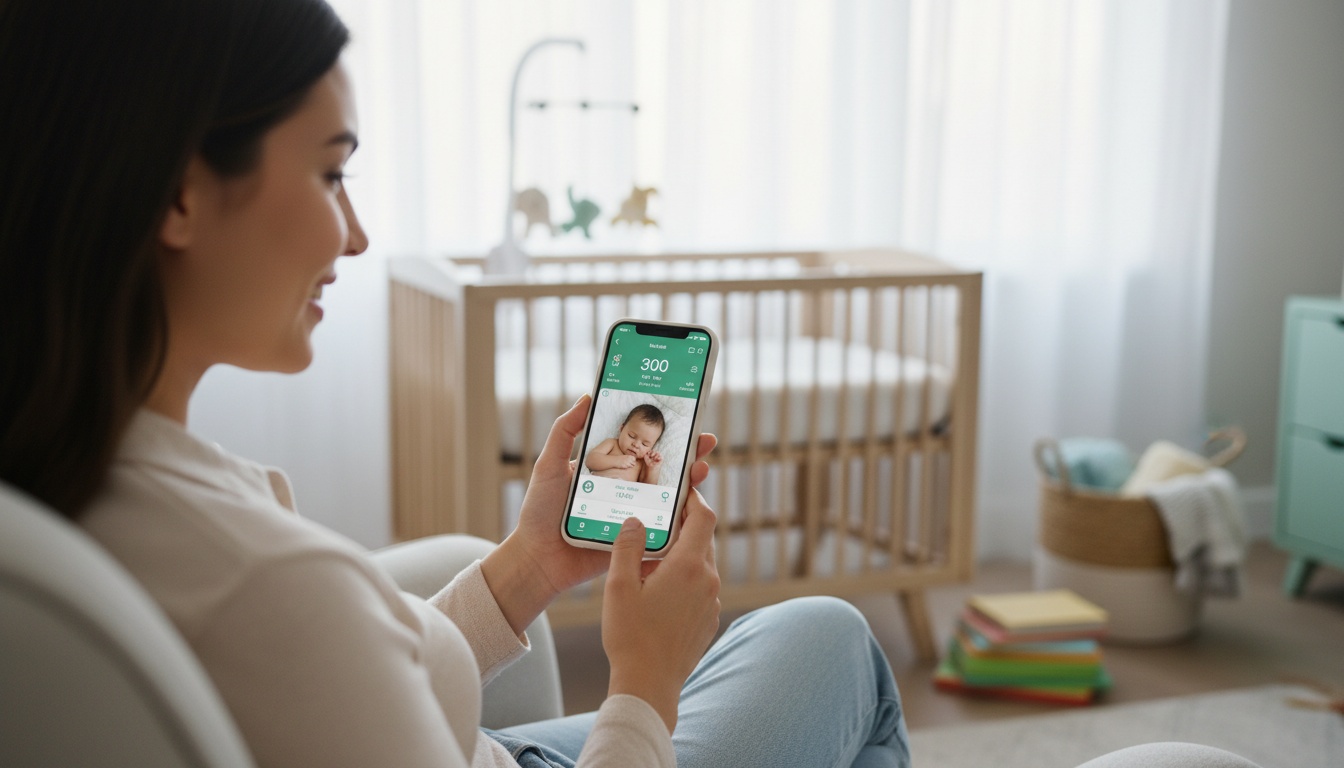
If you've decided always-on camera apps create too much data exposure, BabyRadar offers a privacy-first alternative: turn a spare iPhone into a wellness monitor where cry detection runs entirely on-device. Each cry alert arrives with a crib photo, and you can watch live on demand from any room; the camera is opt-in and stays off between uses. Any saved clips and photos are consent-gated, encrypted at rest, and auto-deleted after 90 days.
Download BabyRadar on the App Store: a wellness monitoring tool for privacy-conscious parents.
13. Key Takeaways
- Start with one app, not multiple tools
- Free versions often provide enough functionality for the newborn phase — upgrade when you need advanced features
- Privacy policies matter more for baby apps than typical consumer apps
- Test offline functionality before your due date
- Combine 2-3 apps rather than seeking one perfect solution for everything
- Consider newborn sleep schedules and baby feeding problems when choosing tracking features
- Build your support network early with parent connection apps
- Don't neglect your own postpartum mental health while caring for your baby
Apps aren't mandatory — some parents use notebooks or spreadsheets. If you're already holding your phone at 3 AM, these apps and wellness tools can help you track information without extra steps.