
1. How Free Baby Monitor Apps Turn Your Spare Phone Into a Reliable Nursery Monitor
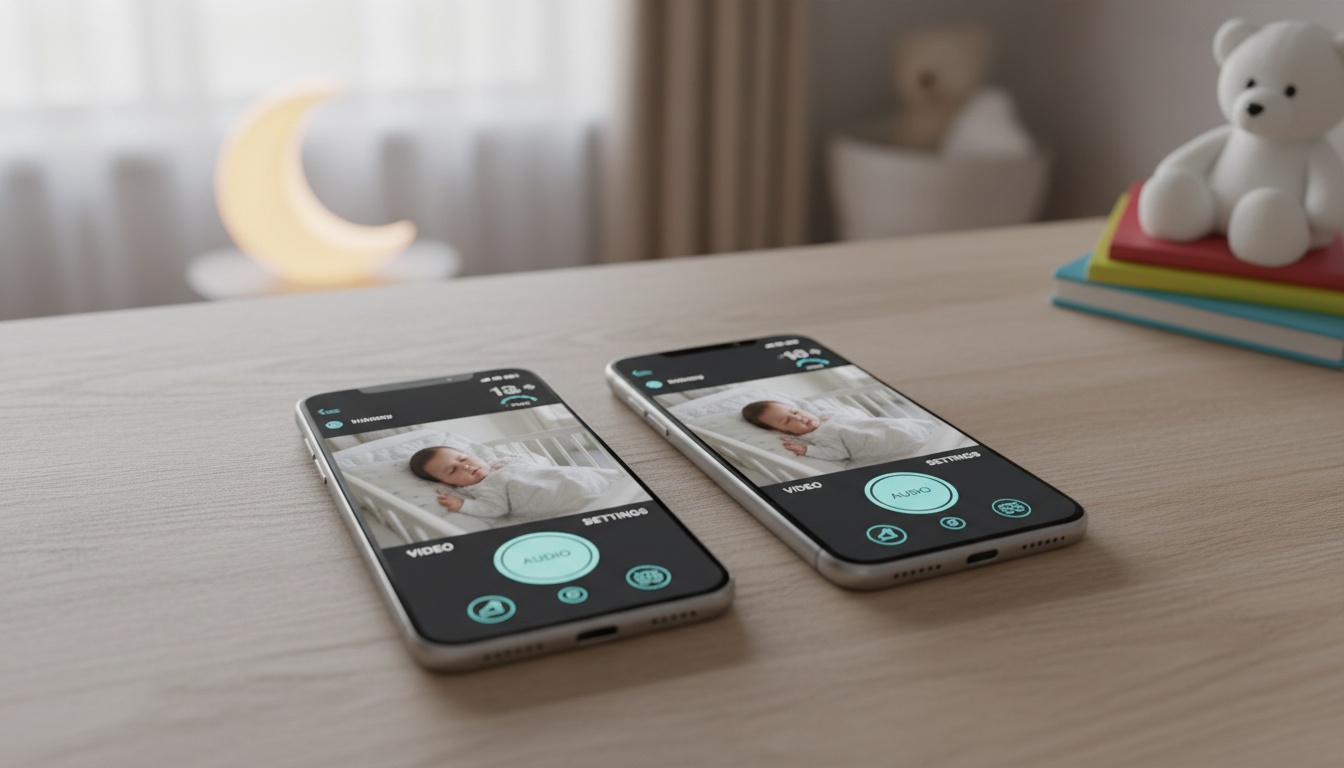
A baby monitor app transforms two smartphones into a wireless monitoring system. One device stays in the nursery, while you carry the other. Both connect via WiFi or mobile data to create live video and audio feeds. If you want the exact pairing walkthrough, see our step-by-step guide to using two phones as a baby monitor.
The setup is straightforward: • Both phones connect through your WiFi network or mobile data • Creates a live video and audio feed between devices • One device functions as the nursery camera, other as parent monitor • Works across different networks and over cellular connections
Most apps offer local network monitoring alongside cloud-based monitoring options. Local connections keep data on your home network, while cloud routing allows monitoring from anywhere with internet access.
The two-device approach means you're creating a custom nanny cam app using hardware that costs hundreds of dollars when sold as dedicated baby monitors.
2. Which Free Baby Monitor App Fits Your Priorities? (Annie, Alfred, BabyRadar Compared) {#top-apps}
Annie Baby Monitor
Annie Baby Monitor is designed to turn two smartphones into a monitoring system. The app typically offers video monitoring capabilities, though specific features may vary. Premium features (pricing varies) may include additional functionality beyond basic monitoring.
Battery management helps prevent common issues: the nursery phone dying mid-night. Many apps can alert you when either device drops below certain battery levels, giving you time to charge before monitoring gaps occur.
User experiences vary, as with most baby monitor apps.
Alfred
Originally designed as a home monitoring app, Alfred can work as a video baby monitor. Low-light detection may allow monitoring in darker conditions depending on your device's camera capabilities. WiFi range allows monitoring from different locations in and outside your home.
Some apps allow you to add family members for shared camera access. Web viewers may allow full-screen monitoring on laptops — helpful for parents working from home.
The free tier typically provides basic monitoring capabilities, though premium features may require a subscription.
BabyRadar
Sound analysis runs on the nursery phone, so cry detection doesn't depend on cloud processing. The camera is opt-in and stays off between uses, and any saved event media is consent-gated and auto-deleted after 90 days.
The freemium model typically offers basic sound detection, while Pro features may include additional analytics and multi-room monitoring. Some apps function as networked two-device monitors that can work across different networks and over cellular connections.
Setup processes vary by app. Audio analysis approaches differ between apps, with some offering on-device processing.
If privacy and on-device processing are your priorities, BabyRadar’s approach is worth testing — the free tier (cry alerts, push notifications, sleep timeline) lets you evaluate whether on-device sound detection meets your needs before considering Pro.
Cloud Baby Monitor
Cloud Baby Monitor may offer cross-platform compatibility between iOS and Android devices. Setup is typically straightforward — parents often report getting monitoring running quickly. Android households have extra battery-management quirks worth knowing; see our dedicated roundup of baby monitor apps for Android.
Free features vary by app but may include basic video streaming. Night vision capabilities work for basic monitoring, though premium subscribers may get enhanced features and unlimited monitoring time.
3. What Parents Say About These Apps (Ratings & Real-World Performance)
Based on App Store and Google Play reviews, these apps generally receive mixed to positive ratings from users, though specific ratings and review counts change frequently.
Common complaints across all apps center on battery drain and occasional connection drops during peak WiFi usage hours. Users often rate ease of setup as the most important factor, followed by video quality and alert reliability.
4. What You Actually Get Free vs. What Costs Extra (And Whether Premium Is Worth It)
Here's how the free and paid tiers typically stack up:
| Feature | Free Tier | Premium Tier |
|---|---|---|
| Monitoring Time | Often limited sessions | Usually unlimited |
| Video Quality | Typically 480p standard | Often 1080p HD |
| Sound Detection | Basic alerts | Advanced sound-event detection |
| Multiple Devices | Usually single device | Often up to 4 devices |
| Cloud Storage | Usually none | Recording/playback |
Free Tier Limitations:
- Time-limited sessions (varies by app)
- Usually standard definition video only
- Basic sound alerts without advanced detection
- Typically single device monitoring
- Usually no cloud storage or recording
Premium Features (pricing varies by app):
- Usually unlimited monitoring time
- Enhanced video quality with improved night vision
- Advanced sound-event detection
- Multiple camera support
- Cloud recording and playback
- Sleep timeline analytics
Free versions may cap video quality, while premium versions may unlock higher resolutions. For basic monitoring, standard definition often works fine.
Two-way audio quality typically remains consistent across most free and paid versions. The real difference often lies in sound-detection algorithms — premium versions may use more sophisticated sound analysis to help distinguish baby vocalizations from ambient noise.
5. 5-Minute Setup: Get Your Free Baby Monitor Running Tonight
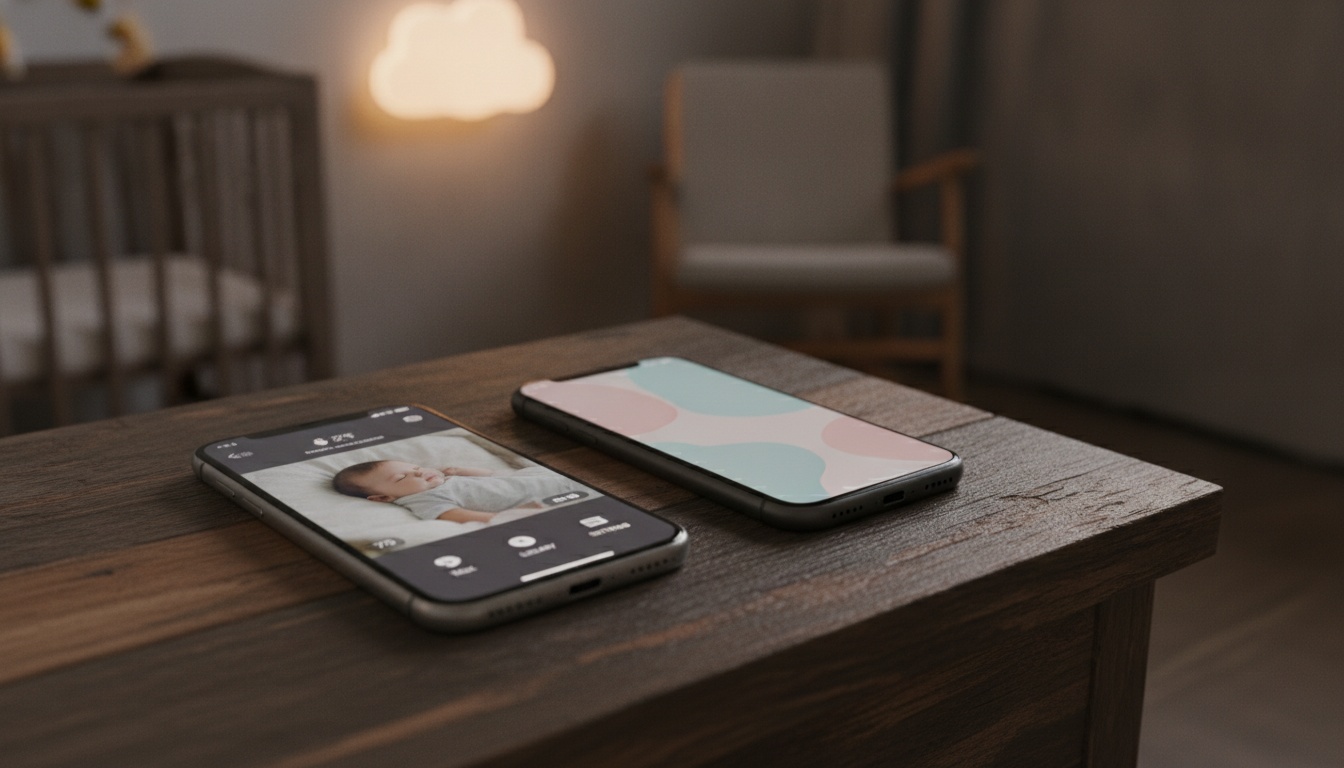
Setting up a smartphone baby monitor typically takes about five minutes once you know the process. Here's our step-by-step approach that works for most apps:
Installation Process:
- Download the same app on both devices
- Create an account using the parent device
- Launch the app on the nursery phone and select "Baby Device"
- Connect both devices using the pairing code or QR scan
- Test real-time video and audio quality from different rooms
Positioning Tips: • Place nursery device for clear view without privacy concerns • Use side angles for better coverage (avoid direct overhead positioning) • Ensure stable WiFi connection for optimal performance
Performance depends heavily on your home network. If you experience lag or dropped connections, consider upgrading to a mesh WiFi system for better coverage or check our WiFi troubleshooting for parents guide.
Optimizing Battery Life
Enable low power mode on the nursery device and reduce screen brightness to minimum. Most apps include battery optimization settings. Consider keeping the nursery phone plugged in during overnight monitoring to eliminate battery anxiety and ensure consistent performance.
6. Is Your Baby Monitor Secure? What You Need to Know (And Which Apps Protect Your Privacy)
Secure your baby monitor app by using local network monitoring, enabling two-factor authentication, and keeping apps updated. Here are key best practices:
Security concerns have been raised about various baby monitor apps regarding unauthorized access to video feeds. Local network monitoring typically provides better security than cloud-based alternatives.
When both devices connect through your home WiFi without routing through external servers, you maintain more control over the data stream. Still, most apps default to cloud-based monitoring for convenience. This means video and audio data may pass through the company's servers, creating potential privacy considerations.
Security Best Practices:
- Use dedicated devices for monitoring when possible
- Enable two-factor authentication on monitoring accounts
- Regularly update app versions for security patches
- Avoid using monitoring apps on devices with sensitive personal data
- Review and limit app permissions to essential functions only
Cloud-based monitoring isn't inherently unsafe, but it requires trust in the app developer's security practices. Look for apps that mention end-to-end encryption or local processing options in their feature lists. For comprehensive protection, review our smart home security best practices guide.
For parents prioritizing privacy, consider smartphone security tips for parents to protect your family's digital footprint.
7. When a Free App Isn't Enough: Dedicated Monitors That Might Be Worth the Investment
While smartphone apps offer convenience and cost savings, they're not the only option for budget-conscious parents. Traditional audio-only monitors still work reliably without requiring smartphones or internet connections.
Dedicated hardware monitors provide consistent performance without draining your phone's battery or requiring network connectivity. Basic models typically start around $30-50 and offer simple audio monitoring with decent range. For families wanting video monitoring without smartphone dependency, entry-level dedicated video monitors often begin around $80-100. At the premium end, we've compared Nanit vs Owlet on true 3-year cost, rounded up the best Owlet alternatives, and looked at whether AI baby monitors earn their price tag.
These systems include dedicated parent units and don't rely on your existing devices.
8. App Crashing at 3 AM? How to Fix the 5 Most Common Baby Monitor Problems
Connection problems can affect most baby monitor apps at some point. A common issue: video lag between devices when WiFi bandwidth gets saturated by other household internet usage.
Quick Fixes for Common Problems:
Video Lag: Reduce video quality in app settings or pause other bandwidth-heavy activities (streaming, downloads) during monitoring sessions. For persistent issues, consult our home network optimization guide.
Audio Delay: Switch from WiFi to mobile data temporarily. If delay disappears, your home network may be the bottleneck.
App Crashes: Apps may crash when WiFi bandwidth is saturated. Force-close and restart the app on both devices. Clear the app cache on Android devices or reinstall on iOS for persistent issues.
Battery Drain: Enable airplane mode with WiFi on the nursery device to disable cellular radio while maintaining network connectivity.
Device compatibility problems often surface weeks after initial setup. iOS and Android update cycles can break app functionality, especially with older devices.
9. Key Takeaways
- Annie Baby Monitor offers monitoring capabilities with optional premium features for around $30 yearly
- Many "free" baby monitor apps require subscriptions for unlimited monitoring and HD video quality
- Local network monitoring typically provides better security than cloud-based alternatives
- Two-device setup works well but requires compatible smartphones and stable WiFi
- Battery optimization and proper device positioning significantly impact monitoring performance
- App-based solutions offer flexibility and cost savings for many families
- Dedicated hardware monitors provide consistent performance without smartphone dependency
The smartphone baby monitor approach works for many families. While dedicated hardware monitors offer some advantages, the flexibility and cost savings of using existing devices make app-based solutions worth considering — especially for occasional monitoring or baby monitor apps for travel.
Ready to try a free baby monitor app? Start with the option that matches your priorities:
- Privacy-focused? Download BabyRadar — on-device sound analysis with an opt-in, off-by-default camera
- Video monitoring? Try Annie Baby Monitor free — video monitoring with optional premium features
- Cross-platform? Explore Cloud Baby Monitor — works across iOS and Android
Many parents test multiple apps before settling on one. The free tiers let you evaluate performance on your home network without commitment.