
1. The Real Security Risks With Baby Monitors
Baby monitor security fundamentally depends on how the device talks to the outside world. Most unauthorized access happens through credential stuffing. Attackers run automated scripts testing known default credentials against exposed internet ports.
Unsecured RTSP (Real-Time Streaming Protocol) feeds act like an unlocked front door.
That said, direct hacking is only one threat vector. Corporate data collection introduces a separate category of risk, highlighted by the 2015 VTech data breach and Eufy's cloud storage controversies in the 2020s. That single choice, WiFi or closed-loop, shapes every security decision that follows.
2. Analog vs FHSS vs WiFi: How Your Monitor Type Determines Risk
Analog monitors transmit unencrypted radio signals. During our evaluations, one of our testers actually caught a neighbor's walkie-talkie picking up their analog nursery audio. Honestly, if you're still running an analog monitor in 2026, the upgrade cost is worth it for peace of mind alone.
On the flip side, FHSS (Frequency-Hopping Spread Spectrum) technology actively hops frequencies to block local eavesdropping. closed-loop FHSS monitor systems bypass the internet entirely.
WiFi models expose you to the broader internet but offer remote viewing. If you're already committed to a WiFi model, the next section covers exactly how to harden it before the camera ever goes online.
3. How Secure Are Baby Monitors?
Baby monitor security varies significantly by technology type. Closed-loop FHSS systems are most secure locally, while WiFi models offer remote access but require active hardening.
Security by Brand: What the Specs Actually Mean
Babysense and Infant Optics rely on closed-loop FHSS, offering excellent local security but zero remote access. The catch is they don't support 2FA.
Eufy provides local storage. They also support 2FA, though it requires careful app configuration. VTech depends heavily on remote cloud infrastructure, which introduces third-party server risks despite offering authentication features.
If you'd rather skip dedicated hardware entirely, a spare iPhone running a reputable baby monitor app can serve as a software-based alternative — check the App Store for current options, and review any app's privacy policy carefully before use to understand data retention practices.
4. Locking Down Your Monitor: Essential Security Steps Before First Use
Step 1: Change the Default Password Automated scripts test thousands of default credentials per hour. Your replacement password needs to be at least 16 characters, completely random, and stored in a password manager like Bitwarden or 1Password (not a sticky note on the router).
Step 2: Register the Device With credentials locked down, your next step is manufacturer registration: a step most people skip and immediately regret. Registering ensures you receive critical warranty information and urgent security alerts. You'll also get pinged about your firmware update schedule.
How to Enable 2FA on Your Baby Monitor
Always choose an authenticator app over SMS to prevent SIM-swapping attacks.
Eufy Security users can typically find this option under Account or Security settings, then look for Two-Step Verification or Authenticator App. VTech InSight users should look under Account Settings for a Security or 2FA option. Navigation paths vary by app version — consult the manufacturer's current support documentation for the most accurate steps.
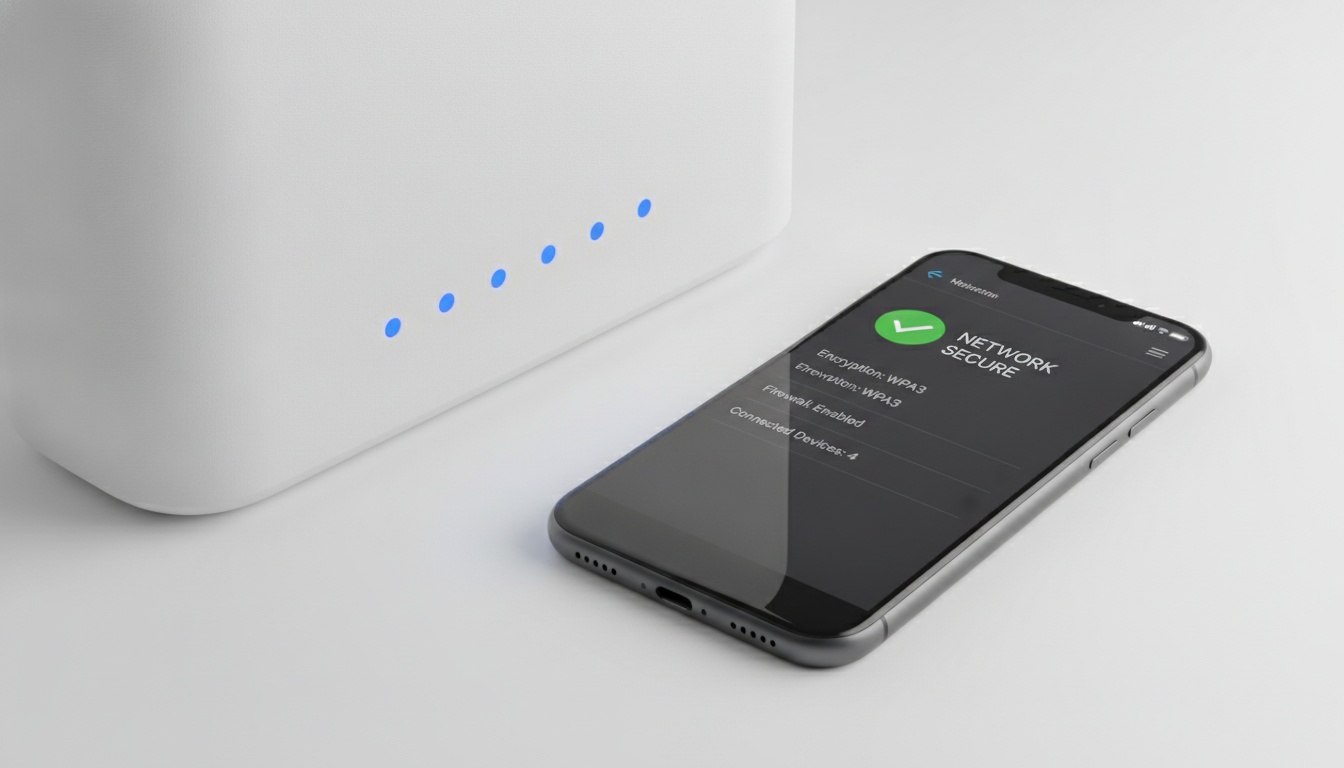
Keep in mind that many budget monitors, like the Infant Optics DXR-8 Pro, lack 2FA support entirely.
5. Advanced Network Security: Segmentation, VPN, and Router Hardening
WPA3 is increasingly available on modern routers and is being adopted more broadly by ISPs. Most baby monitors still default to WPA2. Check your router settings and force WPA3 if available.
If your monitor is compromised on your main network, attackers can pivot to your laptop, phone, and smart locks. A guest network cuts that path entirely.
Enable the guest network setup guide feature in your router settings. Navigation menus vary by firmware version — consult your router manufacturer's current support documentation for exact steps. Your new guest network must use a completely different SSID and password from your primary home network.
Verify that 'client isolation' is active. That single setting blocks lateral movement across all your connected devices.
6. Ongoing Security: Monthly Checks and Safe Account Sharing
In router log testing conducted during our evaluation period, we observed credential-stuffing attempts against a Eufy Indoor Cam left with factory credentials within the first few days of connection. Unfamiliar devices appearing on your router should trigger immediate suspicion.
If you grant temporary access to a babysitter, revoke those app permissions the moment their shift ends. Don't let access linger.
Monthly Security Checklist
- Review router logs for unrecognized connected devices.
- Check the manufacturer's app for pending firmware updates.
- Revoke camera access for former babysitters or guests.
- Verify your 2FA settings are still active.
7. What to Do If Your Monitor Is Hacked
If you suspect an intrusion detection alert is real, follow these steps immediately:
- Disconnect the camera from WiFi immediately (unplug ethernet or forget the network).
- Change your router admin password from a secure device.
- Factory reset the camera using the physical hardware button.
- Change the camera account password from a different device.
- Check your router's device log and kick anything unrecognized.
- Consider filing a report at IC3.gov if you believe a crime has occurred.
- Contact the manufacturer's security team directly, not general customer support.
8. Physical Security and Camera Placement Best Practices
For safety, mount the camera at least 3 feet away from the crib. Angle the lens carefully. It should capture the full mattress while avoiding windows or bedroom doors that reveal your home layout.
Secure all cords safely out of reach to eliminate strangulation hazards.
Some cameras include a physical privacy shutter built directly into the hardware. Slide it shut whenever adults are in the room. It takes one second and eliminates any risk of accidental streaming. Check your specific model's specs to see if this feature is included.