
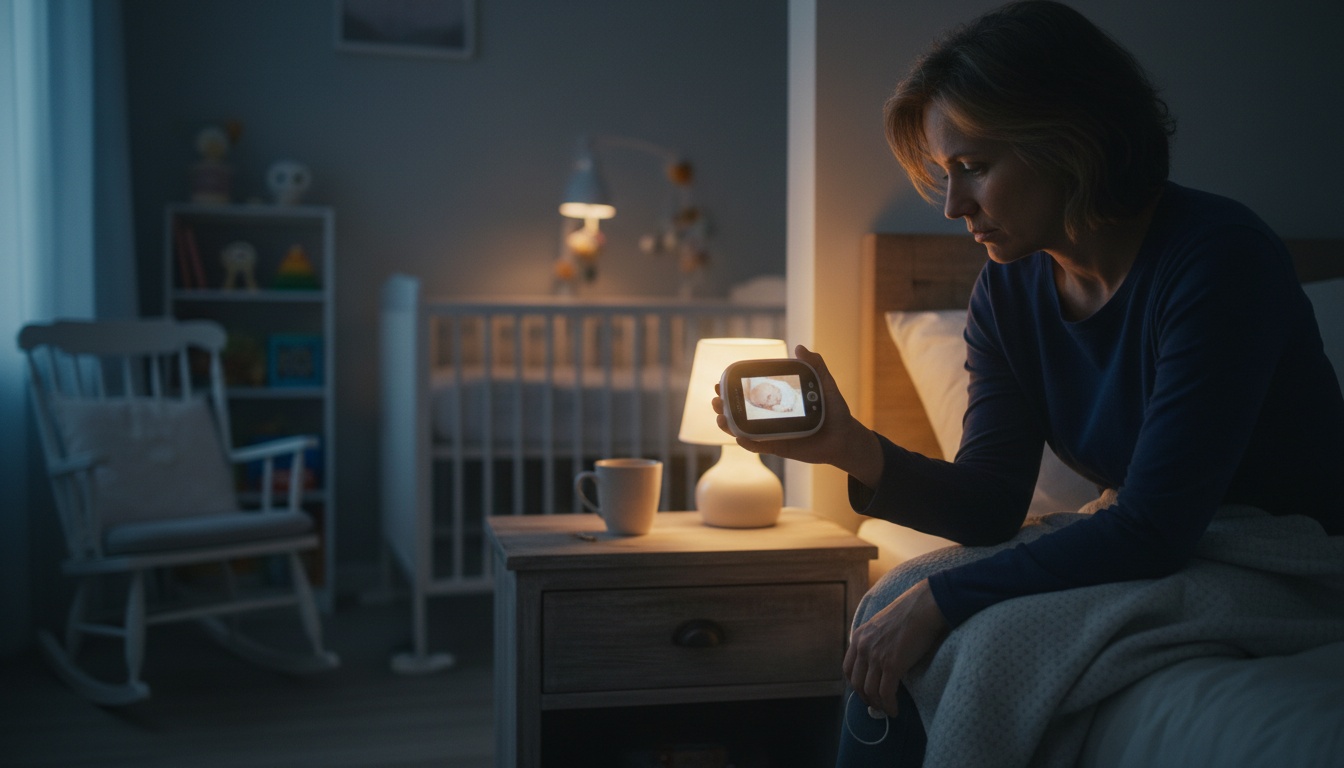
1. The Real Answer: Do You Actually Need a Video Baby Monitor?
Most parents don't strictly need a video baby monitor. Whether you're the exception depends on four factors: where your baby sleeps, your home size, your baseline anxiety level, and budget. New parents in multi-story homes who are actively sleep training will find one genuinely useful. Room-sharing families in small apartments rarely will.
"Need" is doing a lot of work in this question. You need a safe sleep surface. You need a car seat. A video baby monitor is a parenting tool — useful for many families, unnecessary for others.
Video monitors reduce a specific kind of parental anxiety: the visual kind. They're actually valuable during sleep training. Outside those two use cases, the cost-benefit gets murkier fast.
A first-time parent in a 2,400 sq ft house, actively doing Ferber with a 6-month-old, will often find real value in one. A parent room-sharing in a one-bedroom apartment probably won't. The decision checklist later in this article will help you figure out which camp you're in.
---
2. Who Benefits Most From a Video Monitor — And Who Doesn't
New parents who genuinely benefit
First-time parents with high baseline anxiety benefit most. Visual confirmation — seeing chest rise, watching position shifts — resolves the mental spiral that sound alone can't. Parents in multi-story homes need them for practical reasons: if the nursery is on the third floor and you're in the basement, you want visual confirmation before making that climb.
Sleep training is where video monitors earn their keep most clearly. Methods like Ferber center on observing without entering the room — you can't do that with your ear pressed against the door. You need eyes in there.
Sarah, a mom of two in a three-story townhouse, told me she couldn't have done Ferber without the video feed — not because she needed to intervene, but because watching her daughter resettle was the only thing that kept her from opening the door. That's the peace of mind a video monitor actually delivers.
Parents who can likely skip it
Room-sharing families don't need a monitor of any kind. The AAP recommends room-sharing (not bed-sharing) for at least the first 6 months , and if your baby is 8 feet away from you, a monitor is redundant hardware.
Small apartment parents are in the same position. Studio or one-bedroom layouts mean you'll hear everything anyway.
Parents with low anxiety who trust audio cues can often skip video entirely. If hearing your baby stir doesn't send you into a spiral, a sound-only monitor is sufficient — and simpler.
---
3. Key Advantages: When a Video Monitor Makes Real Sense
The biggest practical benefit is reducing unnecessary room entries. Every time you open that nursery door during a sleep cycle, you risk waking a baby who was about to resettle on their own. Video lets you watch, wait, and decide without disrupting anything.
Two-way audio adds something a sound-only monitor can't match. For some parents, hearing a familiar voice through the unit can help settle a fussing baby before they fully wake — though results vary considerably by baby and situation. No room entry required when it works.
For parents returning to work with an in-home caregiver, video monitors serve a different function entirely. Less about anxiety, more about oversight. That's a legitimate use case that justifies the cost on its own.
Night vision matters more than most product listings suggest. A monitor without decent night vision in a pitch-black room is nearly useless after 8pm — exactly when you need it most.
Monitor features worth knowing about
Many dedicated monitors now include temperature sensors, built-in lullabies, and motion detection. Knowing the room temperature can help you dress your baby appropriately — the AAP recommends keeping the sleep environment at a comfortable temperature per their safe sleep guidance . Lullabies are a nice-to-have. Motion detection is hit-or-miss — shadow shifts and curtain flutters can trigger false alarms at 3am more often than actual movement worth knowing about.
---
4. Honest Drawbacks: Why Some Parents Skip Them Entirely
Why are baby monitors discouraged?
For anxious parents, video monitors sometimes increase anxiety rather than reduce it. Constantly watching the monitor creates a checking compulsion. You're staring at a screen at 2am instead of sleeping, and every minor movement triggers a cortisol spike.
Some pediatricians have flagged this in actual office conversations — not in product reviews. If you're the type who will watch the feed obsessively rather than glancing and going back to sleep, the monitor is working against you.
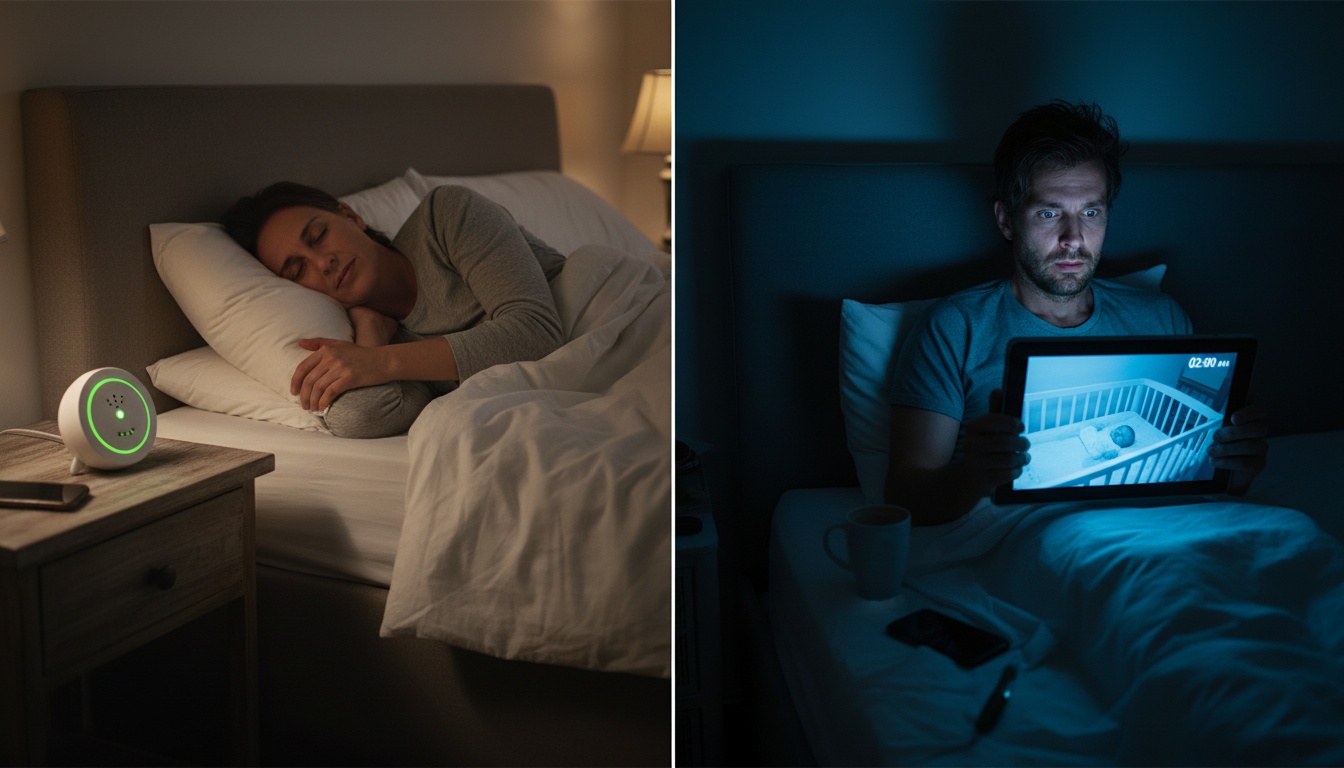
False alarms compound the problem. Movement-detection alerts on WiFi baby monitors can be imprecise, particularly on lower-end models. Multiple phantom alerts in a night and you're more sleep-deprived than if you'd used nothing.
Battery life, WiFi drops, and the 4am problem
Battery life is a real concern with portable dedicated monitors. Most run roughly 8–10 hours on a charge, though this varies significantly by model and usage — which sounds fine until you forget to plug in the parent unit and it dies at 4am. Plug-in models sidestep this entirely. Portable ones require a charging habit you may not have yet.
WiFi dependency is the other hidden cost. If your router drops at 2am — and routers occasionally do drop — your monitor goes dark. Strong, reliable signal in the nursery isn't optional. It's infrastructure you may need to upgrade.
Hidden costs beyond the purchase price
Dedicated video monitors from brands like Nanit or Cubo have typically run $150–$300 for the hardware, with subscription fees for cloud features often adding $10–$15 per month — though pricing and subscription models vary and can change. Over two years, hardware plus subscription costs can reach $400–$660 or more — before you've bought a single other baby item.
See our guide to securing a WiFi baby monitor before you buy — WiFi baby monitor security is a real concern. Unsecured cameras have been accessed by strangers when default passwords weren't changed. This isn't theoretical; it's been documented in consumer reports . Any WiFi monitor you buy should have end-to-end encryption. Confirm this before purchase, not after.
---
5. Audio vs. Video Monitors: Which Fits Your Situation?
| Factor | Audio Monitor | Video Monitor |
|---|---|---|
| Cost | $25–$80 | $80–$300+ hardware |
| Monthly fees | None (most) | $0–$15/mo depending on brand |
| WiFi required | No (DECT models) | Usually yes |
| Security risk | Low | Higher (if WiFi) |
| Sleep training utility | Low | High |
| Anxiety impact | Neutral to positive | Mixed |
| Setup complexity | Simple | Moderate to complex |
The best sound-focused baby monitors are sufficient for small spaces, light sleepers, and parents who trust their instincts. DECT (non-WiFi) models have essentially zero hacking risk and keep working during internet outages.
Video monitors earn their cost in multi-room homes and during the sleep training window. You can see whether a baby is standing at the crib rail or lying down — that changes your response entirely.
One middle-ground option worth knowing about: DECT video monitors (non-WiFi) give you the visual feed without the security exposure. They're less widely available than WiFi models, but they exist and are worth considering if security is your main objection.
---
6. Decision Framework: A Practical Checklist to Help You Decide
Answer these honestly:
- Is your baby sleeping in a separate room? Yes = stronger case for a monitor.
- Are you actively sleep training? Yes = video adds real, specific value.
- Do you live in a small apartment or studio? Yes = you probably don't need either.
- Are you co-sleeping or room-sharing? Yes = a monitor is likely unnecessary.
- Is your household WiFi secure and reliable? No = consider a non-WiFi option.
- Can you afford $80–$300 without financial stress? No = a phone app or sound monitor is the smarter call.
- Do you tend toward high anxiety? Yes = video might help, but be honest about whether you'll watch obsessively.
Score it this way: "yes" to questions 1 or 2 = strong case for video. "Yes" to questions 3 or 4 = you probably don't need one. Questions 5–7 are risk filters, not purchase drivers.
If you scored toward video, consider testing a spare iPhone with BabyRadar before buying hardware — check the App Store for current features and pricing on free and paid tiers. Download BabyRadar on the App Store.
---
7. Lower-Cost Alternatives That Work Just as Well (And Cost $100–$250 Less)
App-based options have closed most of the feature gap with dedicated hardware in recent years. Worth knowing about before you spend $200 on a standalone unit.
An old iPhone sitting in a drawer can become a functional nursery camera relatively quickly. Apps like BabyRadar turn a spare iPhone into a full monitor — features and pricing across free and Pro tiers vary and are subject to change, so check the App Store for current details before downloading. That's potentially a fraction of the typical $150–$300 hardware cost for a dedicated unit, using a device you already own.
BabyRadar works across different networks and over cellular, so it's not locked to your home WiFi the way some app monitors are. Event photos are stored in cloud and auto-deleted after a set period — no long-term archive, but that's fine for most families. If you have a spare iPhone, try BabyRadar on the App Store before spending $150–$300 on dedicated hardware.
Budget options also include smart home cameras like Wyze or Blink, typically in the $25–$50 range for the hardware, though prices fluctuate. The trade-off: they're cameras, not monitors. No cry-detection alerts, no two-way audio optimized for nurseries, no lullabies.
Room-sharing eliminates the need entirely for the first 6 months. That's not just a budget workaround — it's what the AAP actually recommends .
---
8. What Pediatricians Actually Say — And When to Stop Using One
The timing question matters as much as the decision itself.
Do pediatricians recommend baby monitors?
The AAP's safe sleep guidance focuses on sleep environment — firm surface, no soft bedding, room-sharing for the first 6 months — rather than monitoring technology. Monitors are tools parents choose based on their individual needs.
At what point do you need a baby monitor?
When your baby sleeps in a separate room and you can't reliably hear them. That's typically from birth through 18 months, though the window varies. If you're room-sharing, you don't need one at all — not even a sound monitor.
When did you stop using a video baby monitor?
Most families phase out between 18 months and 3 years, after the active sleep training window (Ferber, Weissbluth, and other methods), roughly 4–18 months. Stop when your child can call out verbally, exit the crib independently, or when you can hear them from anywhere in your home without equipment.
No hard rule exists. Stop when it stops working for your family — not at a prescribed age, and not because someone on a parenting forum said you should have stopped at 12 months.
---
9. Key Takeaways
- Most parents don't need a video baby monitor — but new parents in multi-story homes actively sleep training will often find one worth every dollar
- The hidden costs matter: WiFi security risks, subscription fees, battery life logistics, and the anxiety-amplification effect for obsessive checkers
- Sound-focused baby monitors are sufficient for small spaces and room-sharing phases
- Dedicated hardware (Nanit, Cubo) has typically cost $150–$300 plus $10–$15/month in subscription fees, though pricing varies; app-based options like BabyRadar use a spare phone with free and paid tiers — check current pricing and features in the App Store
- Most families phase out between 18 months and 3 years — stop when it stops serving you
- The 7-question checklist above is the fastest way to figure out which camp you're in
Not ready to spend $200 on hardware? BabyRadar works on any spare iPhone with free and Pro options — check the App Store for current features and pricing. Download on the App Store.
---
Last updated: July 2026