
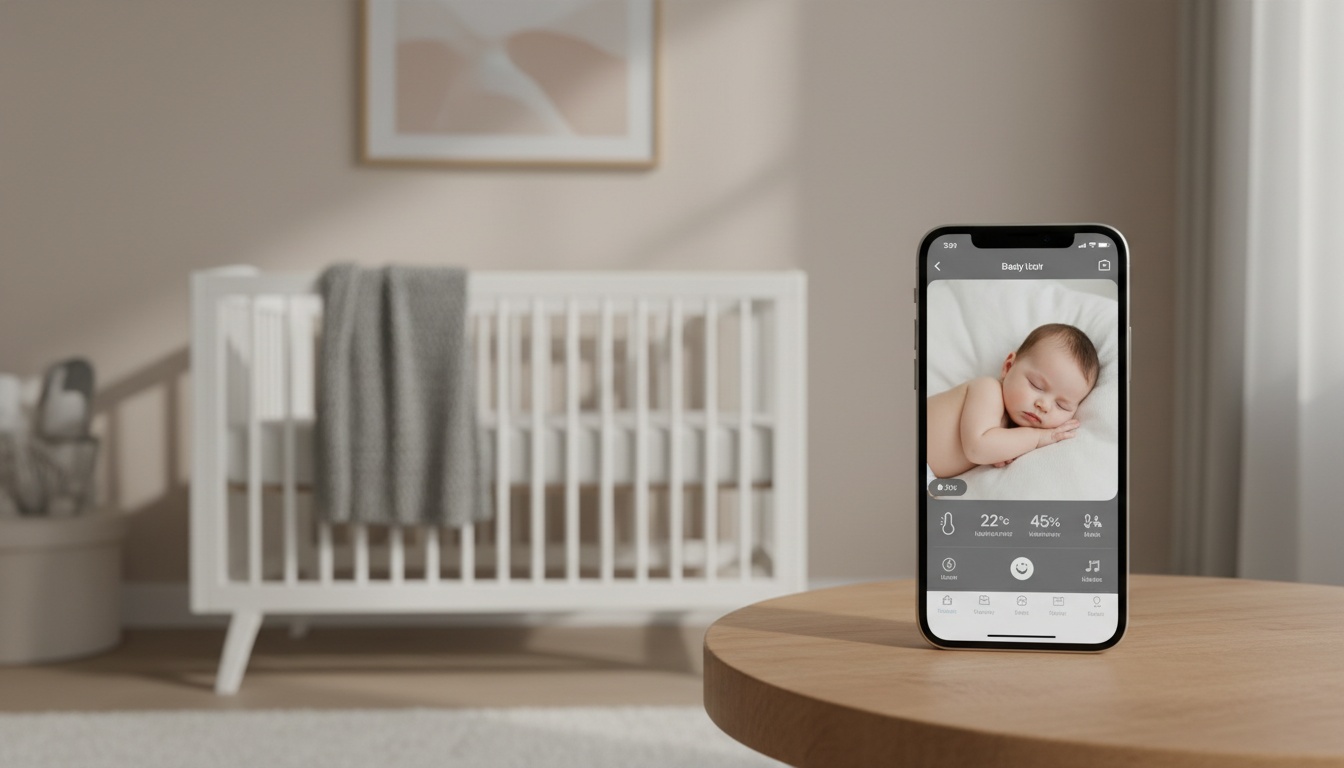
1. What Is Bibino? (Quick Overview)
Bibino uses existing phones to create a video baby monitor. Download the app on two devices to watch the crib from anywhere. It offers two-way audio, sound detection, lullabies, and basic zoom. Unlike older apps, Bibino works across cellular data, not just your home WiFi network.
2. Bibino vs Nanit Pro: Feature-by-Feature Comparison
| Feature | Bibino (Premium) | Nanit Pro | BabyRadar (Pro) |
|---|---|---|---|
| Hardware Price | $0 | Varies (check current pricing) | $0 |
| Subscription | Varies (check current pricing) | Varies by plan (check current pricing) | Varies (check current pricing) |
| Video Quality | Phone-dependent | 1080p HD | Phone-dependent |
| Night Vision | Poor (Software) | Excellent (IR) | Poor (Software) |
We ran Bibino on a 2019 iPhone 8 and a Pixel 4a during our testing. At 3am, I couldn't tell if my son had kicked off his blanket or was just in an odd position. The Bibino feed on the Pixel 4a was too grainy to know.
Nanit pushes a pristine 1080p HD video feed from a dedicated overhead camera. Bibino's resolution ceiling depends entirely on the specific old phone you left sitting on the nursery shelf.
Night vision is where the gap becomes impossible to ignore since Nanit uses a dedicated IR sensor while Bibino relies entirely on your phone camera's digital night mode. That software approach cranks up digital exposure rather than emitting actual infrared light.
Nanit charges a monthly fee for its smart baby monitor features; check current pricing on their site. Bibino limits basic functions to a free tier, pushing users toward their premium annual plan. BabyRadar operates similarly as a freemium iPhone-based monitor, offering a zero-dollar free tier and a Pro plan — verify current pricing on BabyRadar's site.
Read [INTERNAL_LINK: "our hands-on Nanit Pro review"] for more details.
3. Bibino vs Infant Optics DXR-8 Pro: Feature-by-Feature Comparison
| Feature | Bibino | Infant Optics DXR-8 Pro |
|---|---|---|
| System Type | WiFi App | Closed RF |
| Privacy | Relies on external servers | Local-only |
| Connectivity | WiFi/Cellular | RF Range (1000ft max) |
| Subscription | Free/paid annual plan | $0 |
Unlike Bibino's WiFi-dependent stream, the DXR-8 Pro uses dedicated RF. When your router reboots at midnight, the local video feed stays completely live. The 720p sensor isn't cutting-edge, but it's consistent in a way no app can match.
Two-way audio sounds noticeably clearer, with lower latency in our tests vs. Bibino's typical 1-2 second delay.
Infant Optics is a one-time hardware purchase with no ongoing fees — verify current pricing before purchase.
Monitoring the nursery environment can be helpful for many parents, especially in the newborn stage. Bibino has no native temperature sensor. Nanit Pro displays room temperature in-app, while the Infant Optics DXR-8 Pro includes a built-in thermometer on the parent unit.
Infant Optics wins clearly for one specific reason: it operates without requiring an external account.
Already have a spare iPhone? BabyRadar converts it into a secure monitor in minutes. A free tier is available, and no hardware is required. Download BabyRadar on the App Store
4. Video Quality & Night Vision: How Each Monitor Performs When It Matters
Table comparisons only tell part of the story. Here is how the three systems actually perform under real conditions.
Night Vision: Why Infrared Hardware Beats Software Every Time
Night vision requires infrared light to see in complete darkness. Dedicated hardware cameras emit this invisible light to illuminate the crib naturally without waking your child. Software applications just crank up the digital exposure artificially.
On the flip side, both Bibino and Nanit degrade quickly in poor WiFi conditions. The video feed stutters constantly, and the audio drops out entirely during critical moments.
BabyRadar processes live audio and video over an encrypted relay, but like Bibino, it ultimately relies on your network speed.
5. Security & Privacy: What Happens to Your Baby's Video Feed
Nanit's external storage covers sleep data and video clips. It is governed by a privacy policy that explicitly permits sharing anonymized data with research partners. Most parents don't read that clause until after they've already mounted the camera.
Infant Optics holds the ultimate privacy-by-design advantage. It uses local-only RF and requires no account, connecting to nothing outside your house.
If you use any WiFi baby monitor, you must implement strong parental controls and strict network security. Check our [INTERNAL_LINK: "WiFi baby monitor security guide"] for setup steps. Research into IoT baby monitor security has consistently highlighted that weak passwords remain among the biggest vulnerabilities for app-based cameras.
BabyRadar handles user data privacy by keeping external storage intentionally short. Event photos and video clips are automatically deleted after a set period — confirm the current policy on BabyRadar's site, as terms may have changed — offering a practical middle ground.
6. Smart Home Integration: What Works and What Doesn't
None of these three natively support smart home ecosystems perfectly. If you want Apple HomeKit integration, you must look elsewhere, as Apple's strict local-network requirements exclude most cameras that rely on external servers.
Nanit offers basic Alexa integration to view your stream on an Echo Show. Bibino and Infant Optics have offered zero smart display compatibility in our testing, though you should verify current feature support with each manufacturer. Parents wanting deep Google Home routines should consider a dedicated security camera like Nest instead of a specialized infant monitor.
7. Price & Subscription Costs: Total Cost of Ownership
Two-Year Cost Breakdown
Parents rarely calculate the total cost of ownership over a typical two-year monitoring period. Bibino costs nothing upfront — if you already own a compatible spare phone.
Their required subscription cost can inflate the two-year total significantly depending on the current plan pricing. Infant Optics is a one-time hardware purchase with no ongoing fees — verify current pricing before purchase. You pay absolutely zero ongoing fees for the life of the product.
Subscription fatigue has become one of the most common complaints in parenting forums like r/beyondthebump and BabyCenter community threads. We've seen threads where parents returned a high-end Nanit specifically because they refused to pay a monthly fee to unlock features they assumed were included. Check our guide to the [INTERNAL_LINK: "best baby monitors under $200"] for alternatives.
8. Setup, Ease of Use & Customer Support
Infant Optics takes exactly one minute.
Bibino requires downloading a mobile app and pairing two phones. Nanit demands mounting physical hardware to your wall and calibrating the specific overhead viewing angle.
International Availability & Warranty
International availability varies significantly. Bibino is available globally via app stores, while Nanit has limited international shipping and no EU-specific data compliance documentation on their main site at last check. Infant Optics ships to select countries only.
Customer support quality differs across brands. Bibino relies heavily on email alongside basic community forums, whereas Nanit offers phone support. Infant Optics includes a standard one-year hardware warranty, and its rechargeable parent unit offers excellent battery life for portable use around the house.
9. Which Baby Monitor Should You Choose? (Decision Framework)
Budget-first parents with a spare Android device should definitely try Bibino's free tier before buying anything else.
What if you have a spare iPhone but also care about privacy? See BabyRadar's features → BabyRadar's auto-delete policy makes it a better choice than Bibino for that specific combination — confirm current retention terms on BabyRadar's site. It handles cry detection alerts and live video streaming beautifully on its Pro tier. It holds a strong rating on the App Store — check the current score, as ratings change over time — which tracks with our own testing experience.
Privacy-first parents who prefer local operation should buy the Infant Optics DXR-8 Pro.
Many parents hope a dedicated smart monitor will support better sleep, and the AAP offers guidelines for creating a safe sleep environment . We've observed that some parents find peace of mind by focusing on their child's natural cues rather than solely on data charts. Choosing a system that aligns with your parenting style can contribute to a more peaceful night.
Both Bibino and BabyRadar can be repurposed for pet monitoring once your child outgrows the monitor stage, offering a minor but real long-term value.
A quieter night, starting with the iPhone in your drawer. BabyRadar turns a spare iPhone into a wellness audio monitor featuring cry alerts and live video snapshots, all with a genuinely free tier. No expensive starter kit required. Download on the App Store
10. Key Takeaways
- Bibino works best as a short-term solution while you evaluate whether dedicated hardware fits your budget.
- Infant Optics provides superior privacy with local-only RF transmission.
- Total cost of ownership for subscription-based monitors like Nanit can add up significantly over two years — verify current pricing before purchase.
- BabyRadar serves as a strong freemium iOS alternative with automatic external storage deletion.
- App-based monitors improve as your phone hardware improves, whereas dedicated cameras do not.
QUICK_ANSWER: