
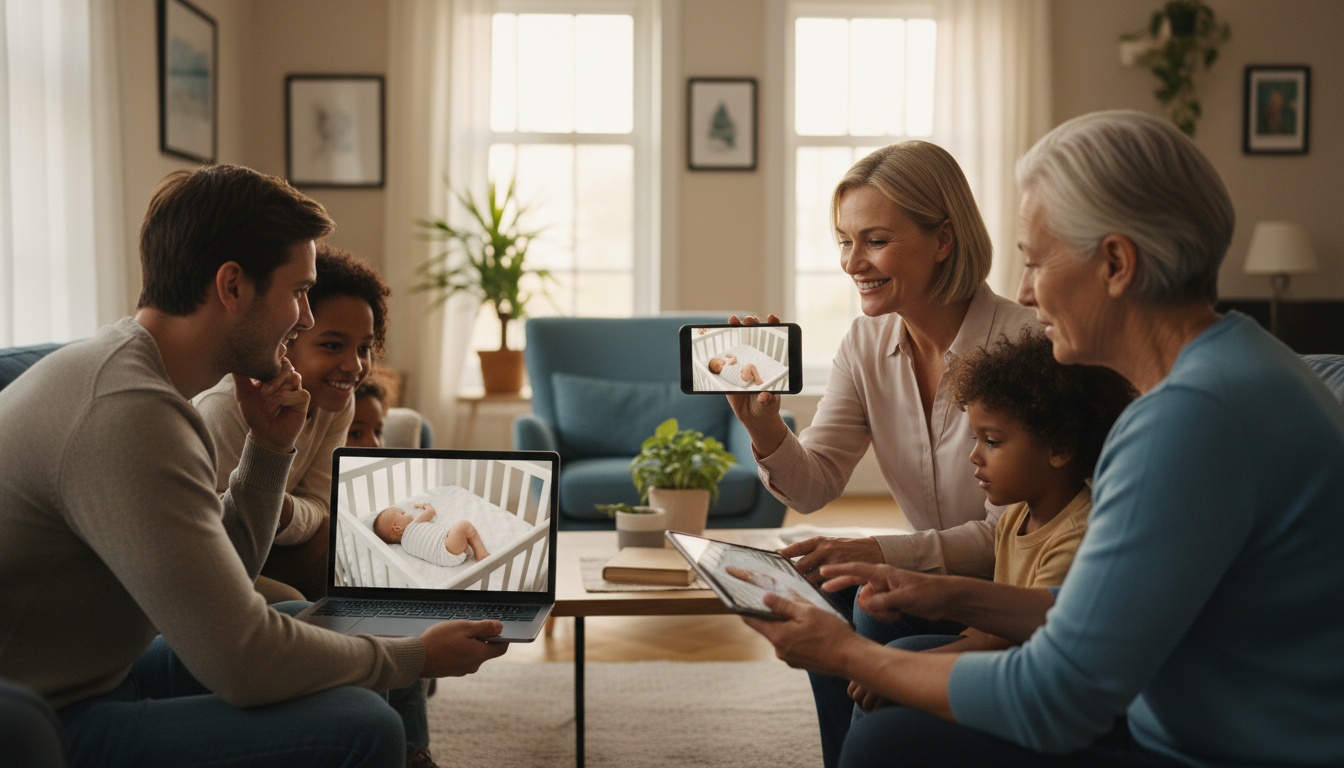
1. Why Multi-User Access Changes Everything for Modern Families
Single-user cameras severely restrict your family's daily caregiving flexibility. A grandparent in Phoenix, a nanny in the nursery, and two parents in back-to-back meetings — that's a four-viewer problem most $200 cameras weren't designed to handle. A true multi-user baby monitor solves this exact logistical nightmare.
2. What Features Matter in a Multi-User Baby Monitor?
The most critical features are the simultaneous viewer cap, bandwidth efficiency, and granular permission controls. Manufacturers often advertise multi-user support without mentioning strict limits, so you must read the fine print carefully.
Simultaneous viewer limits vary widely by product — some plans allow only two live viewers at once, while others support eight or more.
In our testing, a monitor that streamed cleanly at 1080p video resolution for one viewer struggled under load. It dropped resolution and introduced noticeable lag when additional users joined (tested on a standard 25 Mbps residential connection). Results may vary as manufacturers continue to update their firmware and streaming infrastructure.
Available bandwidth, video codec, compression settings, and network overhead all affect how many simultaneous 1080p streams your connection can support without degradation — consult your camera manufacturer's recommended specs for guidance.
Wireless camera battery life can decrease noticeably under continuous multi-viewer streaming, though the impact varies by device, battery capacity, and streaming conditions. Cloud-dependent cameras typically drop all remote multi-user streams when your home WiFi goes down.
3. Top Baby Monitors for Multiple Users: Head-to-Head Comparison
| Monitor Name | Max Simultaneous Viewers | Requires Paid Sub for Multi-User | Permission Levels | Hardware Price | Monthly Sub Cost |
|---|---|---|---|---|---|
| Nanit Pro | Verify current limit | Yes (Insights+) | Yes | Verify current pricing | Verify current pricing |
| Cubo AI Plus | Verify current limit | Yes (Premium) | Yes | Verify current pricing | Verify current pricing |
| Infant Optics DXR-8 Pro | 1 (Local screen) | No | No | Verify current pricing | $0 |
| BabyRadar App | 2 (Phones) | Yes (Pro tier) | Yes | $0 | Verify current pricing |
Prices and viewer limits are subject to change. Verify with each manufacturer before purchasing.
For families who want multi-user access without upfront hardware cost, skip to the BabyRadar section below.
Nanit Pro
Nanit's Insights+ plan supports multiple simultaneous viewers — verify the current viewer limit directly on Nanit's website, as this cap has changed over time. The camera offers high-definition video resolution, infrared night vision, and temperature monitoring; confirm the full feature set on Nanit's current product page, as specifications can change.
The catch is the subscription cost. You must pay a required Insights+ plan just to add grandparents or a temporary babysitter to your family account — verify the current monthly rate on Nanit's website before purchasing.
Cubo AI Plus
Cubo AI Plus offers a generous multi-viewer allowance on their Premium subscription plan — verify the current simultaneous viewer limit and pricing on their website. This makes it worth considering for larger caregiving teams spread across different cities. It includes smart sound alerts and various monitoring features; confirm the full specification list, including any environmental sensors, on Cubo AI's current product page.
That said, the main drawback is hardware lock-in. As with any cloud-based platform, app performance can vary depending on your network conditions and the current software version.
Infant Optics DXR-8 Pro
The Infant Optics DXR-8 Pro provides a local-only feed without any external cloud server connectivity. This restricts viewing to 1 physical screen.
That remains a very fair trade-off for parents wanting strict offline privacy without monthly fees. Confirm current hardware pricing with the manufacturer.
BabyRadar
What if you just want to use spare iPhones as a freemium two-device network setup? BabyRadar operates as an iPhone-based monitor — verify current features, tier availability, and pricing on their website or the App Store before purchasing. The Pro tier (verify current pricing) reportedly adds live audio streaming and multi-device streaming capabilities, but confirm the specific feature set directly with the developer.
Check BabyRadar's current terms of service for details on cloud storage and any data retention policies. User experiences vary — check recent App Store reviews and the developer's website for the most up-to-date feedback. Check our guide to [INTERNAL_LINK: flexible nanny camera setups that don't require dedicated hardware] for similar setups.
4. Is a Multi-User Baby Monitor Worth the Extra Cost?
Are multi-user setups worth the premium? Let's look at the total cost of ownership. A high-end single-user local monitor like the Infant Optics DXR-8 Pro has no ongoing subscription cost — confirm current hardware pricing with the manufacturer.
Meanwhile, a premium multi-user cloud setup like the Nanit Pro requires both a hardware purchase and an ongoing Insights+ subscription. Verify current hardware and subscription pricing on Nanit's website to calculate your actual two-year total.
You may end up paying significantly more just for the privilege of remote account sharing. Parents must decide if checking in from work justifies that price difference. Once you've decided which system fits your budget, setting it up securely is the next challenge.
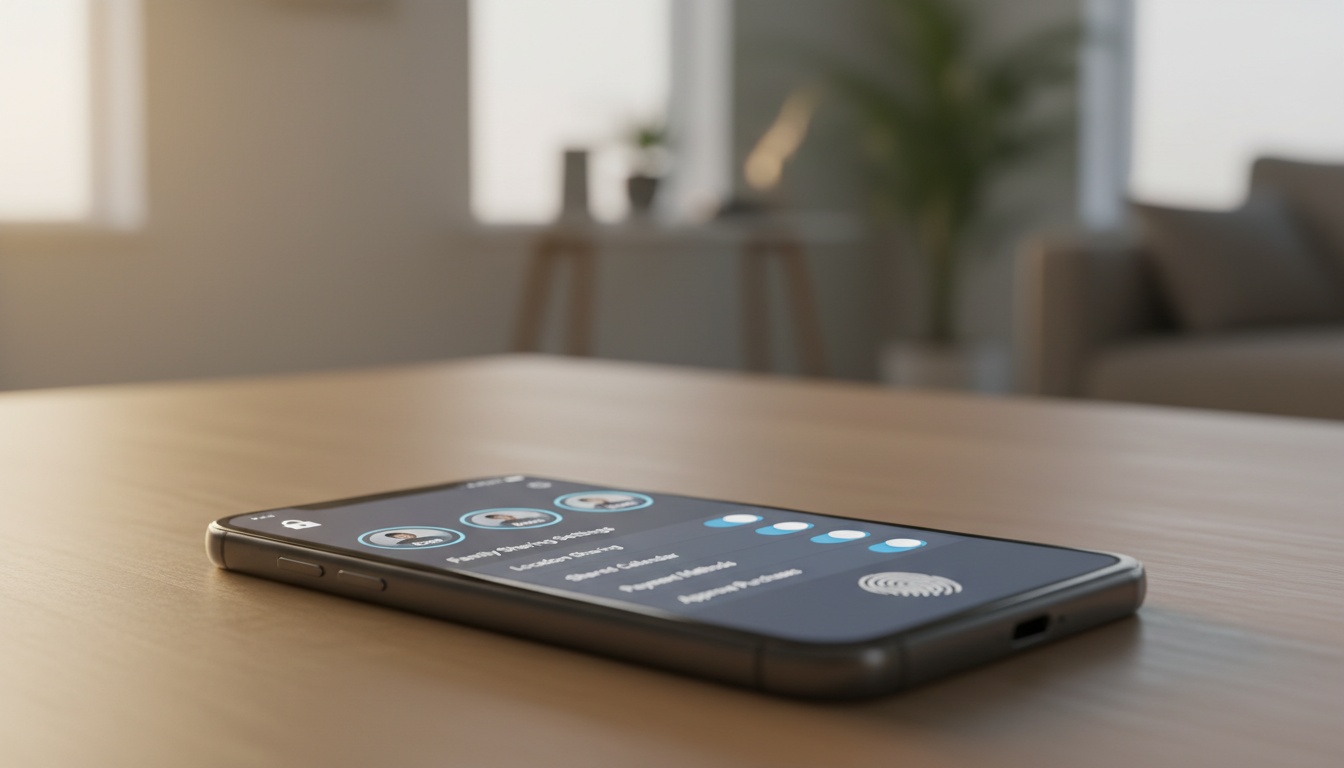
5. How to Set Up Multi-User Access Safely
To safely add a caregiver, use the app's invite system — never share your master password.
- Open the app's sharing or family settings.
- Enter the caregiver's email address.
- Send an invite link — do not share your login credentials.
- Enable two-factor authentication on your master account.
- Review archive access permissions before confirming the invite.
- Inform all caregivers that audio and video recording is active.
One slip here costs you. Audio recording laws vary heavily by jurisdiction. For example, states like California require two-party consent, meaning you cannot legally record a nanny's voice without their explicit permission before they start their first shift.
6. Troubleshooting Multi-User Connectivity Problems
- Problem: Second user can't connect. -> Fix: Check your plan's simultaneous viewer cap; the oldest session may have been booted.
- Problem: Video lag with multiple viewers. -> Fix: Log into your router and enable QoS to prioritize camera traffic.
- Problem: Push notifications routing to wrong user. -> Fix: Configure motion detection alerts individually in each user's profile settings.
- Problem: User locked out after app update. -> Fix: Revoking and re-inviting the affected account is a commonly reported workaround — check your camera brand's current community forums or support pages for the latest guidance.
Check [INTERNAL_LINK: our WiFi baby monitor setup guide] if connection drops persist.
7. Frequently Asked Questions About Multi-User Baby Monitors
Can two parents watch simultaneously? Yes, but check the cap. Most monitors allow two or three simultaneous viewers, while premium plans push that to eight. Going over the limit usually boots the oldest active session.
Is sharing access with a nanny safe? Yes, assuming you use the proper invite system. Never share your password. Proper invite links give view-only access with no ability to change settings.
Can grandparents watch from another country? Cloud-based monitors work globally. Expect some added latency for international viewers — the exact amount varies depending on server location, routing paths, and the viewer's local internet speed. Read [INTERNAL_LINK: our cloud vs. local storage comparison] for more details on remote streaming.
Do these work with Apple Family Sharing? Almost never. Nanit, Cubo, and Eufy all use proprietary apps. Apple Family Sharing and Google Family Link don't extend to third-party camera systems.
8. Key Takeaways
- Most premium cameras cap active simultaneous viewers at two or three devices to preserve streaming quality.
- Never share your master password — always use dedicated invite links to control who can view your nursery.
- Cloud-based monitors lose all remote streams if your home WiFi goes down; local monitors like the Infant Optics DXR-8 Pro are immune to this.
If you're working with a tight budget and already have spare iPhones in the house, BabyRadar is worth trying before you spend $300 on hardware. Verify current tier features and pricing on their website before downloading. [Download BabyRadar on the App Store]