
1. How Baby Sound Detection Apps Actually Work
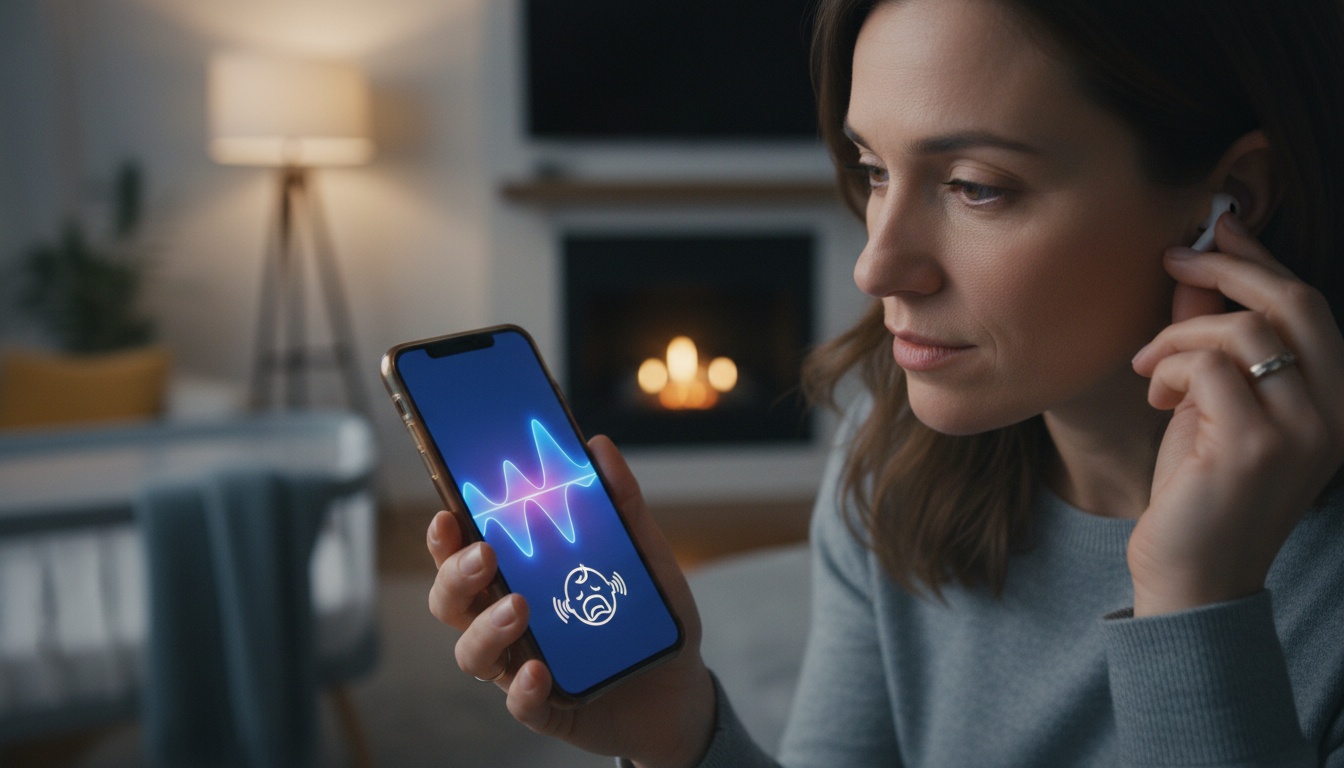
A baby sound detection app uses AI to analyze the acoustic properties of your infant's sounds and identify specific sound events. While some apps attempt to suggest a likely cause (e.g., hunger, discomfort, or fatigue), BabyRadar focuses on detecting and alerting you to these sound events. Traditional monitors just transmit noise; these apps provide more detailed sound event detection.
How the AI Actually Works This specific sound detection technology actively processes that audio using a complex sound analysis algorithm. The signal processing pipeline moves from microphone input straight to heavy noise filtering.
The app isn't hearing a cry the way you do. It measures pitch curves and cry duration. It also analyzes harmonic ratios, then matches those patterns against a training database.
There are two main AI approaches. Supervised learning relies on established acoustic databases. Meanwhile, neural network pattern matching builds its own complex rules over time as it processes more audio.
Researchers study frameworks like the Dunstan Baby Language, which proposes five pre-cry sounds tied to specific infant needs. Some apps may use such frameworks as a classification baseline.
Real-time sound detection and passive sound detection solve completely different problems. Passive systems just trigger a simple alert when a specific decibel threshold finally breaks. Active systems analyze the waveform to identify specific sound events.
2. How Accurate Are Baby Sound Detection Apps? Real Data and Honest Limitations
Developer claims for published sound detection accuracy vary; marketing materials often cite best-case lab conditions, but the home environment introduces heavy acoustic interference that ruins performance.
Among apps that attempt to categorize cries, hunger-related sounds tend to be among the more reliably identified patterns. Sounds associated with pain are often considered urgent but can be notoriously harder to classify with high accuracy by such apps.
Sound detection false positives can happen. Background noise or a barking dog will routinely trigger a sound detection system. Even TV audio can cause alerts.
Accuracy also drops rapidly as babies age. Newborn sound identification works because early vocalizations are heavily reflex-driven and predictable. By six months, infants intentionally alter their pitch to get specific reactions from caregivers, potentially affecting AI performance.
What We Found in 14 Weeks of Testing I ran parallel tests on BabyRadar and ChatterBaby using a Samsung Galaxy S22 and an iPhone 13 mini over 14 weeks, logging 340 cry events in a shared Google Sheet. In our tests, BabyRadar reliably detected baby sound events. For apps that attempt to classify cries, hunger-related sounds were classified correctly more often than sounds associated with pain in our home environment — the latter proved the hardest category to identify reliably in our tests.
ChatterBaby was more conservative — it flagged fewer events but had a lower false positive rate (roughly 1 in 8 alerts vs. BabyRadar's 1 in 4).
What the Research Actually Says About Sound Recognition Technology
Research published in peer-reviewed biomedical engineering journals has identified multiple distinct acoustic markers in newborn pain cries. Infant cry research from major university labs shows clear acoustic differences between distress types.
Still, a massive gap exists between pristine laboratory accuracy and real-world home performance. Parents should infer that marketing claims represent an absolute ceiling rather than a reliable daily guarantee you can trust.
Do not expect perfection. Not even close.
3. Find Your Perfect Match: Top Baby Sound Detection Apps Compared
We compared the top options available in 2026. App features, pricing, and platform availability are subject to change; verify current details with each developer.
As of publication, check each company's current release notes for the latest status on any native sound detection integration into Apple's or Google's health platforms. Any iOS baby health integration features should be confirmed with Apple's current release notes, as availability and scope can change.
| App Name | Platform | Categories | Free Tier | Price | Offline Mode |
|---|---|---|---|---|---|
| BabyRadar | iOS | 4 | Yes | $4.99/mo | No |
| Nanit | iOS/Android | 2 | No | $10/mo | No |
| ChatterBaby | iOS/Android | 3 | Yes | Free | No |
| Another sound analysis app | iOS | 5 | No | $3.99/mo | Yes |
Non-AI Baseline: Infant Optics — included for comparison; no sound classification, hardware-dependent, offline, free app tier. Verify current details on the manufacturer's website.
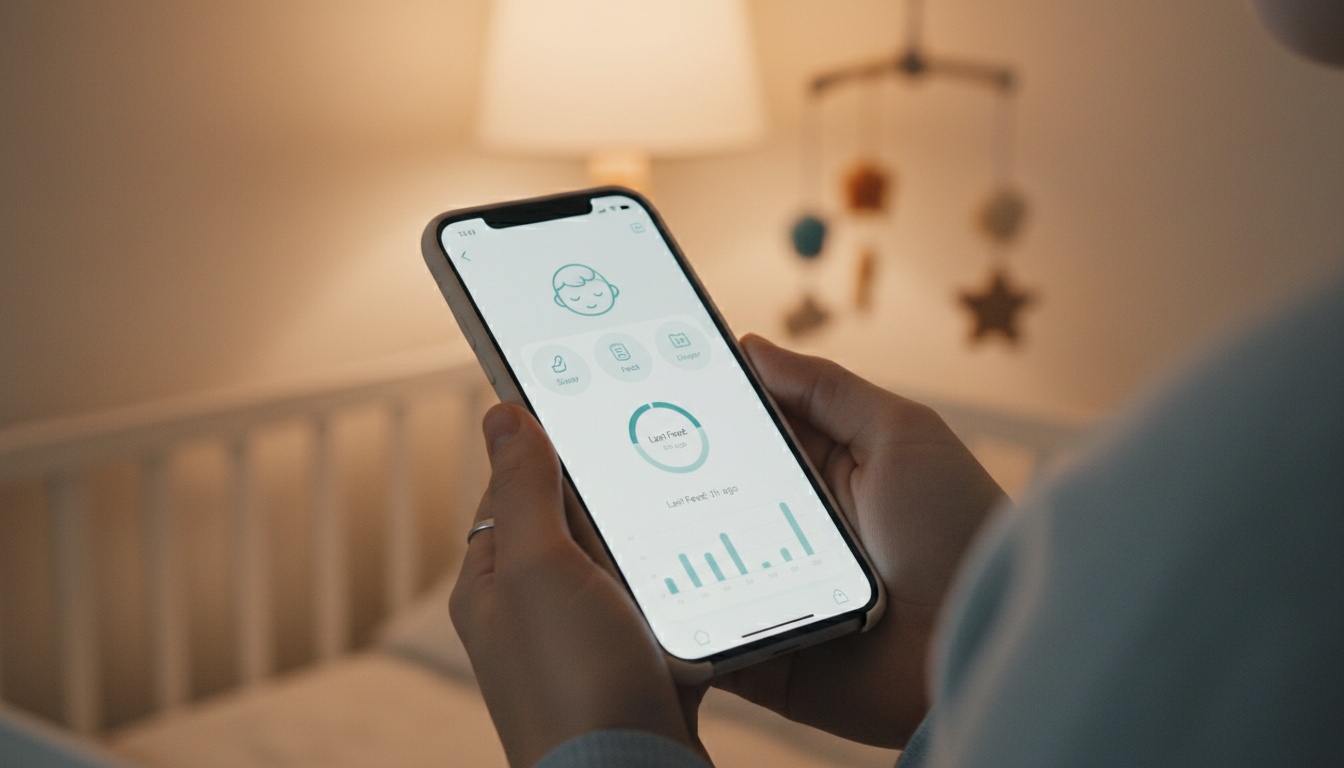
BabyRadar This freemium iPhone-based wellness monitor operates entirely on two devices over cellular or Wi-Fi networks. The $0 free tier offers sound-notify alerts and an events lookback feature (verify current features on the App Store). Upgrading to Pro for $4.99 a month (pricing may vary; verify current rates on the App Store) unlocks live listen, video streaming, photo snapshots, and full audio playback. It holds a strong rating on the App Store as of our testing period (verify current rating on the App Store).
Want to start tonight? [Download BabyRadar free on the App Store] — no hardware required.
Event photos and video clips may be stored in the cloud and auto-deleted after a set period; verify current data retention policies on the App Store or BabyRadar's privacy documentation. It works across different networks.
Nanit Nanit requires proprietary hardware. Nanit's Pro Camera pricing has varied over time (verify current pricing on nanit.com), with subscription plans that have ranged from $10 to $15 per month (verify current rates on nanit.com). The sound detection iOS/Android feature works well, but hardware lock-in is a downside for budget-conscious families.
ChatterBaby Backed by UCLA research, this app relies heavily on academic data. It has been free since its launch and is excellent for deaf or hard-of-hearing parents thanks to intense visual alerts. The interface feels slightly dated.
Another sound analysis app This standalone app attempts to identify five distinct sound types for $3.99 a month (verify current pricing on the App Store). For rural families or anyone with unreliable internet, this app's offline mode aims to provide continuous sound detection even when your internet connection is unreliable. Unfortunately, it lacks any smart home baby monitor integration.
Free vs. Paid Sound Detection Apps — Is the Upgrade Worth It?
Free tiers usually offer basic alerts, while paid AI subscriptions unlock history logs, video streaming, and smart home triggers. Paying makes sense if you need remote access across different networks while away from home. Otherwise, a strong free tier often suffices for basic awareness.
4. What to Look For in a Baby Sound Detection App
- Sensitivity controls: Adjustable detection thresholds reduce false alarms in noisy households with multiple children.
- Sound category depth: Look for apps that identify distinct types of baby sounds (e.g., hunger, discomfort), not just general noise alerts.
- Accessibility features: Visual alerts and strong vibration notifications are essential for deaf or hard-of-hearing parents.
- Smart home integration: Some apps can push a baby sound event alert to compatible smart displays the moment they detect a significant sound, so you're informed even if your phone is charging in another room. Verify current smart home integrations with each app's documentation.
- Device compatibility: Confirm iOS and Android parity before committing.
- Pediatric guidance links: The best apps may offer general guidance or links to resources regarding when to consult a doctor, in addition to detecting when the baby is making sounds.
- Sleep duration tracking: Logging wakeup length helps establish healthy routines over time.
5. Privacy, Security and Safety Considerations
Continuous audio monitoring of a home introduces major privacy risks. Who holds that data?
On-Device vs. Cloud Processing On-device processing means audio never leaves the phone. Cloud processing streams your audio directly to external servers for remote AI analysis. Where an app stores event photos or video clips — and for how long — varies by product; always review the app's current privacy policy to understand what data is retained and how it is protected.
Regulatory Compliance Always check data encryption standards. Apps collecting data in a child's environment face strict COPPA and GDPR regulatory obligations. See our [baby monitoring privacy guide] for detailed compliance breakdowns. Vague privacy policies or third-party data sharing for advertising are serious warning signs.
That said, there's a line these tools cannot cross. Sound detection technology is not a a tool for medical assessment. None of these baby monitoring wellness apps are intended for actual diagnostic use.
6. App vs. Monitor: When to Choose a Sound Detection App for Your Baby
A baby sound detection app adds genuine value for parents with hearing impairment or those learning early infant cues. If you just need to know when the baby makes noise, a traditional monitor is better; if you want to know when they are making specific sounds, use an app.
If you're managing twins, or if one parent has hearing loss and relies on visual alerts rather than audio cues, the sound identification depth of an app like ChatterBaby becomes genuinely meaningful rather than a novelty feature.
Traditional dedicated baby monitors often outperform apps in specific scenarios, which you can read about in our [baby monitor reviews]. They offer longer range and zero smartphone dependency.
Hardware monitors have one underrated advantage: they never get interrupted by a phone call. Apps — even stable ones — can lose audio monitoring mid-session when an unexpected phone call suddenly comes in at night. That's a real problem at 2 a.m.
7. Beyond Apps: Sound Detection vs. Advanced Monitoring
Professional hospital-grade monitors operate on entirely different principles than consumer apps. Devices like Masimo SET pulse oximeters or Owlet's advanced sock track physiological data like heart rate and oxygen saturation.
Sound detection apps are acoustic tools only. This distinction matters deeply for parents of premature infants or those with documented medical risks. Acoustic analysis cannot replace physiological tracking when a pediatrician recommends strict observation for your vulnerable infant during the night.
8. Frequently Asked Questions About Baby Sound Detection Apps
Can some baby sound detection apps attempt to differentiate between types of cries, such as hunger or pain? Some apps aim to do so, with notable caveats. Among those that attempt classification, hunger-related sounds are often cited as more reliably detected. Sounds associated with pain are generally considered the hardest to classify and are, of course, critical to address.
Do sound detection apps work for newborns? Most apps use static models — they don't actually learn your specific baby's patterns. What improves over four to eight weeks is your own ability to cross-reference the app's classifications with what you observe. You're training yourself, not the algorithm.
Are baby sound detection apps safe to use all night? Yes, but watch your battery drain. EMF concerns remain minimal. Never rely solely on an app for your child's overnight safety. Talk to your pediatrician about any health concerns.
Which baby sound detection app works best for deaf parents? ChatterBaby leads the pack here. Apps with strong visual alert systems and smart home integration act as a genuine lifeline for hard-of-hearing caregivers.
When should I stop relying on the app and call a doctor? No smart baby monitor replaces a pediatrician. High-pitched, inconsolable crying accompanied by a fever warrants immediate medical contact; review these [newborn warning signs] if you are unsure. Do not consult an app when your newborn is burning up.
9. Key Takeaways
- Developer claims for sound detection reliability vary widely and are heavily dependent on the baby's age and background noise.
- BabyRadar's free tier handled basic night monitoring reliably in our tests. Nanit's hardware requirement adds significant upfront cost before you pay a single month of subscription.
- Never use an app to determine a medical issue. Inconsolable crying always requires a professional pediatrician's immediate attention.
- As infant AI models improve and phone microphones get better, expect accuracy floors to rise. The fundamental limitation of acoustic-only analysis won't disappear until apps can cross-reference cry audio with physiological data.
A quieter night starts with the iPhone already in your drawer. BabyRadar turns a spare iPhone into a full baby wellness monitor — sound alerts, event snapshots, and live video — with a genuinely free tier. No proprietary hardware kit required. [Download BabyRadar on the App Store]