
1. Before You Do Anything: Secure Your Data and Assess Your Device
Your first step isn't deciding where to sell or what to repurpose. It's protecting yourself from identity theft.
Start with a complete backup iPhone process. iOS 11 or later? Quick Start automatically transfers your information to a new device. For older versions, you'll need iCloud or iTunes.
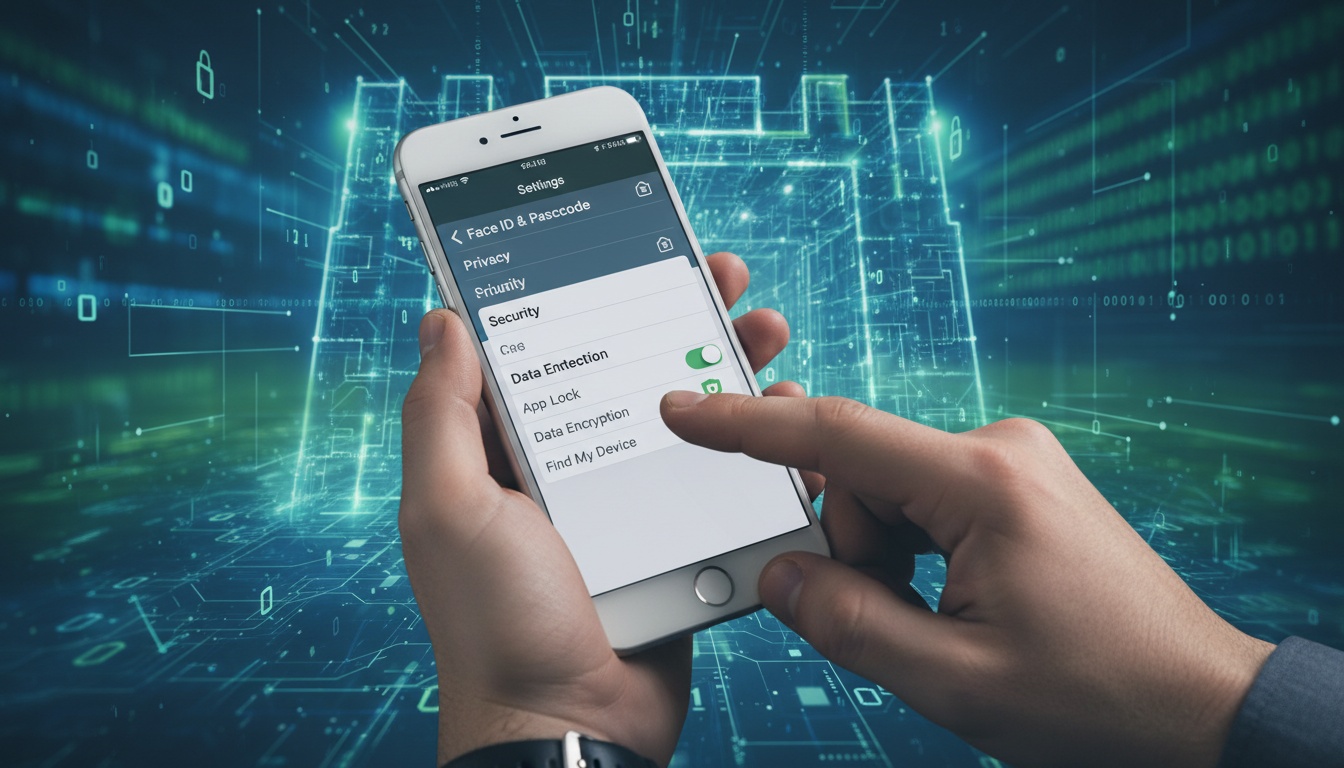
Start with this security checklist I've refined after helping dozens of clients:
Data Transfer Steps:
- Back up to iCloud: Settings > [Your Name] > iCloud > iCloud Backup > Back Up Now
- Verify backup completed: Settings > General > About > check last backup date
- Sign out of iCloud: Settings > [Your Name] > Sign Out
- Sign out of iTunes & App Store: Settings > [Your Name] > Media & Purchases > Sign Out
- Turn off Find My iPhone: Settings > [Your Name] > Find My > Find My iPhone > Off
Critical Security Note: If you have Stolen Device Protection enabled, plan ahead. Changing your Apple Account password at the store triggers a one-hour security delay according to Apple support.
Remove your Apple Watch pairing before anything else. Apple's trade-in documentation confirms the device won't qualify for trade-in programs if it's still linked to your watch.
Quick Device Assessment:
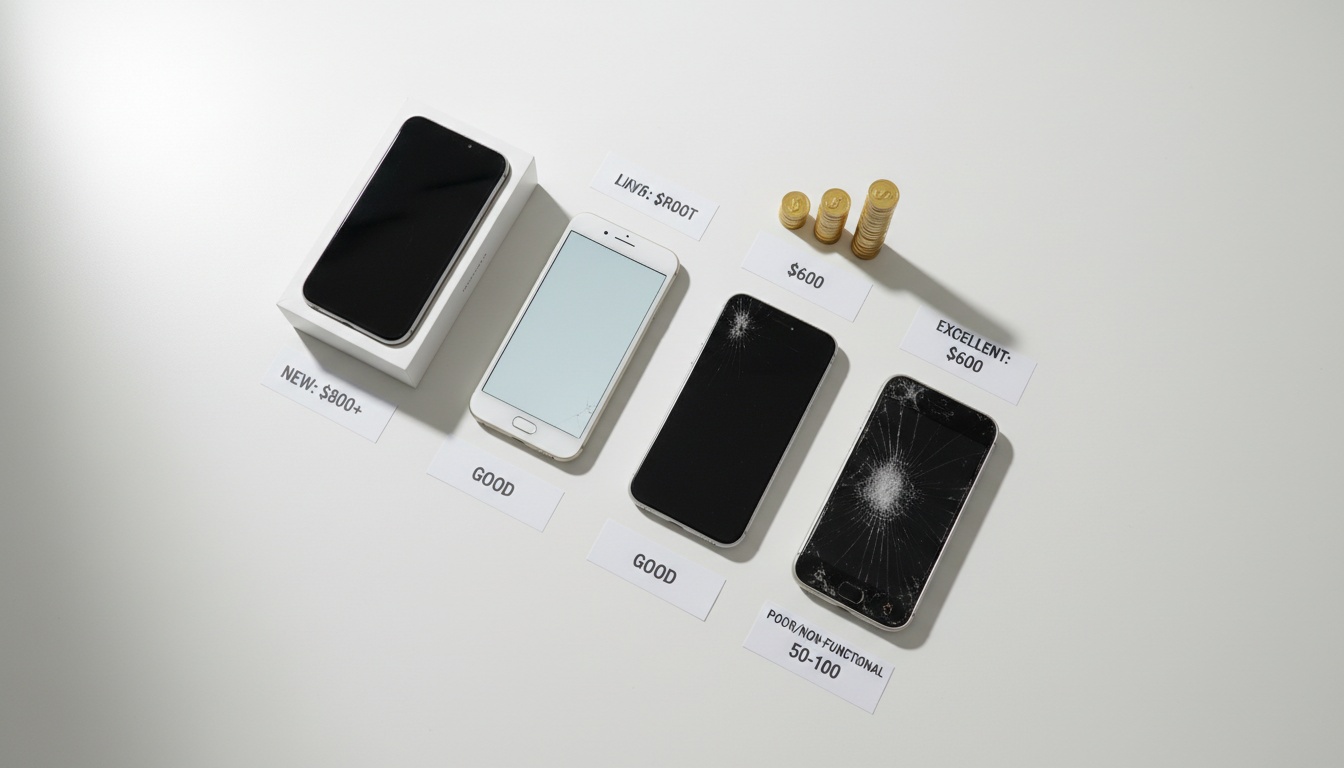
- Working perfectly: Sell privately or trade-in
- Minor issues (cracked screen, battery drain): Repair or sell for parts
- Won't turn on: Recycle or parts-only sale
- Water damaged: Recycle responsibly
Essential Security Steps Before Selling or Giving Away
The nuclear option is "Erase All Content and Settings." Only use this after you've signed out of everything.
This wipes your device completely, including Apple Pay cards, photos, and apps according to Apple's documentation. Your content stays in iCloud even after device erasure, which is exactly what you want.
Most people think erasing the device removes their iCloud data. It doesn't.
Preparing Older iPhone Models
iPhone 5 and iPhone 6 models require special attention during data transfer. These devices often run iOS 10 or earlier, limiting your transfer options.
For iPhone 5 models specifically, iTunes backup is your most reliable option. The older Lightning connector can be finicky with newer cables.
2. Sell Your Old iPhone: Platforms and Pricing Strategies
Private sales typically generate more money than trade-in programs. The trade-off? Time and effort.
Platform Comparison:
- Swappa:** Highest prices, tech-savvy buyers, built-in fraud protection
- eBay:** Largest audience, auction or fixed price, 10% seller fees
- Facebook Marketplace:** Local sales, no shipping, meet-in-person safety concerns
- Gazelle:** Instant quotes, ships to them, lower prices but zero hassle
Current Market Values (as of early 2026):
- iPhone 13 Pro: Market varies by condition
- iPhone 12: Popular resale model
- iPhone 11: Strong demand continues
- iPhone X: Still valuable despite age
- iPhone 8: Entry-level resale option
- iPhone 7: Basic functionality value
- iPhone 6s: Parts value primarily
Photography makes or breaks your listing. Clean the device, use natural lighting, and show all angles including any damage. Last month on Swappa, two identical 128GB iPhone 12s in 'good' condition: professional photos with natural lighting sold for $385, while blurry indoor shots got $285.
Safety for Private Sales: Meet at police stations with "safe exchange zones." Never let buyers "test" the device by inserting their SIM card — that's a common theft tactic.
Get $100+ More: Timing and Photography Tricks That Maximize Resale Value
Timing matters more than most people realize. iPhone resale values typically drop 15-25% after new model announcements in September. Sell before Apple's fall events if you want maximum value.
Include original accessories and packaging when possible. Complete boxes with unused Lightning cables add value to sale price.
3. Trade In Your iPhone: Apple vs. Carrier vs. Third-Party Programs
Trade-in programs sacrifice money for convenience. But the math isn't always straightforward.
Apple Trade In Program:
- Instant credit toward new purchases
- Environmental responsibility (they actually recycle)
- Lower values than private sales
- Accepts various device models
Carrier Programs: Verizon, AT&T, and T-Mobile often provide competitive trade-in values during promotional periods. Carrier trade-in promotions can exceed standard rates during device launch windows.
Third-Party Services: Amazon's trade-in program offers gift cards rather than cash. Best Buy provides store credit with occasional bonus promotions. Gazelle gives cash but typically offers different rates than carrier programs.
When Trade-In Makes Sense:
- You're buying a new iPhone anyway
- Your time is worth more than the price difference
- You want guaranteed data destruction
- Device has minor damage that complicates private sales
Getting the Most from Trade-In Programs
Condition requirements vary dramatically between programs. Apple accepts devices with cracked screens at reduced values. Most carriers require "good working condition" with no damage.
Check iPhone Parts and Service History before trading in. If any repair shows "Finish Repair" status, you can't trade the device until that's resolved according to Apple support documentation.
4. Turn Your Old iPhone Into a Working Device: 6 Practical Uses (With Setup Guides)
This is where old iPhones shine. A working iPhone 8 might only trade for modest value, but it provides years of utility as a dedicated device.
Security Camera Setup: Transform your old iPhone into a security camera that alerts you to movement in real-time. Alfred Camera and Manything let you monitor entry points from anywhere — no monthly subscription fees, just the cost of a power cable.
An iPhone 7 with Alfred Camera provides monitoring capabilities that compete with dedicated security cameras. The main limitation? You need constant power, so invest in a long Lightning cable.
Digital Photo Frame: Keep family memories visible without a dedicated device. LiveFrame creates an automatic slideshow that rotates through your favorite photos — perfect for kitchens or living rooms where you want a personal touch without the cost of a digital frame.
Smart Speaker Alternative: Get voice control without buying an Echo or HomePod. Pair your old iPhone with any Bluetooth speaker to control music, check weather, and manage smart home devices — you already own the hardware, so it costs nothing to set up.
Gaming Device for Kids: Create a safe, distraction-free gaming device for kids. Screen Time lets you lock down access to Safari, messaging, and the App Store while keeping age-appropriate games available — it's a premium gaming device without the monthly service costs or risk of unexpected charges.
Baby Monitor Solution: Transform your iPhone into a baby monitor with apps like Baby Monitor 3G. Set up involves positioning the phone for optimal audio pickup and configuring two-way communication. Some parents prefer audio-only monitoring without cloud storage or cameras — it's simpler and often more reliable than multi-feature apps. Audio-only monitoring can be a convenient wellness option for parents who want basic sound detection without video or cloud connectivity.
Dedicated Music Player: Convert your old iPhone into a dedicated music player for workouts or commutes. Load it with your favorite playlists and connect to Bluetooth headphones. No interruptions from calls or notifications.
Technical Setup Guides
Security Camera Configuration:
- Download Alfred Camera on both old iPhone and current device
- Sign in with same Google account on both devices
- Set old iPhone as "Camera" and current phone as "Viewer"
- Position camera iPhone with clear sight lines
- Enable motion detection and notification alerts
- Connect to power source for 24/7 monitoring
Smart Home Integration: The Home app works on compatible iPhone models running supported iOS versions. Your device can control HomeKit devices, set automation schedules, and respond to Siri commands for lighting, temperature, and security systems.
5. Give Your iPhone Purpose (And Get a Tax Deduction): Donation and Recycling
Only 17.4% of e-waste gets recycled properly according to the UN Global E-Waste Monitor 2024. Your old iPhone contains rare earth metals that either get recovered responsibly or end up poisoning groundwater.
Charitable Organizations: Cell Phones for Soldiers refurbishes donated devices and provides calling cards for military personnel overseas according to their documentation. Veterans receive refurbished phones with service plans. It's a tangible way to support service members while handling your old device responsibly.
Other options include local domestic violence shelters (they need phones for emergency communications) and senior centers (basic smartphones help with family connections).
Environmental Impact: Proper e-waste recycling prevented 15 million tons of carbon dioxide from entering the atmosphere according to the EPA's 2024 Electronics Recycling Report. Apple's recycling program uses robots to disassemble devices and recover materials for new products.
Tax Deduction Considerations: Charitable donations of electronics may qualify for tax deductions. Consult with a tax professional for specific guidance on documentation requirements.
Finding the Right Donation Program
Local schools often need devices for educational programs. Contact IT departments directly — they'll tell you specific model requirements and setup preferences.
Women's shelters particularly need phones that work without service plans. Emergency calling works on any phone with basic functionality, even without active cellular service.
6. Your Broken iPhone Still Has Value: Parts, Recovery, and Specialist Buyers
Don't assume a non-working iPhone is worthless. The parts market exists for various components.
Troubleshooting First:
- Try different charging cables and power adapters
- Force restart: hold power and volume down for 10 seconds
- Connect to iTunes/Finder for recovery mode restoration
- Check for liquid damage indicators (red dots in charging port)
Parts Value: Even broken iPhones retain some value. Camera modules, screens, logic boards, and batteries all have secondary markets through various buyers.
Data Recovery: Professional data recovery services can extract information from damaged devices. Research reputable services in your area for pricing and success rates.
Specialized Buyers: Some companies purchase broken devices for parts inventory. They typically offer reduced prices compared to working device value, which beats throwing it in a drawer.
Extracting Value from Broken Devices
Remove any functional accessories before recycling. Cases, screen protectors, and charging cables retain full value even when the phone doesn't work.
Check if your device qualifies for manufacturer recalls or repair programs. Apple occasionally extends repair coverage for specific issues beyond standard warranty periods.
Legal Considerations When Selling
When selling to third parties, understand your liability regarding data security. Even after wiping your device, remove personal information completely by following Apple's official erasure process.
Document the sale with receipts showing you properly wiped the iPhone. This protects you if the device is later used inappropriately.
7. Key Takeaways
- Always backup and wipe your device before selling, trading, or donating
- Private sales can generate more money than trade-in programs
- Repurposing extends device life and provides ongoing utility
- Even broken iPhones have parts value — don't throw them away
- Environmental recycling prevents toxic materials from contaminating soil and water
- Timing your sale before new iPhone announcements can maximize resale value
- Security camera and smart home uses provide the best long-term value for old devices
Your old iPhone represents opportunity — whether that's immediate cash, extended functionality, or environmental responsibility. The worst choice is letting it sit unused in a drawer while its value depreciates and technology advances leave it behind.
Considering a baby monitor? If you're leaning toward the baby monitor option, audio-only solutions can be a convenient wellness option for parents seeking basic sound detection. Many parents find audio analytics helpful for understanding their child's sleep patterns and daily routines. ```
A quieter night, starting with the iPhone in your drawer.
BabyRadar turns a spare iPhone into a smart baby monitor. Cry detection runs on-device; when your baby cries you get an alert with a crib photo, and you can watch live from any room. The camera is opt-in and stays off between uses.
Download on the App Store