
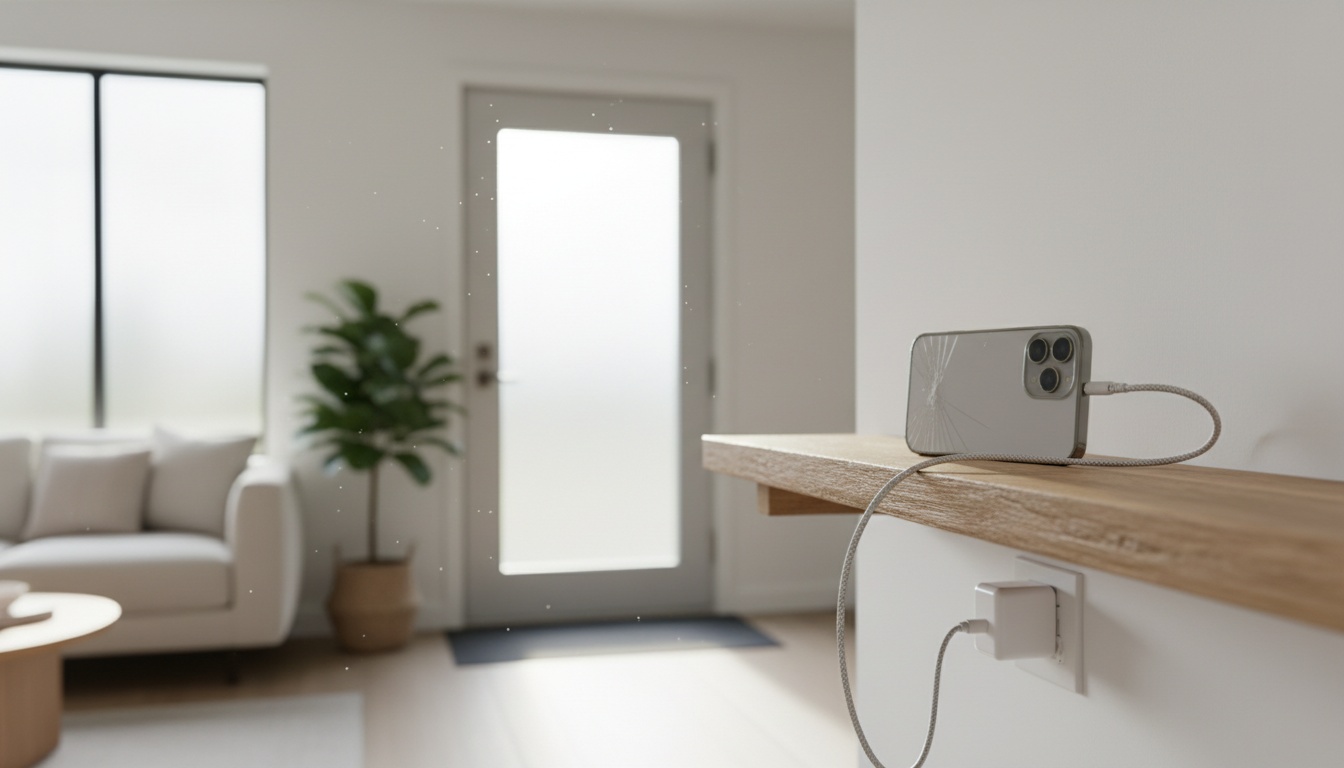
1. What You Need Before You Start: Compatibility, iOS Version, and Hardware Checklist
Before installing anything, check your software version. App Store requirements change frequently — verify current requirements before you begin. Devices like the iPhone XS support newer iOS versions; older models often can't run the latest software and may be locked out of current app requirements.
Run through this pass/fail checklist:
- Wi-Fi signal: Must hold at least two bars where the phone will sit. Below two bars, the feed will stutter.
- Power outlet: Must be nearby for continuous charging.
- Battery condition: Cannot show any signs of dangerous battery swelling at all.
- Lens choice: The rear camera gives a much wider view of the entire doorway. The front lens suits face-height desk monitoring better.
2. Step-by-Step: Setting Up an Old iPhone as a Security Camera with Free Apps
Once your device passes that checklist, setup takes about five minutes.
Installing and Linking the Apps (5 Minutes)
Download Alfred Camera, Manything, or Presence on both the old iPhone and your primary viewing device. Link them by signing into the exact same account.
Configure motion detection sensitivity first — start at medium and dial it down if curtains or passing shadows trigger false alerts. Set push notifications to fire immediately. Then test the remote feed on your local Wi-Fi before you trust it over cellular, because the two behave very differently.
Where are recordings saved?
Alfred Camera's storage options and free-tier features change over time — check the App Store listing for current details before committing. Manything's local storage options and free-tier capabilities also vary; verify current functionality in the App Store before relying on any specific feature.
What happens when the power drops?
If your home Wi-Fi network disconnects, the live streaming feed dies instantly. The camera cannot record offline.
Choosing the Right Free App for Your iOS Version
App free tiers change frequently — verify current limits in the App Store before committing to a setup. Alfred's web dashboard is notoriously clunky on desktop computers. The video panel is small and there's no full-screen toggle without a paid Pro subscription.
Each app has a distinct strength depending on your iOS version and storage preference:
- Alfred Camera: Best overall choice with broad iOS support. Check the App Store for current free-tier features, as motion alerts and storage options may vary.
- Manything: Ideal for Apple users who want local storage options. Verify current free-tier capabilities and supported configurations in the App Store before setting up.
- Presence: Best for granular control — lets you draw specific motion zones. Check the App Store for current iOS version requirements.
3. Keeping It Running 24/7: Background Limits, Power, and Battery Safety
Why the Feed Dies Overnight (and How to Stop It)
The first night I ran Alfred Camera, the feed died at 3 a.m. — Guided Access was off and iOS had backgrounded the app. It took me an hour to figure out why.
Apple iPhones suspend applications automatically. Go to Settings, then Accessibility, and toggle Guided Access on. Open your camera app, triple-click the side button, and tap Start.
Set Auto-Lock to Never under Display & Brightness. Turn off how to disable background app refresh on iPhone for every other app.
Beyond the software side, physical placement matters too.
Achieve the perfect viewing angle for any space with an affordable $12 adjustable phone stand. For wall mounting, a $15 adhesive mount gives you 360-degree flexibility without drilling. Keep the phone out of direct sunlight.
Check your battery health using our iPhone battery health guide. If it sits below 80 percent, dangerous heat buildup and battery swelling risks can spike.
Older iPhones lack true night vision. A well-lit room works fine. But a dark hallway requires a practical workaround like a $15 plug-in IR illuminator (search 'plug-in IR illuminator 850nm' on Amazon).
If these workarounds feel like too much maintenance, our guide to the best dedicated home security cameras covers reliable plug-and-play options that need zero babysitting whatsoever.
4. Beyond the Front Door: Nursery, Pets, Garage, and More
Nursery and Baby Monitoring
If you are monitoring a nursery, BabyRadar is a freemium iPhone-based monitor. The free tier handles basic alerts. Upgrading to Pro (check the App Store for current pricing) unlocks live video streaming, photo snapshots, live listen, and audio playback.
Nanit and Cubo are good products with valid trade-offs regarding hardware lock-in. That said, they typically require $150 to $300 upfront plus $10 to $15 monthly cloud plans — verify current pricing before purchasing.
BabyRadar operates as a networked two-device monitor — check the App Store and the developer's current documentation for details on how the connection and data relay work, as these specifics can change. Event photo storage duration and data retention policies also vary; verify current terms with the developer before relying on any specific retention period.
Pets: For a large living room, position the phone in a corner at ceiling height to watch a dog.
Garage: Monitoring a detached garage works flawlessly, provided your primary home Wi-Fi network actually reaches the distant outdoor structure.
5. Privacy, Legal Considerations, and Securing Your Camera Feed
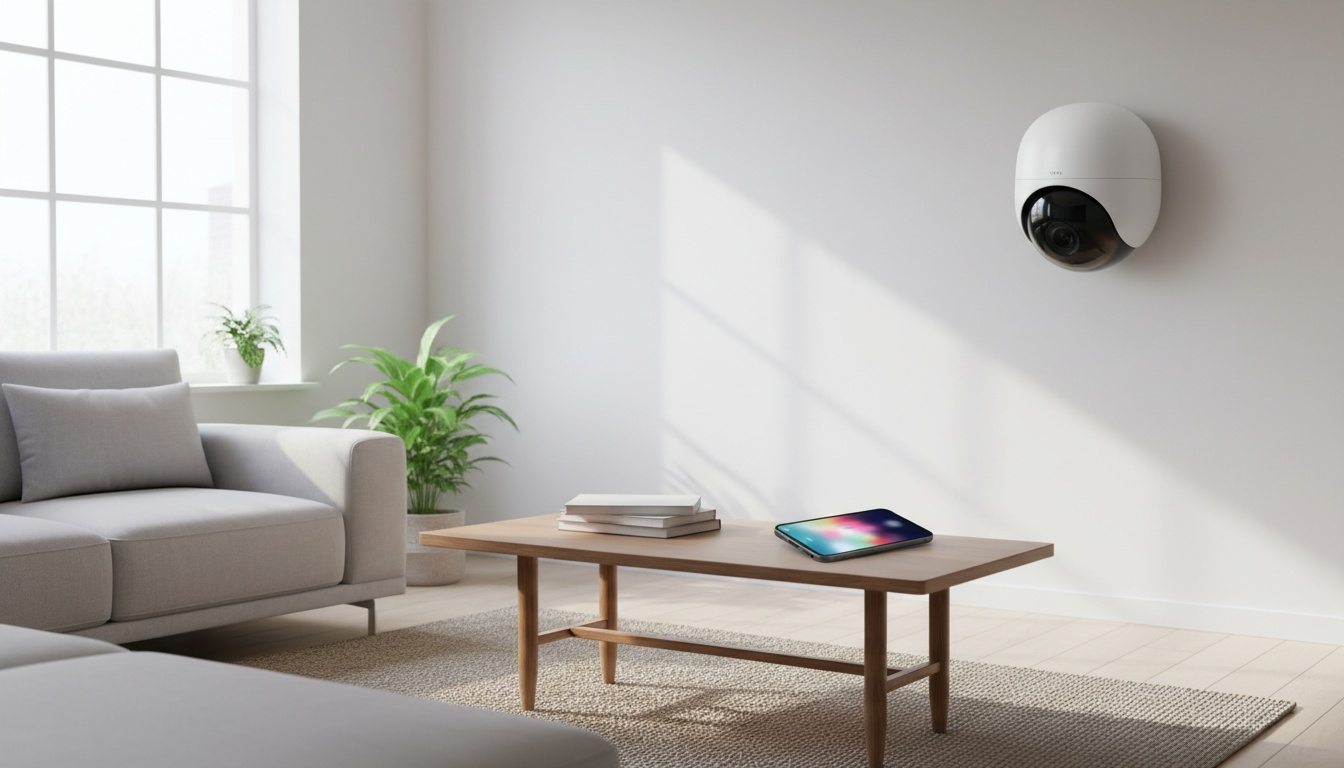
You can legally record video in common areas of your own home without consent in most U.S. states.
Audio recording is different. Still, a number of states require all-party consent, including California, Florida, and Illinois (per the Reporters Committee for Freedom of the Press wiretapping law summary — verify current state laws before recording audio). If you record audio, check local laws.
Are you securing your home surveillance feed properly? Enable two-factor authentication on your Alfred Camera account security settings and use a strong unique password. You should always stick to the app's encrypted relay connection instead of port-forwarding the stream directly to the public internet.
Factory reset the old iPhone before setting it up to remove all personal data. Navigate through your settings to erase all content.
6. When to Switch to a Dedicated Security Camera (and Troubleshooting Common Problems)
If battery health is below 80 percent AND your iOS version is too old for modern apps, buy a dedicated camera. A purpose-built device eliminates every single workaround this guide requires.
Dedicated cameras also include built-in two-way audio and true infrared night vision out of the box. You never have to worry about backgrounding limits.
If the feed drops after a few hours, Guided Access is most likely disabled. If motion alerts fail, check your notification permissions. If the app crashes, downgrade to an older version via your Apple ID purchase history.
Already have a spare iPhone and a new baby? BabyRadar turns it into an audio wellness monitor — with cry alerts, event snapshots, and live audio — with a genuinely free tier. No $300 hardware kit required. Download on the App Store
Frequently Asked Questions
How can I use an old cell phone as a security camera?
Install Alfred Camera on the old phone and your viewing device, sign into the same account, plug the old phone into power, enable Guided Access, and set Auto-Lock to Never. The phone will stream live video and send motion alerts over Wi-Fi. Setup takes about five minutes.
Can I put a camera in my house without my husband knowing?
Recording video in your own home is generally legal, but covert audio recording of another adult without consent may violate wiretapping laws depending on your jurisdiction. Covert monitoring of a spouse raises serious ethical concerns. Consult a local attorney if the situation involves safety issues.
What is the best thing to do with an old iPhone?
Repurposing it as a security camera is one of the highest-value uses since it costs nothing if you already own the phone. However, if the battery health is below 80 percent or the iOS version is too old for modern apps, it is safer to recycle the device.
Can you switch between cameras on an iPhone?
Yes, security apps like Alfred Camera and Manything include a toggle to switch between the front and rear camera on the monitoring phone. The rear camera is recommended for most home surveillance setups because it offers a wider field of view and better low-light performance.
Why does my iPhone security camera feed keep dropping?
The feed drops because iOS automatically suspends apps when they run in the background. You must enable Guided Access and set Auto-Lock to "Never" to lock the security camera app in the foreground permanently.