
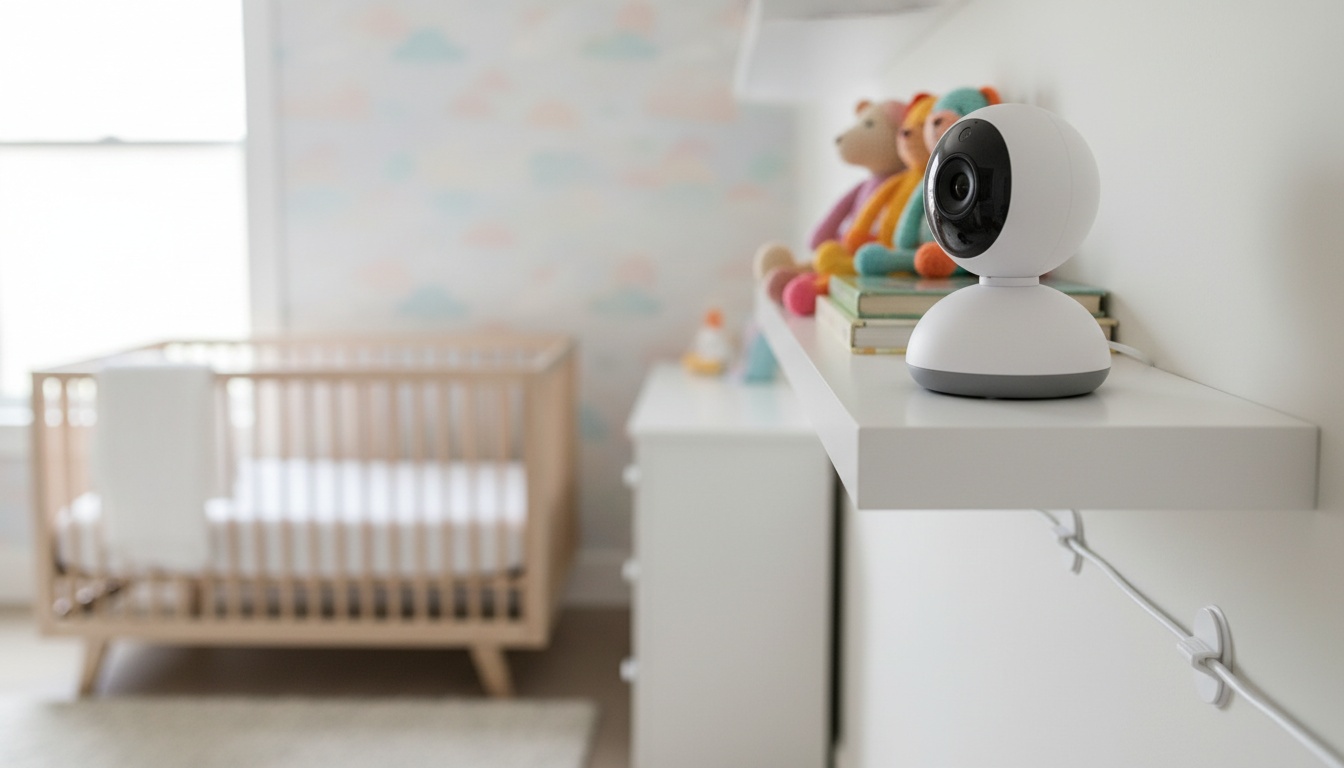
Quick Answer
FAQ:
1. Are Baby Monitors Actually Safe? The Short Answer and What It Depends On
"Baby monitor safety" isn't one question. It is actually three separate categories, and they have almost nothing to do with each other. You must weigh electromagnetic field output against cybersecurity vulnerabilities and tangible physical hazards.
Radiation gets the Reddit threads, but cords get the ER visits.
A video camera does not replace adherence to safe sleep guidelines AAP guidelines on sleep environment. Creating asafe sleep guidelines environment means placing your baby on their back, on a firm flat surface, in a bare crib.
If you're already past the safety question and just need a recommendation, jump toour monitor comparison.
2. Radiation and EMF: What the Measurements Actually Show (and What They Don't)
What Non-Ionizing Radiation Actually Means
Parents frequently ask us about radiofrequency radiation. This non-ionizing radiation lacks the energy to damage DNA directly, making it different from an X-ray.
The FCC's RF exposure guidelines — confirm the current version and any updates at fcc.gov — set the maximum permissible exposure at 1.6 W/kg averaged over any 1 gram of tissue. Consumer monitors don't approach this threshold at normal crib distances FCC official radiofrequency safety page.
In independent RF measurements reported by researchers, baby monitors at typical crib distances generally produce readings indistinguishable from or only marginally above background room levels.
Let's compare typical exposure levels. A baby monitor at three feet typically emits far less RF energy than a smart speaker at two feet, which in turn emits far less than a WiFi router at close range. A cell phone held to your ear dwarfs them all. Exact figures vary by device model and measurement conditions; consult published regulatory body assessments for specific data.
| What marketers claim | What the evidence shows |
|---|---|
| Low EMF monitors protect your baby's brain. | After reviewing extensive regulatory body assessments, we found no causal harm definitively established for long-term low-dose effects on infant brain development. |
That said, exposure levels are settled science.
Do Pediatricians Recommend Baby Monitors?
No pediatric body has ever issued guidance telling parents they need a baby monitor. They're a parental comfort tool, not a medical device.
The AAP's safe sleep guidelines focus on the sleep environment itself: back to sleep, firm flat surface, nothing in the crib. A camera doesn't change any of that.
3. WiFi vs. Non-WiFi Monitors: Security, Privacy, and Hacking Risk
Whether your new monitor can be hacked comes down to one simple thing: does it touch the internet? Standard WiFi baby monitors constantly route your personal video data through remote cloud servers.
Why Internet-Connected Cameras Get Hacked
By contrast, a non-WiFi baby monitor relies on a closed-loop local radio signal. Why do internet-connected cameras get hacked?
In the documented cases we reviewed, parents simply left the factory default password intact. Unencrypted streams (meaning the video data isn't scrambled into unreadable code during transmission) and known cloud server vulnerabilities also leave the digital door wide open.
Predators accessing unsecured feeds is a documented reality. This nightmare scenario typically happens when remote access is left enabled without proper authentication protocols.
VTech's 2015 breach exposed data on millions of children — at the time one of the largest known breaches of children's data. The company has issued security updates since, but independently verify any manufacturer's current security practices and changelog before purchasing — brand size has never guaranteed breach immunity.
Six million children's records. That number still bothers me every time I recommend a cloud-connected device.
Isolating a camera on a guest network is a straightforward process that most parents can complete in just a few minutes — see ourhome network security guide for step-by-step instructions.
4. Physical Hazards Parents Overlook: Cords, Batteries, and Sleep Placement
Digital threats get the headlines. But the hazard most likely to land your child in an ER has no IP address.
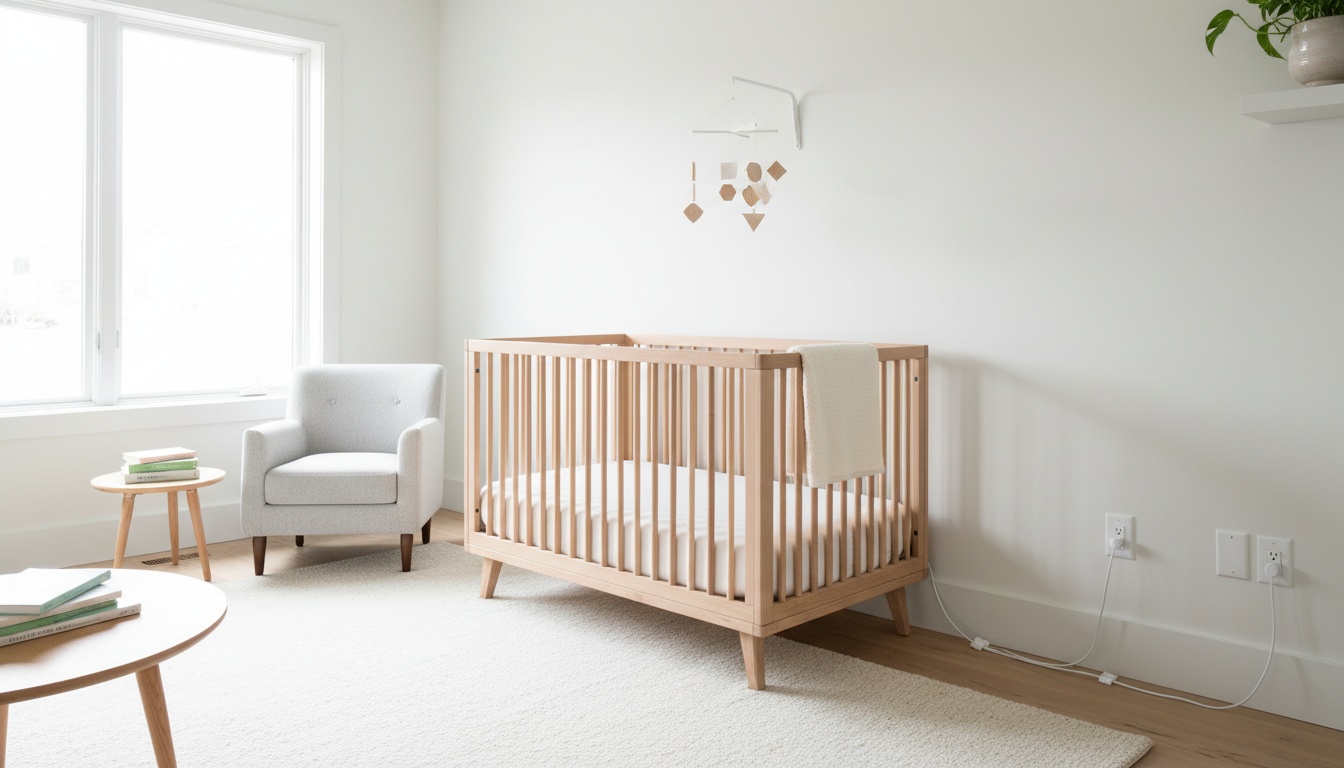
The official CPSC case files we reviewed included tragic cord-strangulation incidents involving loose power cords left within 24 inches of the baby's mattress — check the CPSC website for the most current incident data. Federal guidelines mandate keeping power cords three feet away from the crib CPSC safety alert on monitor cords.
Never mount a camera directly above the mattress — a fall onto a sleeping infant is a documented injury mechanism. The concern isn't just the fall. A camera mount failure at 2 a.m. is silent, and you won't know until morning.
Battery and Cable Checks: A Monthly Habit
Device batteries degrade quietly. Check for lithium swelling or unusual heat during charging at least monthly.
While you're at it, run your fingers along the power cable for fraying near the plug end, which is where wear starts first.
When should you pack the camera away? The right time varies by child, but many parents find routine monitoring becomes less necessary once a child hits developmental milestones like climbing out of the crib and calling out verbally.
Once a child hits those milestones, routine checks become less necessary. The transition is simple: just unplug it.
Constant checking disrupts your own sleep. Obsessively staring at a video screen all night does not improve infant outcomes.
5. How to Secure a WiFi Baby Monitor: Step-by-Step
You can reduce your risk profile by following these steps.
- Change the factory default password immediately during initial setup — never leave the manufacturer credentials in place.
- Enable two-factor authentication if your chosen app supports the feature.
- Run a full firmware update on both the camera unit and the parent smartphone app before first use, then check monthly.
- Isolate the camera on a guest network — this prevents an intruder who accesses the feed from pivoting to your other home devices. While you're in the settings, disable remote access whenever you're home; local-only mode eliminates the cloud attack surface.
- Audit which third-party services the application shares your data with, and check the privacy policy for cloud storage retention periods.
6. Which Monitor Fits Your Household: A Decision Framework
Choosing the right system requires analyzing your household variables.
If one parent travels for work and needs to check in from a hotel room, a cloud-connected WiFi monitor is a reasonable choice. Just make sure it offers strong encryption and two-factor authentication before you buy.
You have several solid options in this category. Nanit and Cubo are well-regarded brands in this space — confirm current pricing, hardware options, and any subscription plan requirements directly with each manufacturer before purchasing, as these details change frequently.
Alternatively, BabyRadar (affiliate partner) is a freemium networked monitor — confirm current features, pricing tiers, platform compatibility, data retention policies, and security practices directly with the developer before purchasing, as app offerings and terms are subject to change.
If you prefer having zero internet connection in the nursery, a dedicated DECT audio monitor is going to be your best bet. To find thebest baby monitors roundup for your specific needs, compare these features carefully.
Print this checklist and tape it inside your nursery closet:
- Measure cord distance (minimum 3 feet from crib).
- Secure all dangling cables out of reach.
- Change default factory password immediately.
- Enable two-factor authentication.
- Update firmware on camera and app.
- Move camera to a dedicated guest network.
- Inspect power cables for fraying monthly.
- Check device battery for swelling monthly.
That's it. QUICK_ANSWER:
Frequently Asked Questions
Do pediatricians recommend baby monitors?
There is currently no official pediatrician recommendation demanding that parents purchase a baby monitor. The American Academy of Pediatrics views these consumer devices as tools for parental reassurance rather than medical necessities. Consumer video models differ entirely from the hospital-grade monitors used for sick infants.
How far away should a baby monitor cord be from the crib?
Federal safety guidelines explicitly mandate keeping all power cords a minimum of three feet away from the edge of the crib. This distance prevents accidental cord strangulation, which is the highest-evidence physical risk associated with consumer monitoring devices.
Can a WiFi baby monitor be hacked?
Yes, internet-connected cameras can be hacked, usually because parents leave the factory default password intact. Unencrypted streams, cloud server vulnerabilities, and leaving remote access enabled without proper authentication protocols also create opportunities for intruders to access unsecured feeds.
What is a low EMF baby monitor?
A low EMF baby monitor is typically a dedicated audio DECT monitor that broadcasts at a lower power by design. While many brands aggressively market this label, typical modern monitors already sit well below the FCC public exposure limit for non-ionizing radiation when placed at a standard crib distance.
When should you stop using a baby monitor?
We usually recommend retiring the camera around 18 months of age. Once a child can climb out of the crib and call out verbally, routine checks become less necessary and the monitor has generally outlived its primary usefulness.
Are there any dangers associated with using a baby monitor?
Yes, but they are primarily physical and digital rather than radiological. The most severe danger is cord strangulation if power cables are left within three feet of the crib. Additionally, unsecured WiFi monitors present cybersecurity risks if default passwords are not changed and firmware is not updated.