
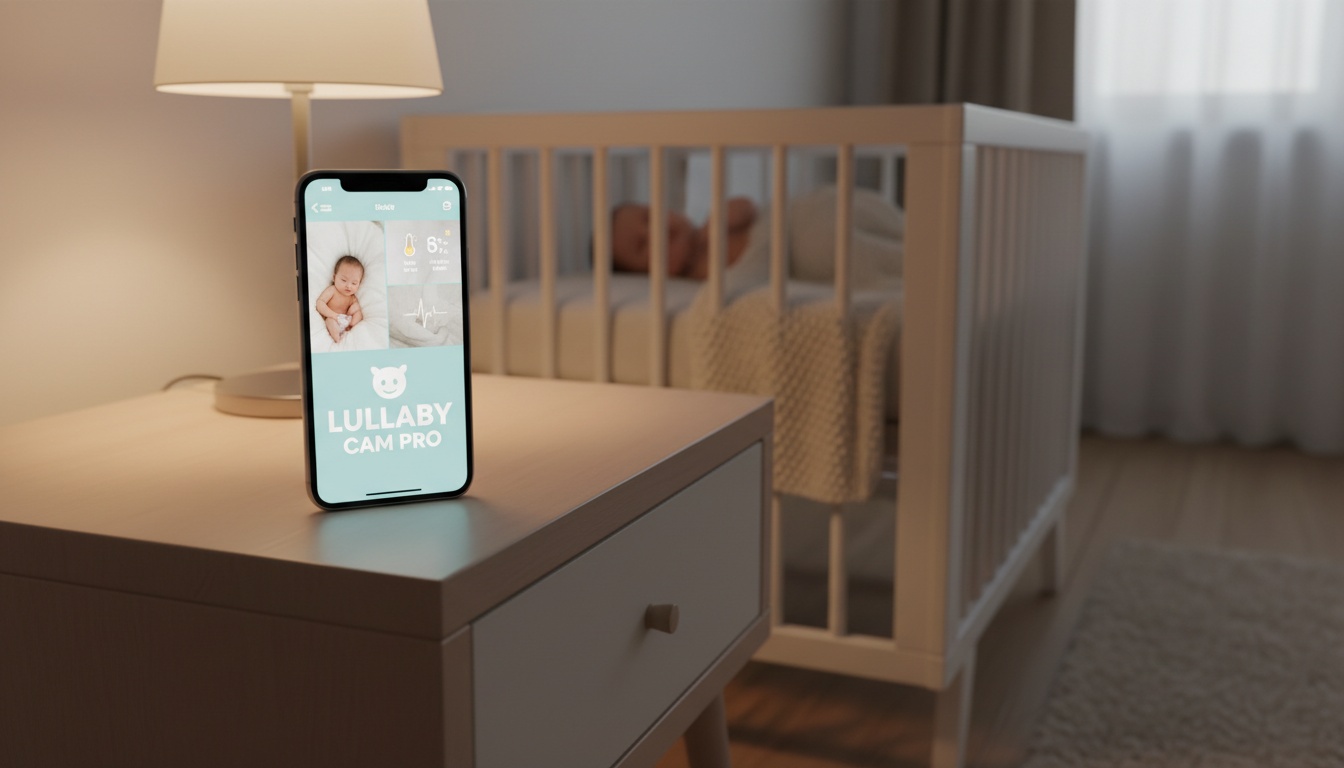
1. Can You Really Use an iPhone as a Baby Monitor?
Your iPhone can absolutely function as a baby monitor through multiple methods. FaceTime offers the simplest built-in solution, while third-party apps like Bibino and Annie Baby Monitor provide more sophisticated features including motion detection and night vision capabilities.
Here's why: The cost comparison makes sense for many families. A dedicated baby monitor ranges from basic audio-only models to premium video systems. Repurposing an older iPhone costs nothing if using free apps, though premium features often require subscriptions.
iPhone monitoring shines in specific scenarios: • Travel situations • Short-term monitoring needs • Multi-room setups with spare devices
The limitations? Battery life constraints, dependency on WiFi connectivity, and lack of specialized features like temperature monitoring that dedicated monitors provide.
Temporary vs. Permanent Solutions
For weekend trips or grandparent visits, iPhone baby monitor setups work brilliantly. Pack your old iPhone 11 or iPhone 12, download Bibino, and you've got instant monitoring anywhere with WiFi.
Permanent nursery monitoring tells a different story. Running an iPhone as a dedicated baby monitor 24/7 creates battery degradation issues and ties up a valuable device. Some parents use iPhone monitoring for several months before investing in dedicated hardware.
2. Built-In iPhone Features for Baby Monitoring (No App Required)
Start with the simplest option: Apple's Live Listen feature transforms your iPhone and AirPods into an effective audio monitoring system. Originally designed as a hearing aid, Live Listen streams audio from your iPhone's microphone directly to your AirPods via Bluetooth connection — though this requires staying within Bluetooth range of the iPhone.
Setting up Live Listen takes under two minutes. Open Settings > Control Center, add Hearing. Place your iPhone in the nursery, put on your AirPods, and activate Live Listen from Control Center. The iPhone's microphone streams audio directly to your AirPods with less than 1-second delay.
Range limitations are important to consider. Live Listen works within typical Bluetooth range — usually about 30-60 feet indoors, which may limit monitoring across multiple rooms or floors.
How to Use iPhone to Listen to Baby?
Let's break down the options:
FaceTime Baby Monitor • Requires two iOS devices • Offers video monitoring without third-party apps • Works across any internet connection • Your partner can monitor from work, grandparents can check in remotely
Voice Memos for Basic Detection • Start recording when you put baby down for a nap • Check the recording later for sound patterns • Consumes minimal battery and works completely offline
3. Best Third-Party Baby Monitor Apps for iPhone
Various baby monitor apps are available for iPhone, with features and performance varying across different models and usage scenarios. App pricing and features vary, so check current app store listings for the most up-to-date information.
Many baby monitor apps offer features like HD video streaming, sound event detection, and connectivity via WiFi or cellular data, though specific capabilities vary by app and subscription tier.
While some apps require paid subscriptions, others offer free tiers that cover basic monitoring needs. Features typically include video monitoring, two-way communication, and motion detection, though premium features often require subscription upgrades.
The eufy baby monitor app is designed primarily to work with eufy's dedicated hardware, though specific functionality depends on current app features.
For parents who want privacy-first monitoring, download BabyRadar: sound analysis runs on your device, the camera is opt-in and off by default, and any saved media is consent-gated and auto-deleted after 90 days.
App Feature Comparison Matrix
| Feature | Annie Baby Monitor | Bibino | eufy Baby Monitor App |
|---|---|---|---|
| Free tier | Trial available | Basic monitoring | Hardware dependent |
| Subscription | Varies | Varies | Free with device |
| Multi-device | Multiple babies | Multiple babies | Varies |
| Night vision | Available | Low-light enhancement | Hardware dependent |
| Two-way audio | Available | Available | Yes |
| Motion detection | Yes | Yes | Yes |
Sound alerts work differently across apps. Many apps use sound event detection or motion detection to trigger notifications. Check individual app features for specific capabilities.
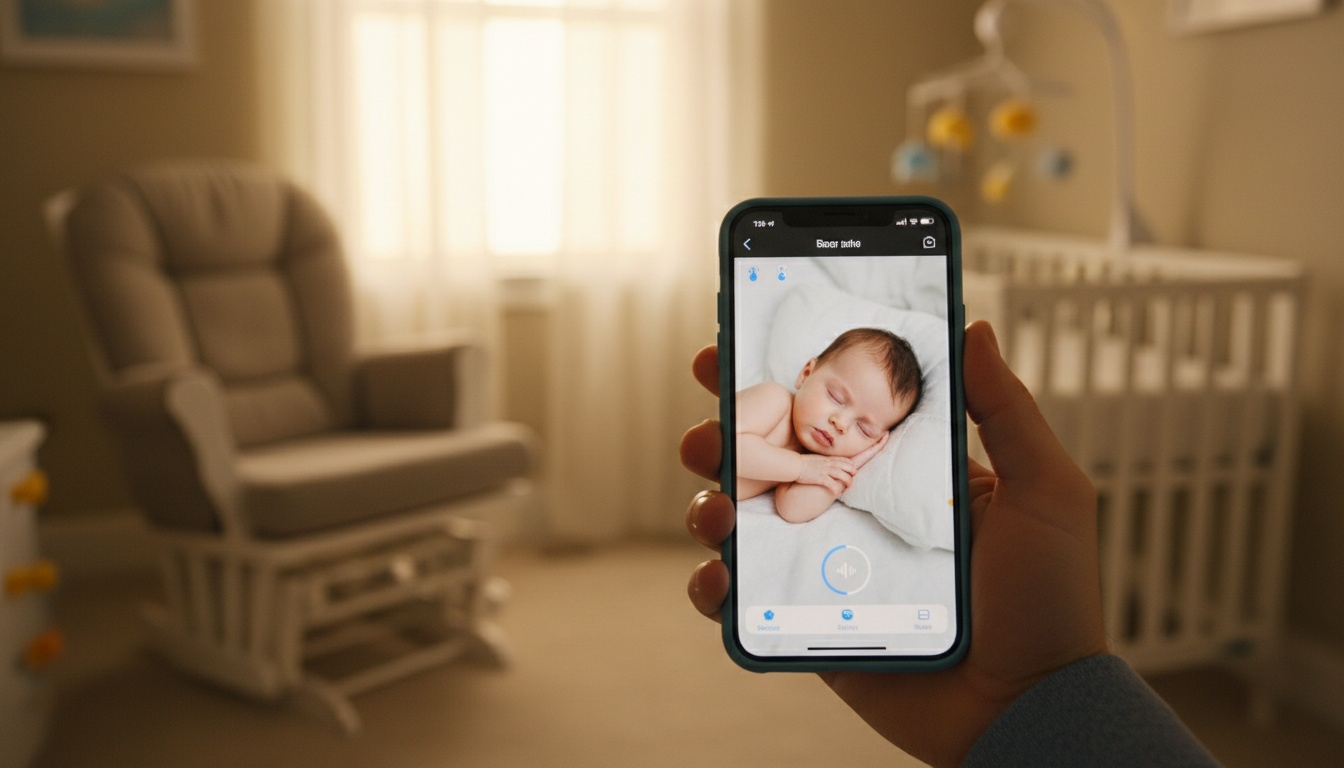
4. Step-by-Step Setup Guide for Each Method
Here's how to set up each method:
- Sign into same Apple ID on both iPhones (or set up Family Sharing for FaceTime; check specific app requirements for third-party solutions)
- Place nursery iPhone in airplane mode with WiFi enabled
- Mount iPhone away from crib for clear audio pickup
- Download chosen app on both devices
- Create account and designate Baby/Parent stations
- Apps typically auto-discover on same WiFi network
Position matters more than most parents realize. Mount the nursery iPhone away from the crib at an angle that provides clear audio pickup while keeping the device out of baby's reach. Avoid placing phones directly above cribs — fallen devices create obvious baby sleep safety tips concerns.
Apple Watch Integration for Remote Monitoring
Apple Watch baby monitor notifications transform wrist-based alerts into a hands-free monitoring system. Configure your chosen baby monitor app to send push notifications, then customize Apple Watch notification settings to allow sound alerts even during Do Not Disturb periods.
The Apple Watch integration works best for audio-based alerts. Video streaming to the watch face drains battery quickly and provides limited visibility on the small screen.
Here's what surprised us most: iPhone battery tips for continuous monitoring becomes critical for extended monitoring sessions. Enable Low Power Mode on the nursery iPhone, reduce screen brightness to minimum levels, and close unnecessary background apps.
5. Troubleshooting Common Issues
The most common problem? WiFi connectivity creates the most frequent problems with smartphone baby monitor setups. Many apps work with both WiFi and mobile data, but connection drops can still happen depending on network conditions.
Audio delay varies significantly between methods. FaceTime often maintains good audio quality, though performance depends on network conditions. Third-party apps may introduce delays depending on network conditions and app optimization.
Temperature monitoring represents a major limitation of iPhone-based solutions. Unlike dedicated monitors that include environmental sensors, iPhones can't track nursery temperature or humidity levels. This matters more during winter months when heating systems create temperature fluctuations.
iPhone Model Compatibility
Older iPhone models may experience different performance with continuous video streaming depending on the specific model and app optimization. Battery life varies significantly based on usage patterns, screen brightness, and specific device condition for extended monitoring sessions. iPhone X and newer models typically offer improved performance but battery life still depends on usage conditions.
iOS version compatibility affects app performance. Most baby monitor apps require recent iOS versions for optimal functionality. Some advanced features work best on newer iOS versions.
6. Security, Privacy & Reliability Concerns
Data encryption varies between baby monitor apps. Some apps use encryption for data transmission, though specific security implementations vary by app.
Internet bandwidth requirements create reliability concerns for iPhone baby monitors. Video streaming needs stable connections for consistent performance.
Battery life impact can't be ignored for permanent monitoring setups. Continuous video streaming and WiFi connectivity drain iPhone batteries faster than normal usage.
Cloud storage policies deserve careful attention. Some apps automatically upload sound events to cloud servers for analysis. Others process everything locally on your device. Read privacy policies carefully if data sovereignty concerns you.
Does Apple Have a Baby Monitor?
No, Apple doesn't manufacture dedicated baby monitors. But they've optimized iOS features for monitoring applications. Live Listen, FaceTime, and Screen Time parental controls provide building blocks for DIY monitoring systems.
The built-in versus third-party security comparison favors Apple's native features. FaceTime uses end-to-end encryption by default. Live Listen processes audio entirely on-device without cloud involvement. Third-party apps introduce additional privacy considerations but offer more specialized monitoring features.
7. Real Parent Experiences: When iPhone Monitoring Works Best
Travel Monitoring: The Sweet Spot
Travel monitoring represents the iPhone baby monitor sweet spot. Many parents successfully use older iPhones with baby monitor apps during family trips. Setup takes minutes, works across different WiFi networks, and saves packing another device.
Multi-Room Remote Monitoring
Multi-room remote monitoring gets trickier but remains viable. Some families run multiple iPhone baby monitors across their homes using various apps. The setup can cost less annually than equivalent dedicated hardware.
Nap Time Monitoring
Nap time monitoring works exceptionally well with iPhone solutions. The limited battery life aligns perfectly with 1-3 hour nap windows. Parents avoid the complexity of permanent installations while maintaining peace of mind during crucial rest periods.
Night Vision Performance
Night vision capabilities on newer iPhones can provide improved nursery footage in low light conditions, though performance varies compared to dedicated night vision cameras designed specifically for monitoring purposes.
The biggest limitation isn't technical — it's psychological. Some parents feel more confident with dedicated baby monitor hardware than repurposed smartphones. There's nothing wrong with preferring purpose-built devices if budget allows.
8. Nanny Cam Considerations
Using an iPhone as a nanny cam introduces additional privacy considerations. Unlike temporary baby monitoring, nanny cam setups require disclosure to caregivers in most jurisdictions. Check local laws before implementing any recording system.
Lullabies and soothing sounds work through most baby monitor apps. Many apps include various lullabies and sleeping sounds, though specific features vary by app and subscription level.
9. Ready to Get Started?
If you've decided iPhone monitoring fits your needs, download BabyRadar on the App Store. It's designed for parents who want privacy-first monitoring: sound detection runs on-device, the camera is opt-in with no always-on feed, and media uploads are consent-gated and auto-deleted after 90 days. Simple, secure, and privacy-focused.
10. Key Takeaways
• iPhone monitors work best for travel, naps, temporary situations • Live Listen with AirPods requires no app or subscription but has limited Bluetooth range • Various baby monitor apps offer different features and pricing models • Battery life limits continuous monitoring on older models • Apple's built-in features offer better encryption than most third-party apps • Dedicated hardware better for permanent 24/7 nursery monitoring • iPhones can't track temperature or humidity like dedicated monitors • Check out our comprehensive best baby monitors 2026 guide for dedicated hardware comparisons