
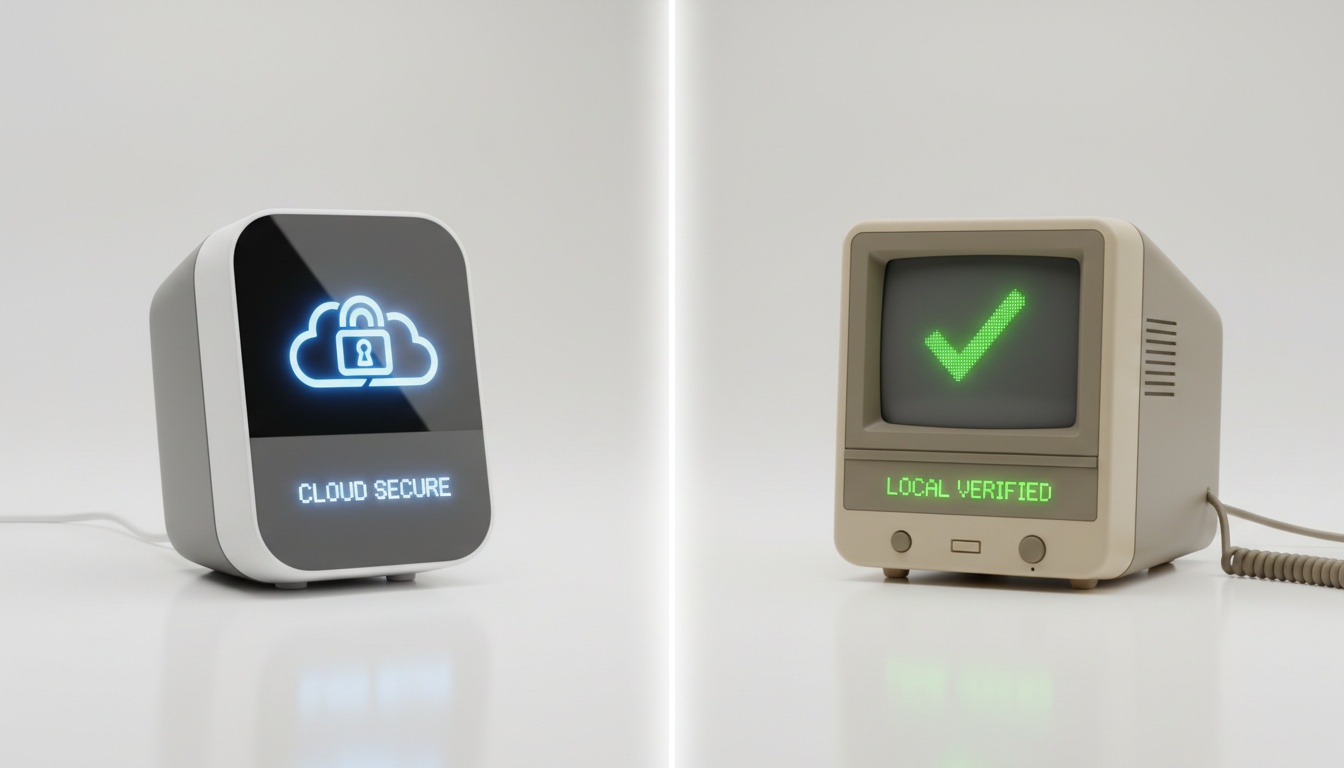
1. Why Baby Monitor Privacy Matters: Real Risks Beyond the Headlines
What Are the Main Baby Monitor Privacy Risks?
Two distinct risks exist: unauthorized live access — someone watching or listening to your nursery feed in real time — and passive data harvesting, where your monitor's manufacturer collects behavioral data about your child over months or years. Both are documented, not theoretical.
Three Incidents That Made Baby Monitor Privacy a Real Issue
The 2014 Foscam incident wasn't subtle. A Houston couple heard a stranger's voice coming through their baby monitor — someone had remotely accessed the camera and was shouting obscenities at their two-year-old daughter. The camera had default credentials. That's it. No sophisticated hack, no state-sponsored intrusion. A default username and password left unchanged.
That same year, a website called Insecam publicly streamed feeds from thousands of unsecured IP cameras worldwide — including nursery monitors. Parents in the UK, US, and Australia discovered their children's bedrooms broadcast to anyone with a browser. The site's operator claimed it was raising awareness.
Ring cameras faced their own string of incidents in late 2019. Multiple families reported strangers accessing Ring devices in children's rooms and speaking to them through two-way audio — the result of credential-stuffing attacks using leaked username/password combinations from unrelated breaches.
Since 2019, the threat has shifted in a specific direction. It's no longer just live feed access that parents need to worry about.
Data brokers, third-party app integrations, and smart home ecosystems now collect nursery data passively — logging motion events, audio triggers, sleep patterns, and device usage in ways most parents never agreed to explicitly. Regulatory scrutiny of passive data harvesting by connected device manufacturers has increased in recent years — a shift that reflects where the real exposure has moved. The privacy policy you didn't read when you set up the app? That's where the real exposure lives for most families.
This isn't meant to send you down a rabbit hole of paranoia — it's meant to give you the same breakdown a security-minded friend would, one who's actually read the privacy policies, checked the CVE databases, and can tell you which risks are theoretical versus which ones have happened to real families.
---
2. Can Someone Access My Baby Monitor? Understanding the Real Threat
Yes — if your monitor uses WiFi and has weak credentials, outdated firmware, or no encryption on its video stream, someone can access it remotely. That's not a hypothetical. It's been documented repeatedly since 2013.
The three main attack vectors are:
- Credential stuffing — Attackers take leaked username/password combinations from unrelated data breaches and try them against baby monitor cloud accounts. If you reused a password, your nursery camera is a target. This is what hit Ring users in 2019.
- Unpatched firmware vulnerabilities — Researchers at Rapid7 identified serious vulnerabilities in several baby monitor models in 2015, including issues with unauthenticated access. Some manufacturers patched quickly. Others didn't patch at all.
- Man-in-the-middle attacks — If your monitor transmits video without TLS encryption, anyone on the same network — or positioned between your router and the cloud server — can intercept the stream. Technically harder than credential stuffing, but not zero.
Non-WiFi monitors eliminate all three of these vectors entirely. A non-WiFi baby monitor using FHSS (Frequency Hopping Spread Spectrum) or DECT radio transmits directly from camera unit to parent unit, never touching your router, never reaching the cloud. There's no account to credential-stuff, no firmware update server to neglect, no cloud stream to intercept.
COPPA, SB-327, and Your Child's Data
COPPA — the Children's Online Privacy Protection Act — requires verifiable parental consent before collecting data on children under 13. Many baby monitor apps collect sleep patterns and motion events without clear disclosure that this falls under COPPA's scope. The FTC has proposed updates to COPPA rules that would expand the definition of personal information to include data collected through connected devices — though the status of those proposed changes and their specific impact on nursery monitor manufacturers may have evolved; check ftc.gov for current regulatory guidance.
State and international protections add more layers. California's SB-327 requires "reasonable security features" for any connected device sold in the state. EU families have GDPR rights to data erasure — rights that many non-EU manufacturers make deliberately difficult to exercise.
Are Baby Monitors Always Recording?
Most WiFi monitors record continuously to cloud storage when motion or sound triggers detection — some store 24/7 regardless. Data retention policies vary widely: some manufacturers delete footage after seven days, others keep it indefinitely until you manually delete it. Local-storage-only monitors record to an SD card on the unit. No cloud account, no retention policy, no footage leaving your house.
---
3. WiFi vs. Non-WiFi Baby Monitors: Which One Actually Keeps Your Nursery Private?
The choice between WiFi and non-WiFi isn't really about features. It's about where you're comfortable with your risk exposure sitting.
| Feature | WiFi Monitor | Non-WiFi Monitor | Privacy-First WiFi |
|---|---|---|---|
| Remote access (parent) | Yes, anywhere | No, range-limited | Yes, with encryption |
| Encryption standard | Varies widely | FHSS/DECT (signal-level) | AES + TLS (when implemented) |
| Cloud storage | Usually mandatory | None | Optional/local |
| Third-party data access | High (app integrations) | None | Low (if no integrations) |
| Hacking risk | Moderate to high | Minimal | Low (if maintained) |
| Price range (verify before purchasing) | Varies widely | Varies widely | Varies widely |
The Real Trade-Offs
WiFi monitors are actually convenient. Checking your nursery from a work meeting, getting a notification when the baby stirs, sharing access with a co-parent across town — these are real use cases that non-WiFi monitors can't match.
The trade-off is real too: cloud dependency, app permissions that often request far more access than necessary, and smart home integrations that expand your data footprint in ways that aren't always obvious.
WiFi monitors transmit video from the camera to your home's wireless router, which sends the feed up to the cloud, which then bounces it back down to your parent monitor or an app on your phone. Every hop in that chain is a potential exposure point.
The Infant Optics DXR-8 Pro is a well-regarded benchmark for non-WiFi monitors. It runs on FHSS radio, operates entirely off your home network, has no associated app, and stores nothing anywhere. Verify current specifications with the manufacturer before purchasing, including range, resolution, and screen size. Nothing about that setup can be credential-stuffed. Nothing about it can be patched — or left unpatched.
The Hellobaby HB6550 takes a similar closed-network approach. Verify current specifications — including range, resolution, screen size, battery life, and camera support — with the manufacturer before purchasing, as pricing and features may vary. The resolution is noticeably lower than the DXR-8 Pro — but for parents who primarily want audio with a video backup, it's a legitimate trade-off for the price difference.
The Babysense Prisma sits in an interesting category. It's described as a non-WiFi, closed-circuit monitoring system — verify current product documentation for the specific radio technology, encryption details, and full feature list before purchasing. For parents who want the privacy profile of a non-WiFi monitor without giving up all the nursery features, it's worth a close look.
Privacy-First WiFi: When You Need Remote Access
Some parents actually need remote monitoring — a co-parent in a different building, a night nurse who needs app access, a work schedule that takes you out of range. For those cases, the answer isn't to abandon WiFi entirely. It's to choose a WiFi monitor that treats privacy as a design constraint rather than an afterthought.
The Eufy Baby SpaceView Pro is among the WiFi-capable monitors that prioritize local storage over cloud dependency. It offers local video storage with no mandatory cloud subscription, and Eufy has published explicit data deletion controls in its app. It's not a perfect privacy score — any WiFi monitor carries more exposure than a closed-network unit — but it's a substantially better choice than monitors that funnel everything through a mandatory cloud account with opaque retention policies.
The sleep analytics and motion alerts that make WiFi monitors useful are the same features generating the data being collected. Whether that's acceptable depends on the manufacturer's data practices — and that answer lives in the privacy policy, not the product page.
What you give up with any non-WiFi monitor: remote access beyond the unit's range, smartphone notifications, and cloud-based sleep analytics. For some parents, those features are essential. For others, they're the exact features they're trying to avoid.
The next section gives you a framework to score any monitor — including the one you already own — before you make that call.
---
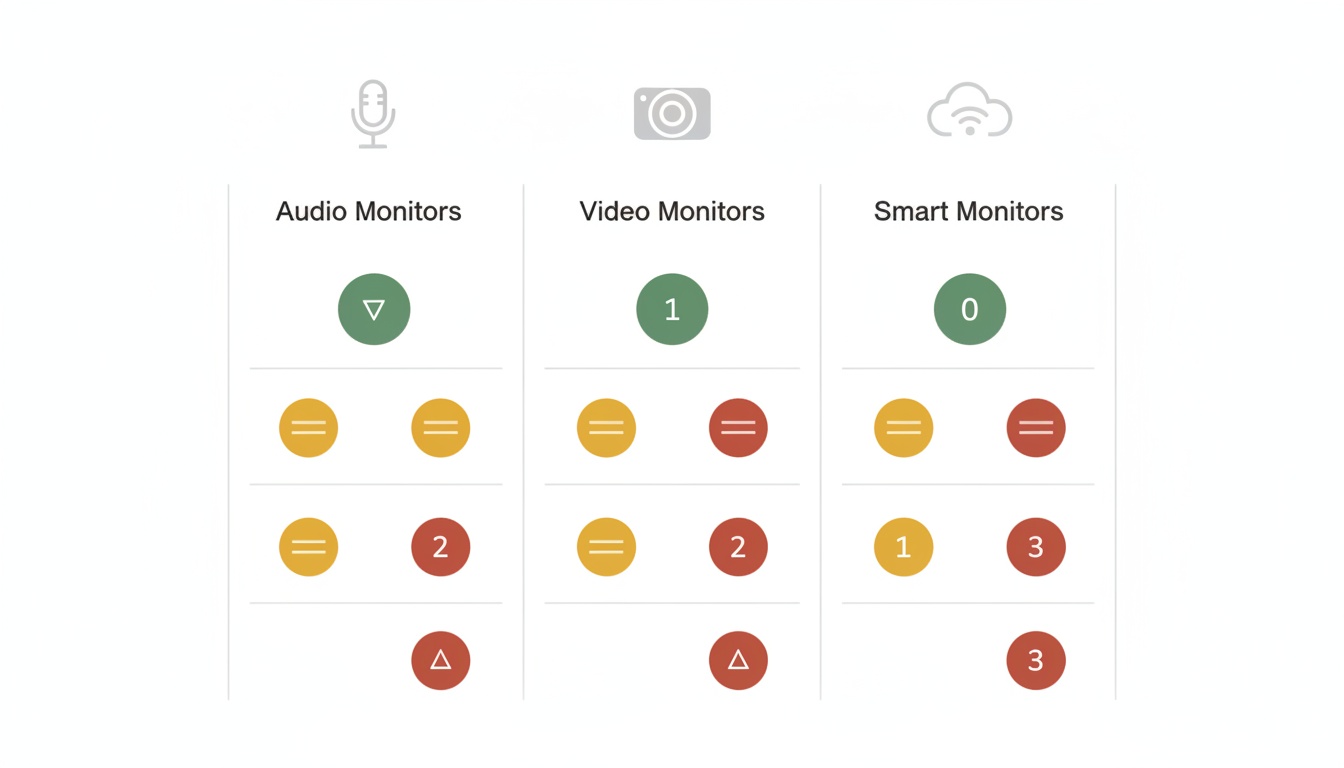
4. The Baby Monitor Privacy Audit: Know Exactly What You're Risking Before You Buy
Most buying guides won't tell you this: the brand name matters less than the privacy policy. A premium WiFi monitor from a well-known brand can score worse on this framework than a $60 non-WiFi unit from a company you've never heard of.
Apply this 10-point checklist to any monitor you're evaluating. Two points per item, 20 points maximum.
1. Encryption standard — Does the manufacturer document end-to-end encryption — AES-128 minimum for stored data, TLS for transmission — with specifics, not marketing language? Vague language like "industry-standard encryption" without specifics is a yellow flag worth pushing on.
2. Local storage option — Can you use the monitor without a cloud account? SD card recording with no mandatory cloud upload earns the points.
3. Data retention policy — Is it documented, specific, and user-controlled? "We retain data as long as necessary" is not a policy. It's a placeholder.
4. Third-party data sharing — Read the privacy policy for "partners," "service providers," and "aggregate data" language. If the policy permits sharing with unnamed third parties for "business purposes," that's a hard no from us.
5. COPPA compliance statement — Is there an explicit, findable statement about how child data is handled? Not buried in section 14 of a 6,000-word terms document.
6. Firmware update cadence — Does the manufacturer publish a security update history? Have they released updates in the last 12 months? No visible update history in over 18 months — treat it as a dead end.
7. Two-factor authentication — Available and functional on the associated app account? This one's binary.
8. Account deletion and data erasure — Can you delete your account and all associated data with a documented process? "Contact support" with no timeline is partial credit at best.
9. Independent security audit — Has the device or app been independently audited? Open-source firmware is a bonus. Very few consumer baby monitor brands have published third-party audit results — and that scarcity is worth noting when a manufacturer's marketing leans heavily on vague security language.
10. Smart home integration scope — If Alexa or Google Home integration exists, what specifically does it access? "Works with Alexa" with no documentation of what data flows to Amazon is the item that should make you pause longest.
Scoring:
- 18–20 points: Privacy-first product — buy with confidence.
- 12–17 points: Acceptable, but apply the hardening steps in the next section.
- Below 12: High risk — proceed only if you fully understand what you're accepting.
Run this on the Infant Optics DXR-8 Pro and it scores well — no cloud, no app, no third-party access, FHSS encryption. It loses points on independent audit documentation and smart home integration clarity. But there is none, which is actually a feature, not a gap.
Run it on a typical WiFi monitor with a mandatory cloud subscription and Alexa integration, and you'll often land in the lower half of the scale before you've even looked at the data retention policy.
International Privacy Certifications: What to Look For
Beyond the audit framework, a small number of monitors carry third-party certifications worth knowing. The UL IoT Security Rating (UL 2900-2-2) is the most rigorous US standard for connected device security — it requires independent lab testing, not just manufacturer self-attestation.
Matter protocol compliance signals interoperability standards that include baseline security requirements. EU CE marking is a minimum threshold for European market devices, not a strong privacy signal on its own, but its absence on a device marketed to EU families is a red flag.
Very few baby monitor brands have pursued UL IoT certification. That's worth noting when a manufacturer's marketing leans heavily on vague security language.
---
5. Privacy-First Baby Monitor Options: Which One Matches Your Family's Needs
[Non-WiFi — Best Overall] Infant Optics DXR-8 Pro. The DXR-8 Pro eliminates cloud-based privacy risks: FHSS radio means no one can credential-stuff your account, no app means no app permissions to audit, and no cloud storage means your child's nursery footage never leaves your house. Verify current specifications with the manufacturer before purchasing. It's the monitor we'd recommend to a friend who asked once and didn't want to think about it again.
[Non-WiFi — Budget] Hellobaby HB6550. The resolution is the main trade-off versus the DXR-8 Pro — but for parents who rely primarily on audio alerts and want video as a backup, you're keeping your nursery completely off the internet. Closed-network monitoring, pan and zoom, and multi-camera support — competitive in every other way. Verify current specifications and pricing before purchasing. If your priority is keeping the nursery off the internet and keeping costs down, this is worth a close look.
[Non-WiFi — Dual Camera] Babysense Prisma. A closed-circuit monitoring privacy profile makes this a pick for parents who want non-WiFi privacy without stripping out every nursery convenience. Verify current product documentation for the full feature list — including camera count, viewing options, radio technology, and included accessories — before purchasing. It's described as a more complete out-of-box experience than either of the above.
[Privacy-First WiFi] Eufy Baby SpaceView Pro. For parents who need remote access and smartphone notifications, this is among the more defensible WiFi choices — local storage, no mandatory cloud subscription, and documented data deletion controls. It's still a WiFi monitor with the exposure that implies. But it's a genuinely better starting point than monitors that treat cloud upload as non-negotiable.
[For Tech-Savvy Parents] Self-hosted solutions. Options like Frigate NVR running on a local network give you WiFi-quality features with complete control: your footage never leaves your house, you own the hardware, and there's no manufacturer privacy policy that can change overnight. It's not a beginner setup. But if you're comfortable with a home server and a Raspberry Pi, it's worth knowing this option exists.
What to avoid: any monitor that requires a cloud account with no local fallback, and any privacy policy that explicitly permits selling "de-identified" data to third parties. De-identification is weaker than manufacturers imply — re-identification of behavioral data from nursery monitors is a documented research concern, not a theoretical one.
---
6. Secure Your Baby Monitor in 5 Steps: From Network Segmentation to Firmware Updates
If you already own a WiFi monitor — or you've decided the remote access features are worth the trade-offs — these steps meaningfully reduce your exposure.
Network segmentation. Put your baby monitor on a guest WiFi VLAN, isolated from your primary network and from other smart home devices. Most modern routers support this. If your monitor gets compromised, it can't pivot to your laptop or your NAS drive. This single step eliminates the most common lateral movement risk. Seriously. Do this one first.
Credential hygiene. Use a unique, strong password for your monitor's app account — not one you've used anywhere else. Enable two-factor authentication if the app supports it. We've seen parents skip 2FA because it adds ten seconds to login. That ten seconds is the entire difference between a secured account and a credential-stuffed one.
Firmware updates. Check your monitor's companion app or manufacturer website for firmware update history. Enable automatic updates if the option exists. The Rapid7 research from 2015 identified vulnerabilities that manufacturers later patched via firmware — but only for users who actually applied the update. If your manufacturer hasn't released a firmware update in 18+ months, treat that as a signal about their security posture going forward.
App permission audit. Open your phone's settings and check what permissions your monitor's app actually includes. Camera and microphone access make sense. Location access rarely does. Contact list access essentially never does. Revoke anything that doesn't have an obvious functional justification.
Privacy policy red flags. Scan for these specific phrases: "improve our services," "aggregate data," "partners," and "business purposes." Each typically signals that your data is being used beyond operating the monitor. That's not automatically disqualifying — but it should be a conscious choice, not a default you didn't notice.
When to replace. An older WiFi monitor with no firmware updates in 18+ months, or one from a manufacturer that's gone out of business or been acquired, is running on a security posture that will only get worse. The hardware still works. The security doesn't.
Change the password, segment the network, check for updates. That's genuinely most of it.
---
7. Key Takeaways
- Real baby monitor hacking incidents — Foscam (2014), Insecam (2014), Ring (2019) — all involved weak credentials or no encryption, not sophisticated attacks
- WiFi monitors carry three main attack vectors: credential stuffing, unpatched firmware, and unencrypted video streams
- Non-WiFi monitors eliminate all three
- Passive data harvesting (sleep analytics, motion logs, third-party sharing) is a bigger risk for most families than live feed hacking — and regulatory scrutiny of connected device data practices has increased accordingly
- The Infant Optics DXR-8 Pro and Hellobaby HB6550 are well-regarded non-WiFi options; the Babysense Prisma adds nursery features while keeping a closed-circuit privacy profile; the Eufy Baby SpaceView Pro is among the stronger privacy-first WiFi options; BabyRadar is an app-based alternative with on-device sound detection and an opt-in, off-by-default camera for parents who want to skip dedicated hardware entirely; verify current features in the App Store
- Use the 10-point Privacy Audit Framework on any monitor before buying — score below 12 and you should reconsider
- For WiFi monitor owners: network segmentation, unique credentials with 2FA, and current firmware cover the majority of real-world risk
- COPPA compliance and data retention policies vary widely across manufacturers — the FTC has proposed rule updates that would expand what counts as personal information for connected devices, though the status of those changes may have evolved; check ftc.gov for current guidance and read the privacy policy before assuming your child's data is protected
---
Want to skip the setup entirely? BabyRadar turns a spare iPhone into a sound-event detector: sound analysis runs on-device, and the camera is opt-in and stays off between uses. Verify current features and privacy practices in the App Store before downloading. Download on the App Store.
---
Sources: Rapid7, "Hacking IoT: A Case Study on Baby Monitor Exposures and Vulnerabilities" (rapid7.com; verify publication details directly); FTC COPPA Compliance Guidance (ftc.gov — verify current URL and guidance); Forbes baby monitor testing and specifications (verify current specs before purchasing); Babysense product documentation (verify current specs before purchasing). Price ranges subject to change — verify before purchasing.